Administration Menu & Forms
320
8. Click “apply changes.”
Backup Configuration
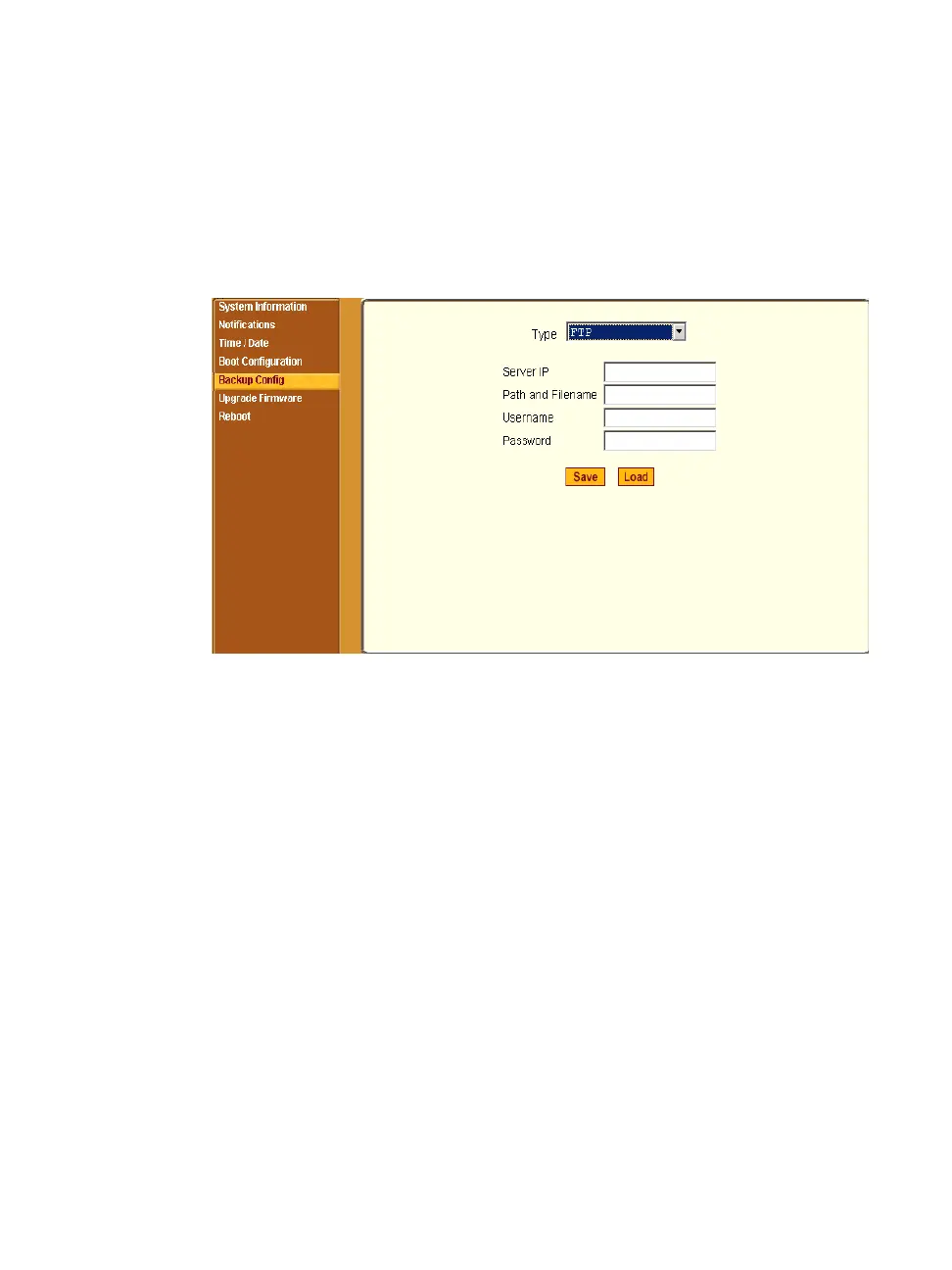
Selecting Administration > Backup Config in Expert mode brings up the form
shown in the following figure.
Figure 11-9: Expert > Administration > Backup Config
The “Type” pull-down menu options on this form are “FTP” and “Storage
Device.” The storage device can be either a compact flash or an IDE PCMCIA
drive.
• Use an FTP server to save and retrieve your ACS configuration. For the
backup configuration to work, the FTP server must be on the same subnet.
Ensure that it is accessible from ACS by pinging the FTP server.
• Use a storage device such as a compact flash or an IDE PCMCIA drive to
save your configuration.



 To Next Page