Applications Menu & Forms
154
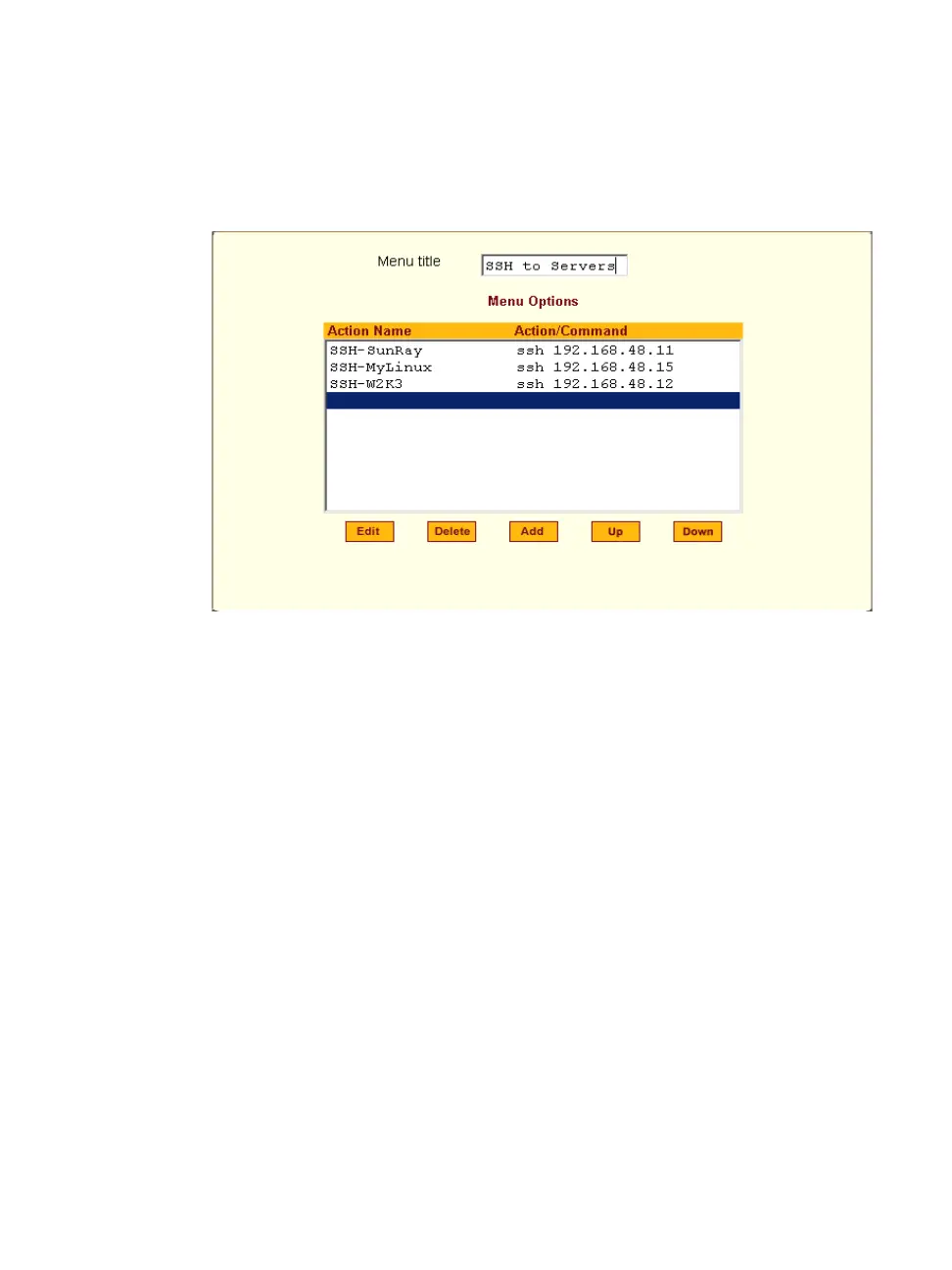
For example, you can create a menu called “SSH to Servers” with options that
launch SSH connections to several servers, such as the one shown in the
following screen example.
Figure 7-26: Expert > Terminal Profile Menu Example
The command menu then appears when the terminal is powered on.
T To Create a Menu for a Local Computer Terminal
1. Go to Applications > Terminal Profile Menu.
The “Terminal Profile” menu displays.
2. Enter a title for the menu in the “Menu title” field.
3. To edit an existing menu option, select the “Action Name” from the table
and then click “Edit.”
4. To add a new menu option, click “Add.”
The “Add Option” dialog box appears.
a. Enter a title for the menu option in the “Title” field.
b. Enter an action or command to be executed when the user clicks the
menu option in the “Action/Command” field.
c. Click OK.



 To Next Page