Network Menu & Forms
198
“Edit Rules” Button
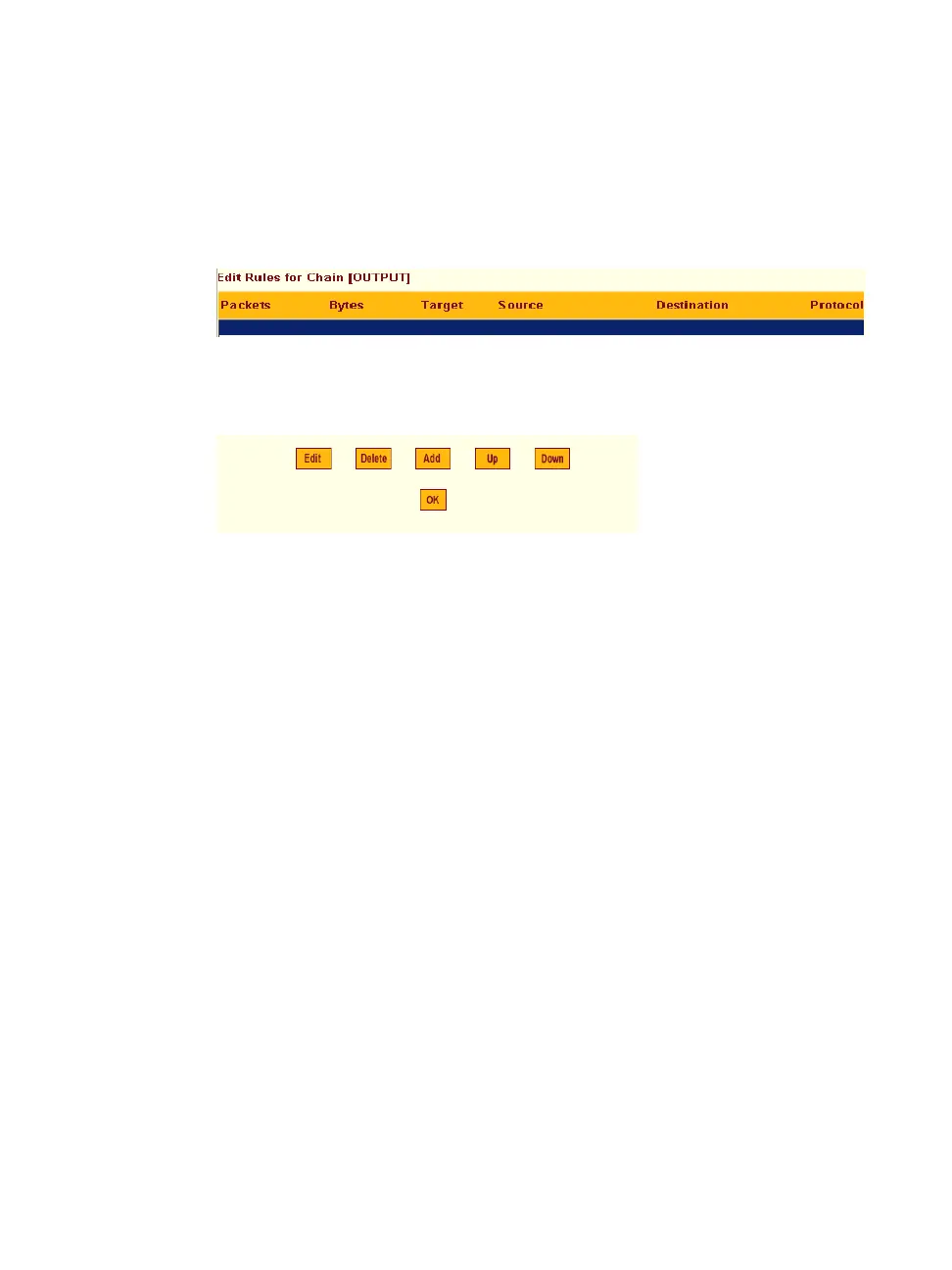
If the “Edit Rules” button is pressed, a form appears with a list of headings
like the one shown in the following figure. The example shows the OUTPUT
chain selected for editing.
Figure 8-26: Firewall Configuration “Edit Rules for chain_name” Form
The buttons shown in the following figure appear at the bottom of the form.
Figure 8-27:Firewall Configuration “Edit Rules for chain_name” Buttons
• Pressing the “Add” button opens the “Add Rule” dialog box.
• Selecting a “Rule” and pressing the “Edit” button opens the “Edit Rule”
dialog box.
• Selecting a rule and pressing the “Up” and “Down” buttons moves the
rule up and down the list.
Options on the “Add Rule” and “Edit Rule” Dialog Boxes
The “Add Rule” and “Edit Rule” dialog boxes have the fields and options
shown in the following figure.



 To Next Page