Applications Menu & Forms
124
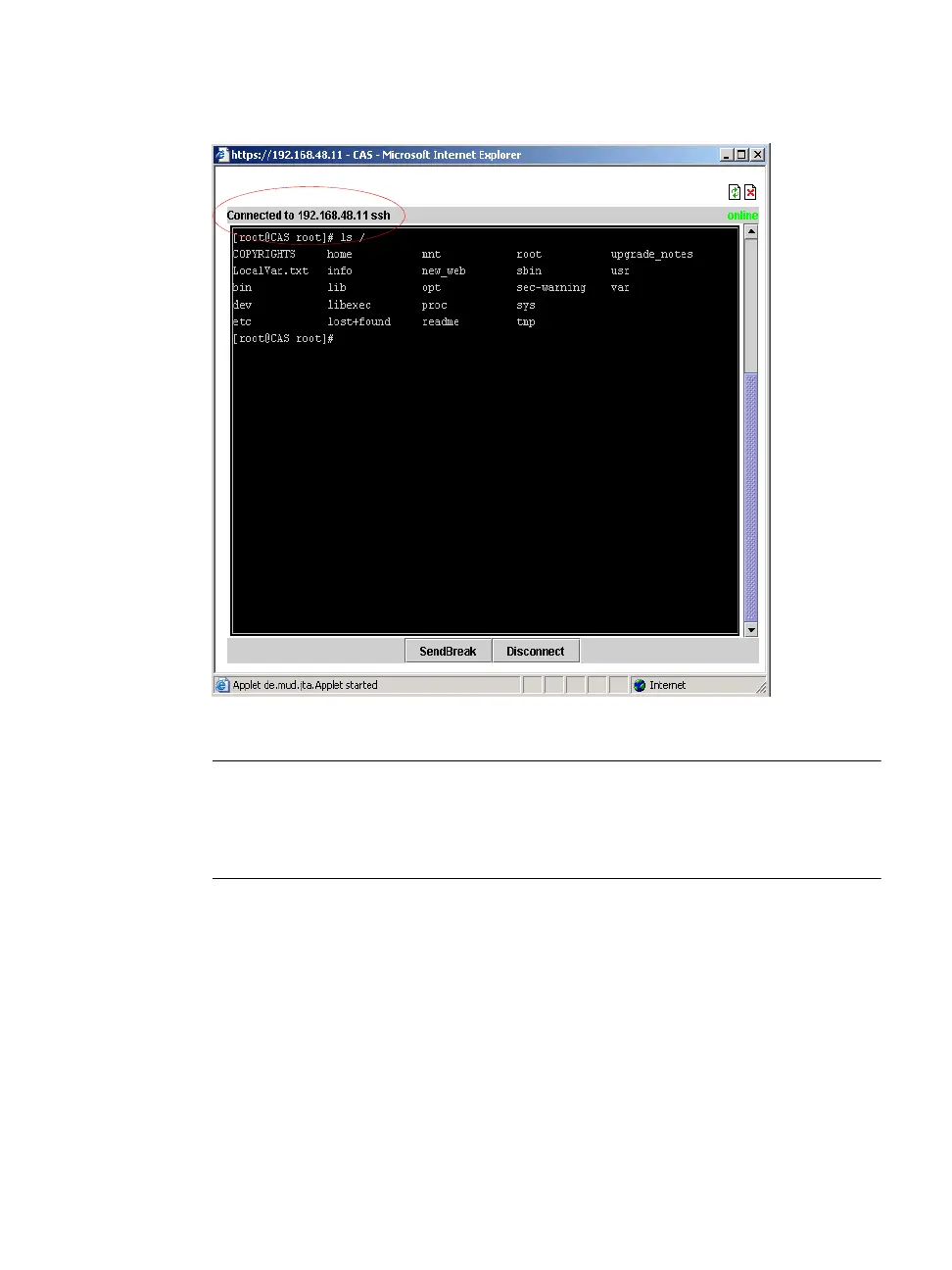
Figure 7-3: Expert > SSH session Java Applet
Note: SSH root access is enabled when the security profile is set to “Moderate” or
“Open”. If a “Secured” security profile is selected, you need to switch to a
“Custom” security profile, and enable “allow root access” option. For more
information see Chapter 9, “Security Menu & Forms.
•Serial
The “Serial” pull-down menu lists all the serial port numbers or the
administrator-assigned aliases that a user is authorized to access.
Selecting a port number or alias and clicking “Connect” brings up a Java
applet with a connection protocol that the serial port is configured for.
For example, if the serial port is named “PM” and configured for power
management, when you press the “Connect” button a form similar to the
following figure appears.



 To Next Page