AlterPath ACS Installation, Administration, and User’s Guide 125
Applications
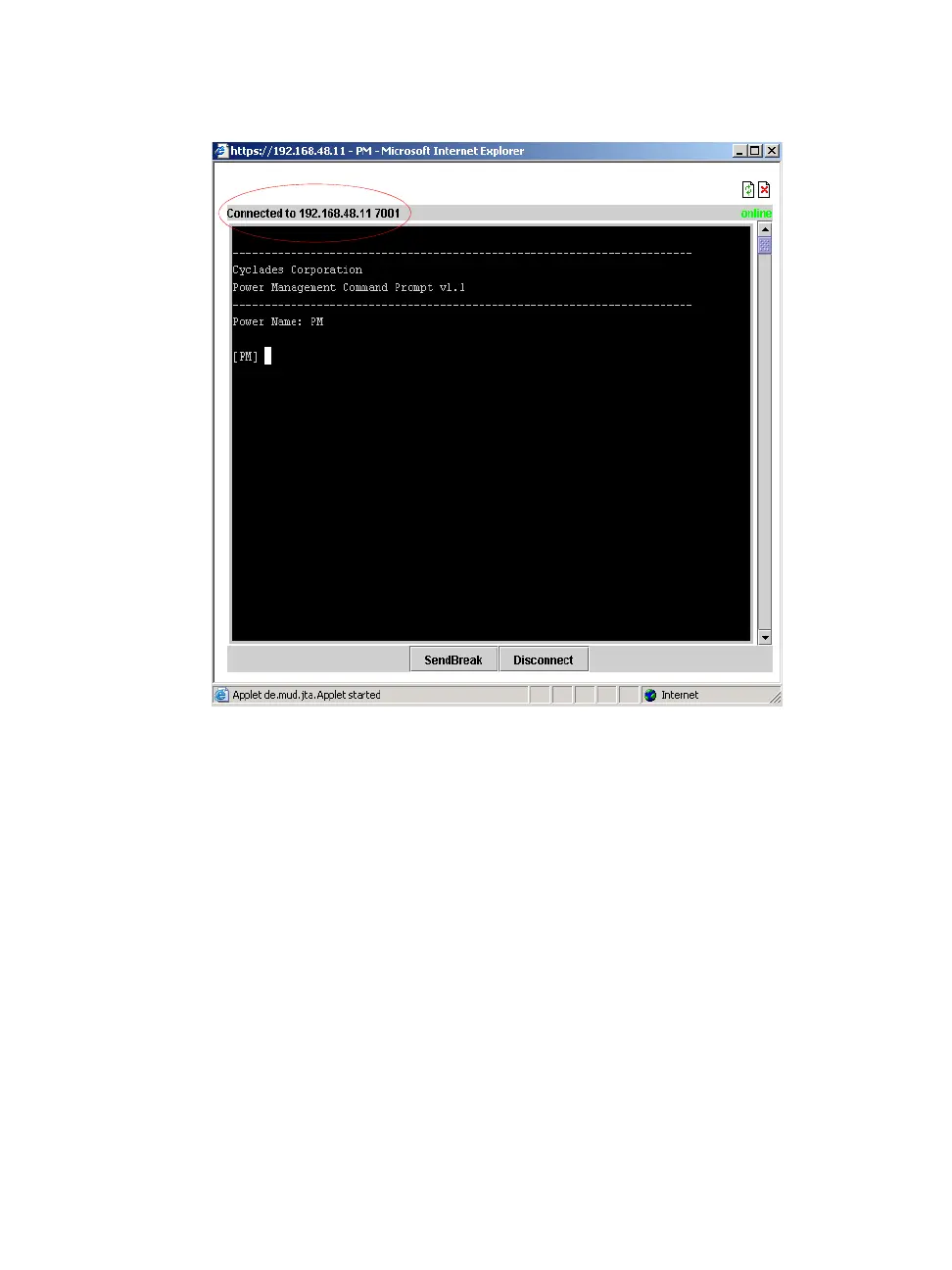
Figure 7-4: Expert > Serial Port Java Applet
Note the difference between “Connect to ACS” and “Serial” connections
in the “Connected to” grey bar circled in red in the above two figures.
If authentication is in effect for the port, you need to supply a user name
and password to log into the device.
T To Connect to the ACS
This procedure logs you into the ACS as a “Regular User” in a SSH session.
1. Go to Applications > Connect in Expert mode.
2. Click the “Connect to ACS” radio button.
3. Click the “Connect” button.
A Java applet viewer appears.



 To Next Page