Ports Menu & Forms
252
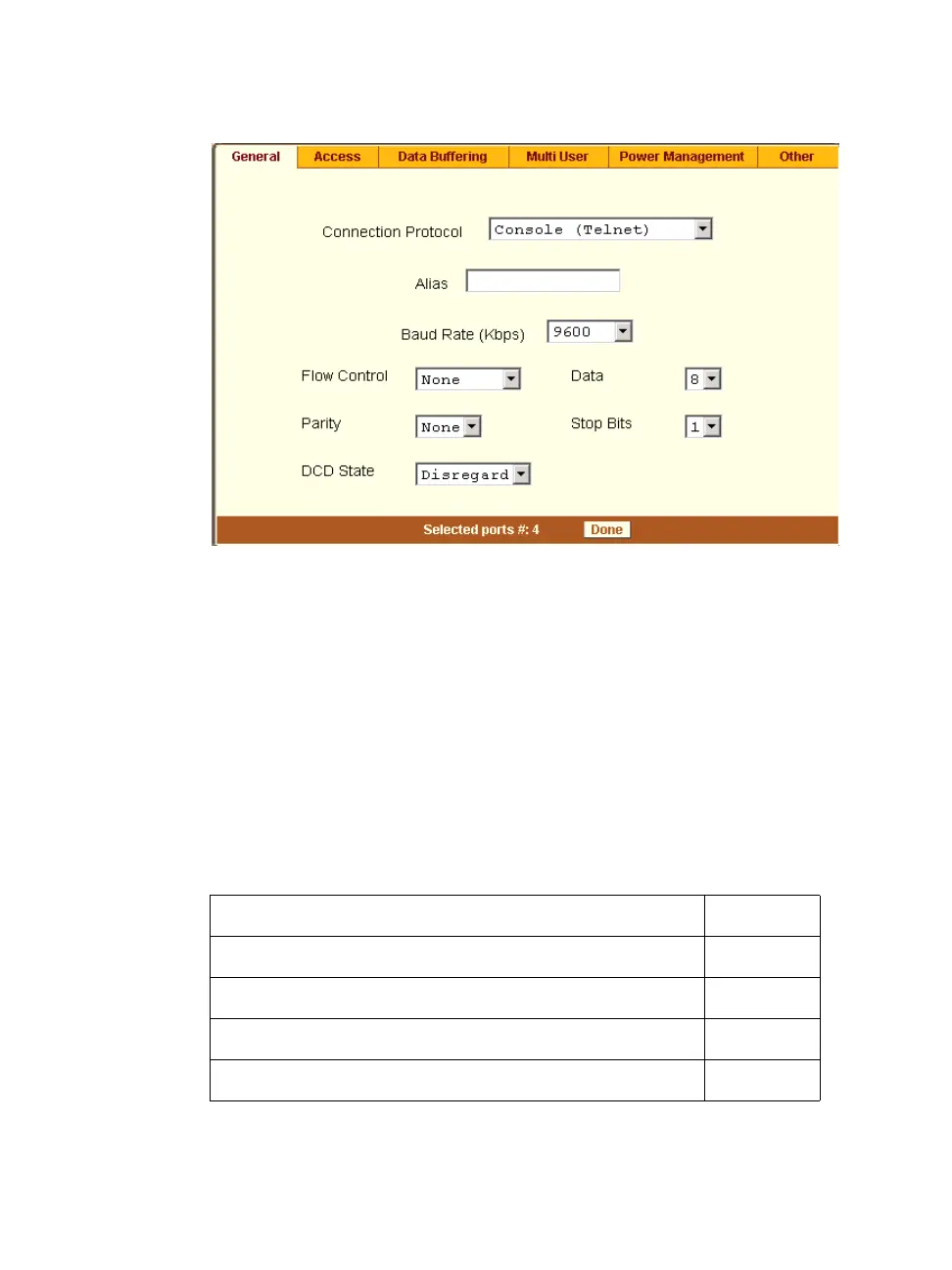
Figure 10-4: Expert > Ports > Physical Ports > General Form
The General form allows you to define general port settings, connect to an
IPDU port, and select the connection type to a serial port (SSH, Telnet, or
both).
The number(s) of the selected port(s) displays next to the “Done” button at the
bottom of the form in the format: “Selected ports #:N,” where N stands for the
port number.
Connection Profiles
The following sections describe the available connection protocols for each
connection profile to the serial ports.
Console Access Server (CAS) Page 253
Terminal Server (TS) Page 253
Bidirectional Telnet Page 255
Modem (RAS) Page 256
Power Management Page 256



 To Next Page