AlterPath ACS Installation, Administration, and User’s Guide 287
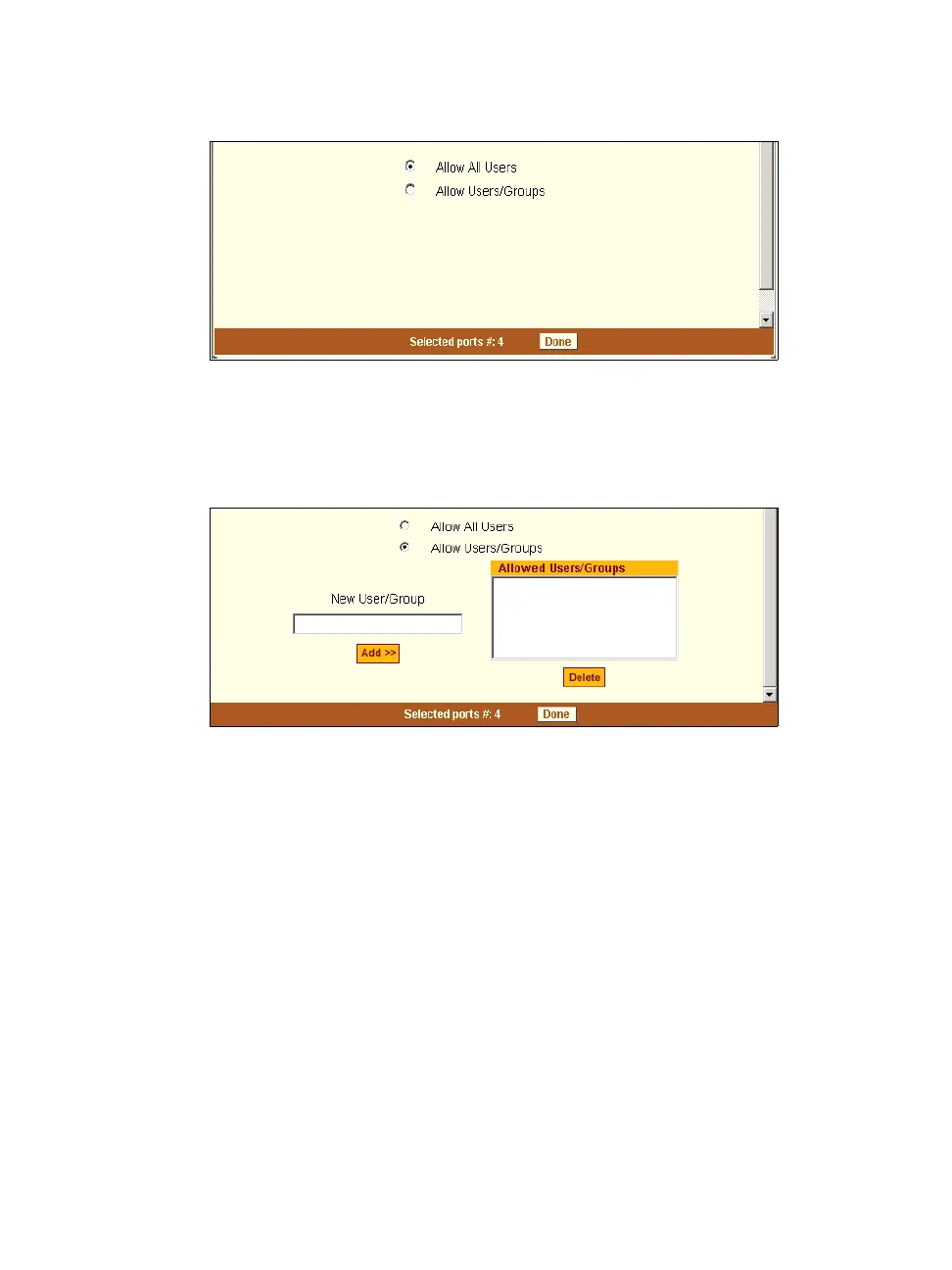
Figure 10-29: Expert > Ports > Physical Ports > Power Management>Allow
All Users
3. To restrict power management on this port to a set of users authorized to
access this port, click the “Allow Users/Groups.”
Figure 10-30: Expert > Ports > Physical Ports >Power Management >Allow
Users/ Groups
4. Enter a valid user name or groupname in the “New User/Group” field, and
click “Add.”
5. Click “Done.”
6. Click “apply changes.”
Other
Under Ports > Physical Ports in Expert Mode, after you select one or more
serial ports, and click the Modify Port(s), you can select the Other form from
the tabbed menu to configure other options. The following form appears.



 To Next Page