AlterPath ACS Installation, Administration, and User’s Guide 241
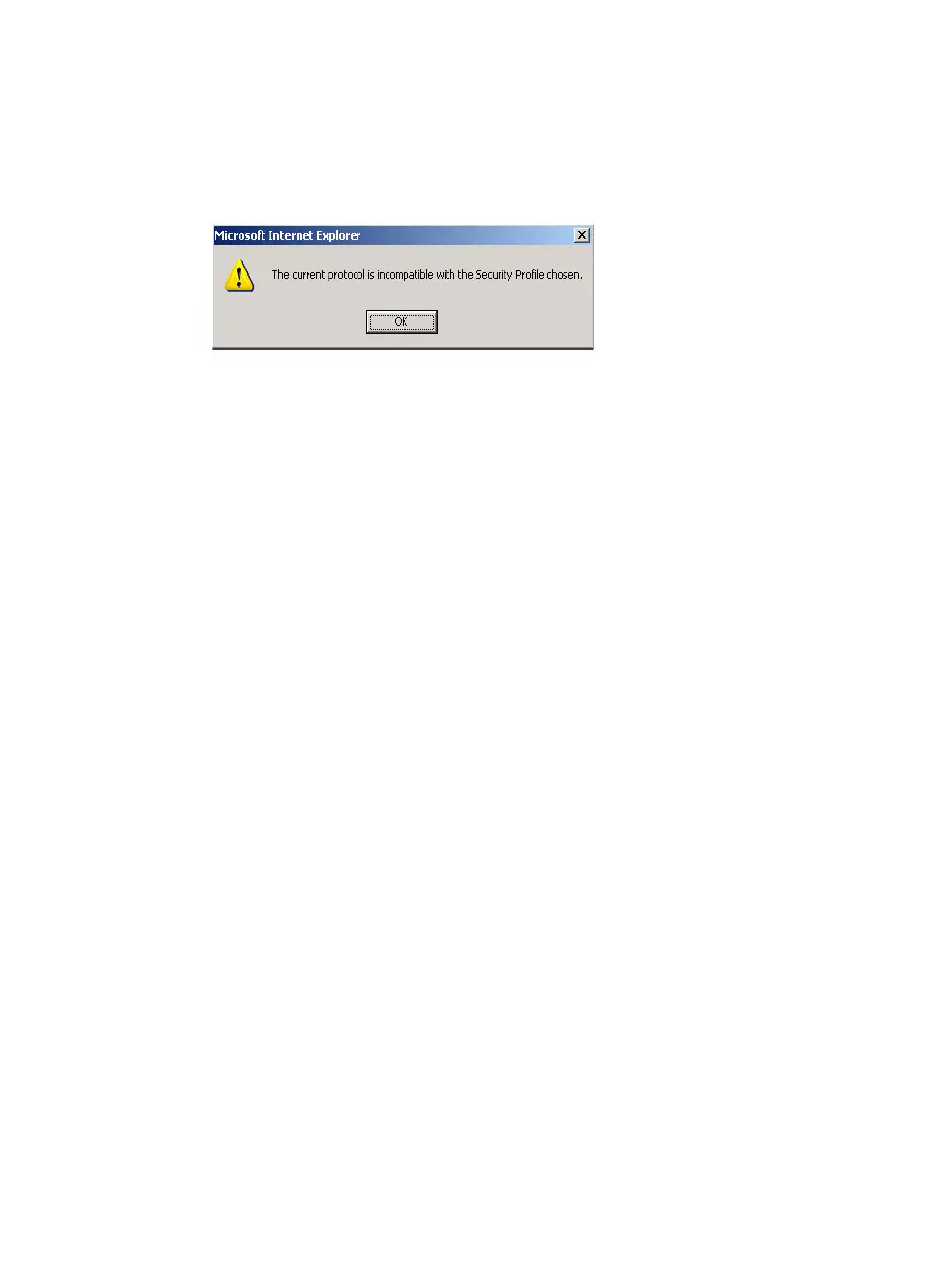
• If the serial port connection protocol is incompatible with the selected
security profile the following dialog box appears when you try to access
Expert > Ports > Physical Ports
Figure 9-16:Serial Ports Protocol Incompatibility Dialog Box
T To Select or Configure a Security Profile
The following procedure assumes you have installed a new ACS at your site,
or you have reset the unit to factory default.
1. Enter the assigned IP address of the ACS in your browser and login as an
administrator.
The following security warning dialog box appears.



 To Next Page