AlterPath ACS Installation, Administration, and User’s Guide 177
Network
T
To Configure an Ethernet PCMCIA Card
1. Install the Ethernet card and select “Ethernet” from the pull-down menu
on the PCMCIA Management form.
The “IP Address” and “Network Mask” fields appear on the Slot dialog
box.
2. In the “IP address” field, enter the IP address to assign to the Ethernet
port.
3. In the “Network Mask” field, enter the netmask to assign to the subnet.
4. Click OK.
5. Click “apply changes.
Configuring a PCMCIA Compact Flash Card or a PCMCIA Hard
Disk Drive
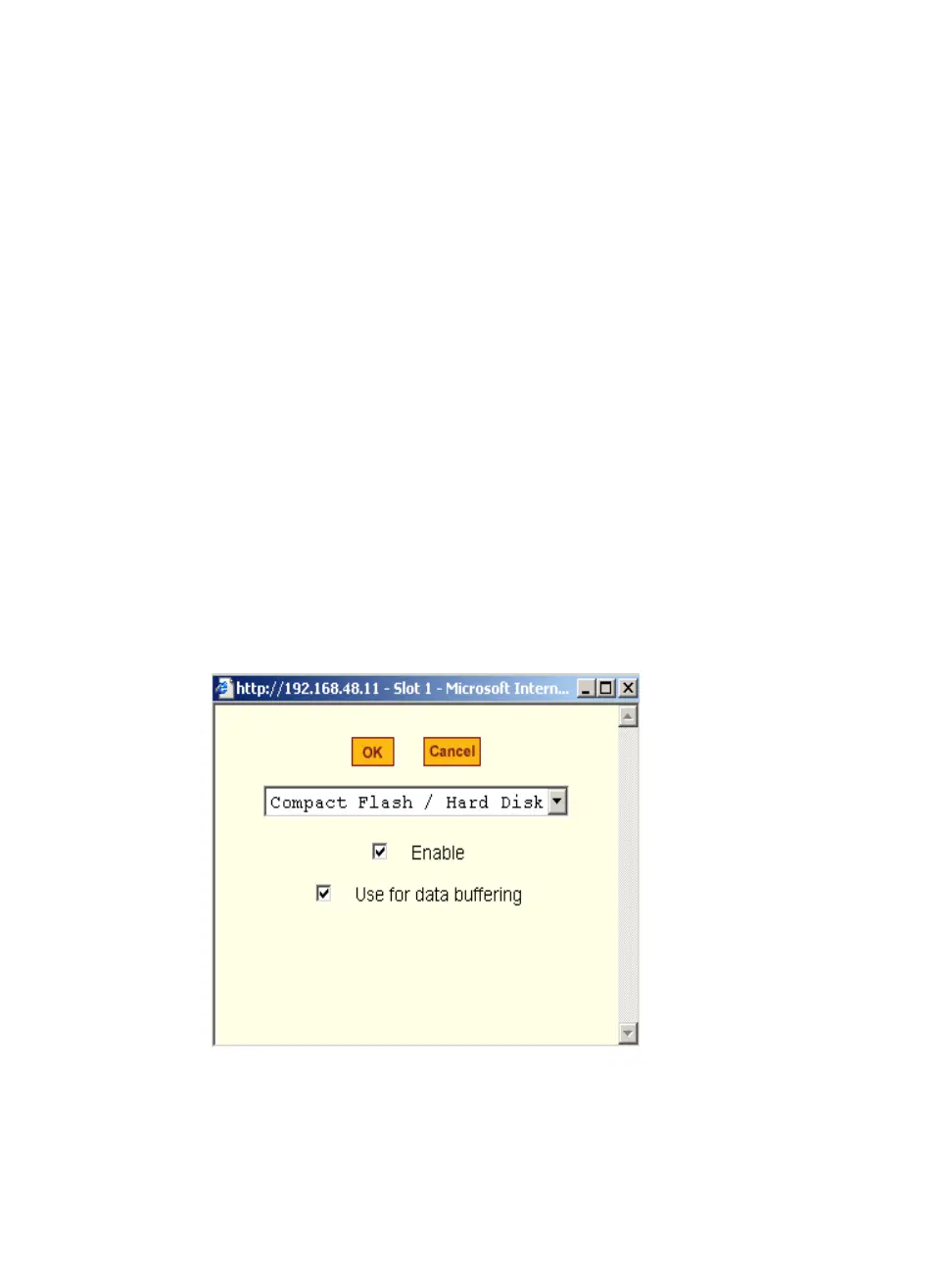
You can use the “PCMCIA Management” form under “Network” to configure
a PCMCIA Compact Flash card or a PCMCIA Hard Disk Drive. When you
select Compact Flash/Hard Disk from the pull-down menu, the dialog box
shown in the following figure appears.
Figure 8-12: Expert > PCMCIA Compact Flash/Hard Disk Configuration
Dialog Box



 To Next Page