AlterPath ACS Installation, Administration, and User’s Guide 315
3. Select Email, Pager, or SNMP Trap from the pull-down menu.
4. Click the Add button.
5. Enter “Port” in the Alarm Trigger field.
6. Configure the parameters selected in step 3, Email, Pager, or SNMP Trap.
See “Notifications” on page 305.
7. Click “OK.”
8. Click “apply Changes.”
Time/Date
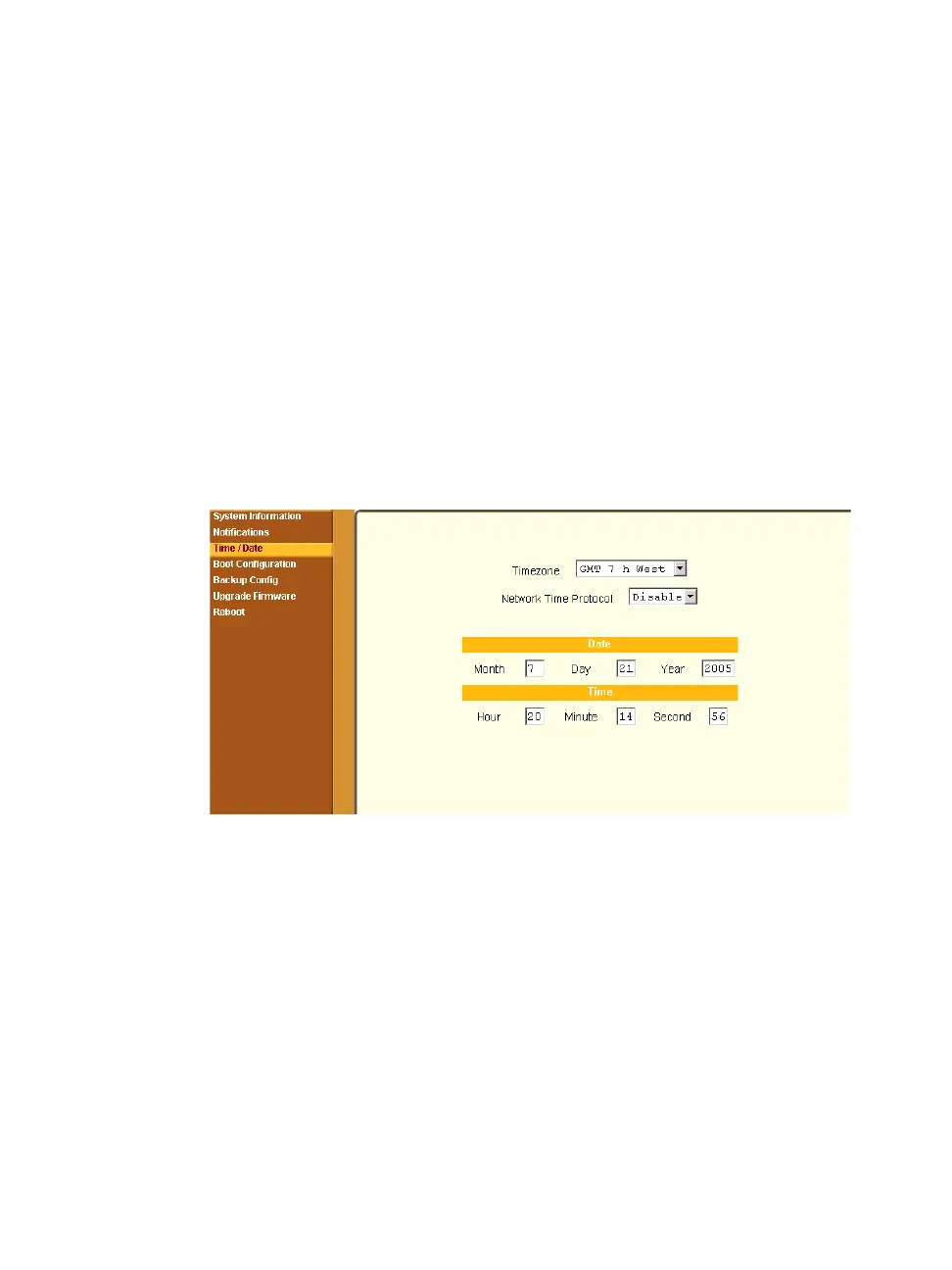
Selecting Administration > Time/Date in Expert mode brings up the form
shown in the following figure.
Figure 11-6: Expert > Administration > Time/Date
You can use the Time/Date form in Expert mode to set the ACS’s time and
date in one of the following two methods.
• Manual configuration by entering the time and date in the form
• Set up using the NTP server
Enabling Network Time Protocol (NTP) synchronizes the ACS’s system
clock with an NTP server, which maintains the true time (the average of
many high-accuracy clocks around the world).
If you enable the “Network Time Protocol”, the following form appears.



 To Next Page