AlterPath ACS Installation, Administration, and User’s Guide 99
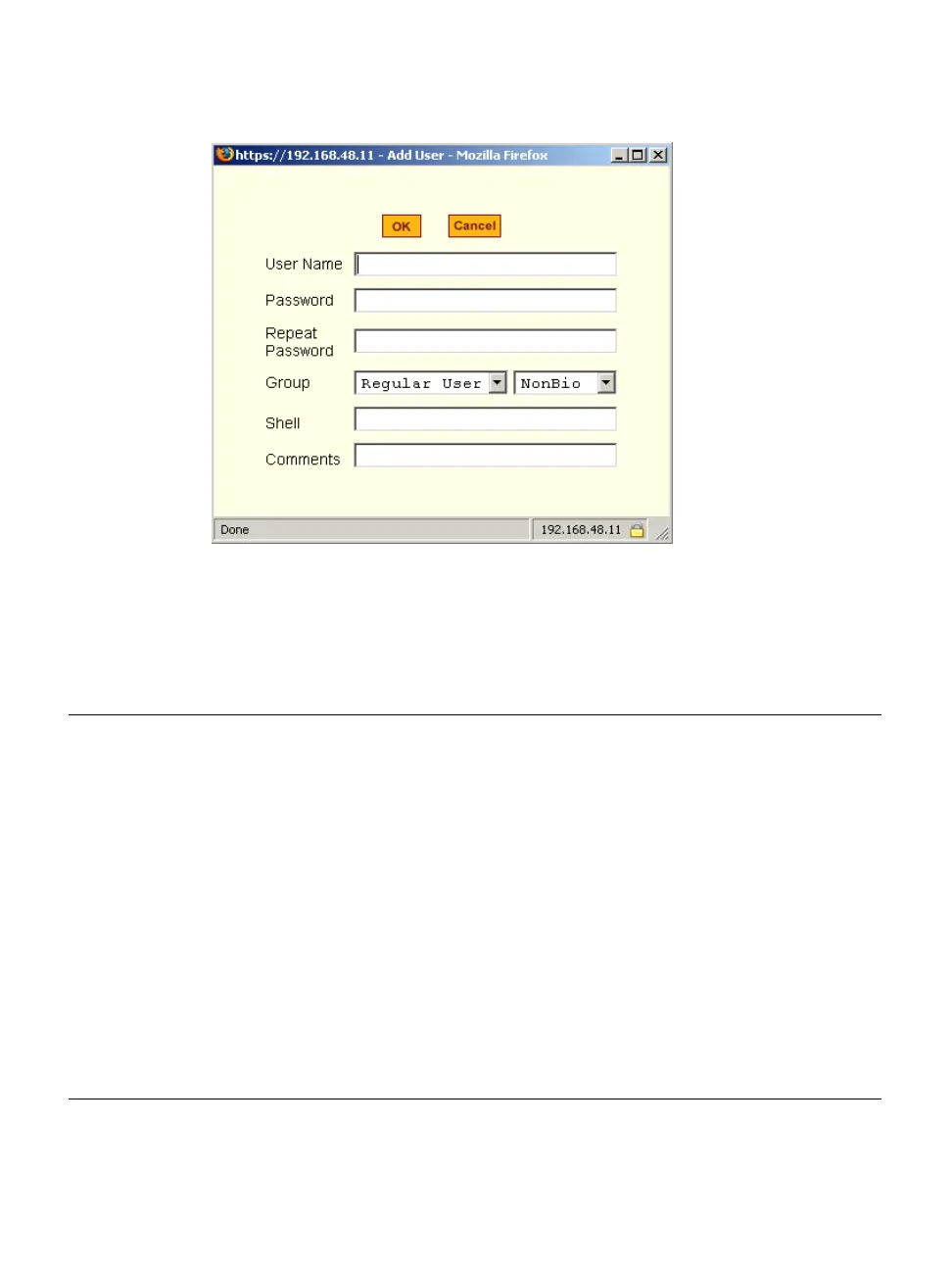
Figure 5-10:Wizard > Step 4: Access Add User Dialog Box
The following table defines the information required in the fields.
Table 5-5: Wizard > Add User Dialog: Field Names and Definitions
Field Name Definition
User Name
The user name for the account being added.
Password and
Repeat Password
The password for the account.
Group
The choices in the “Group” menu are “Regular User” [Default] or
“Admin.” Note: To configure a user to be able to perform
administrative functions, select the “Admin” group. To define a
new group, go to the “Expert” mode and select Security > Users
and Groups.
[dropdown list]
Select whether the user of this group is a “NonBio” [Default] or a
“BioUser.” The “BioUser” group should only be selected if
authentication will be made through the Cyclades AlterPath Bio
(biometric authentication).



 To Next Page