AlterPath ACS Installation, Administration, and User’s Guide 213
Network
The example shows the fields and menus that appear when the “Default” route
type is selected from the “Route” pull-down menu.
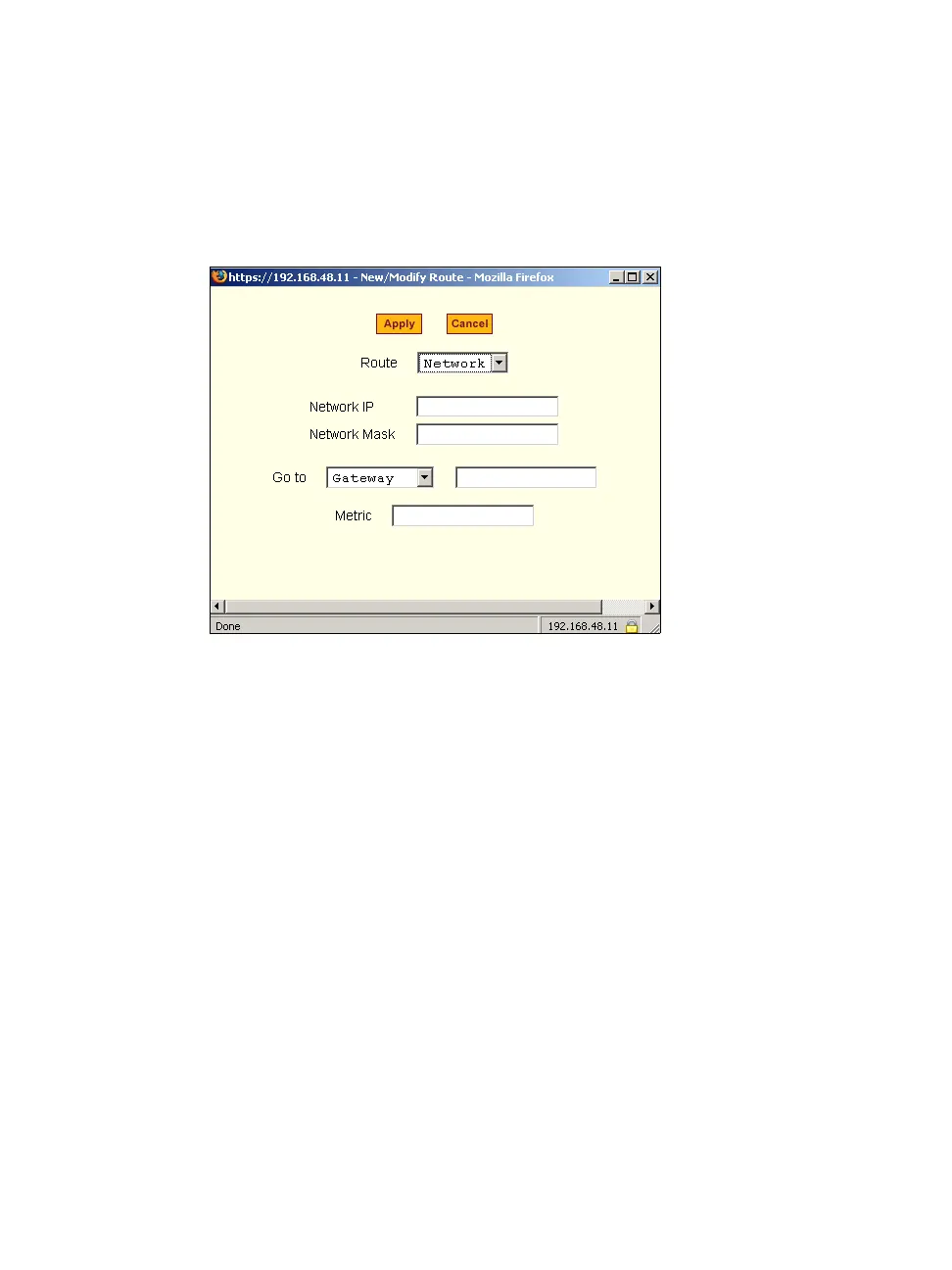
The following figure shows the fields and menus that appear when the
“Network” route type is selected from the “Route” pull-down menu.
Figure 8-42: Expert > Static Routes “Add” and “Edit” Dialog Boxes -
Network Route
The following figure shows the fields and menus that appear when the “Host”
route type is selected from the “Route” pull-down menu.



 To Next Page