AlterPath ACS Installation, Administration, and User’s Guide 191
Network
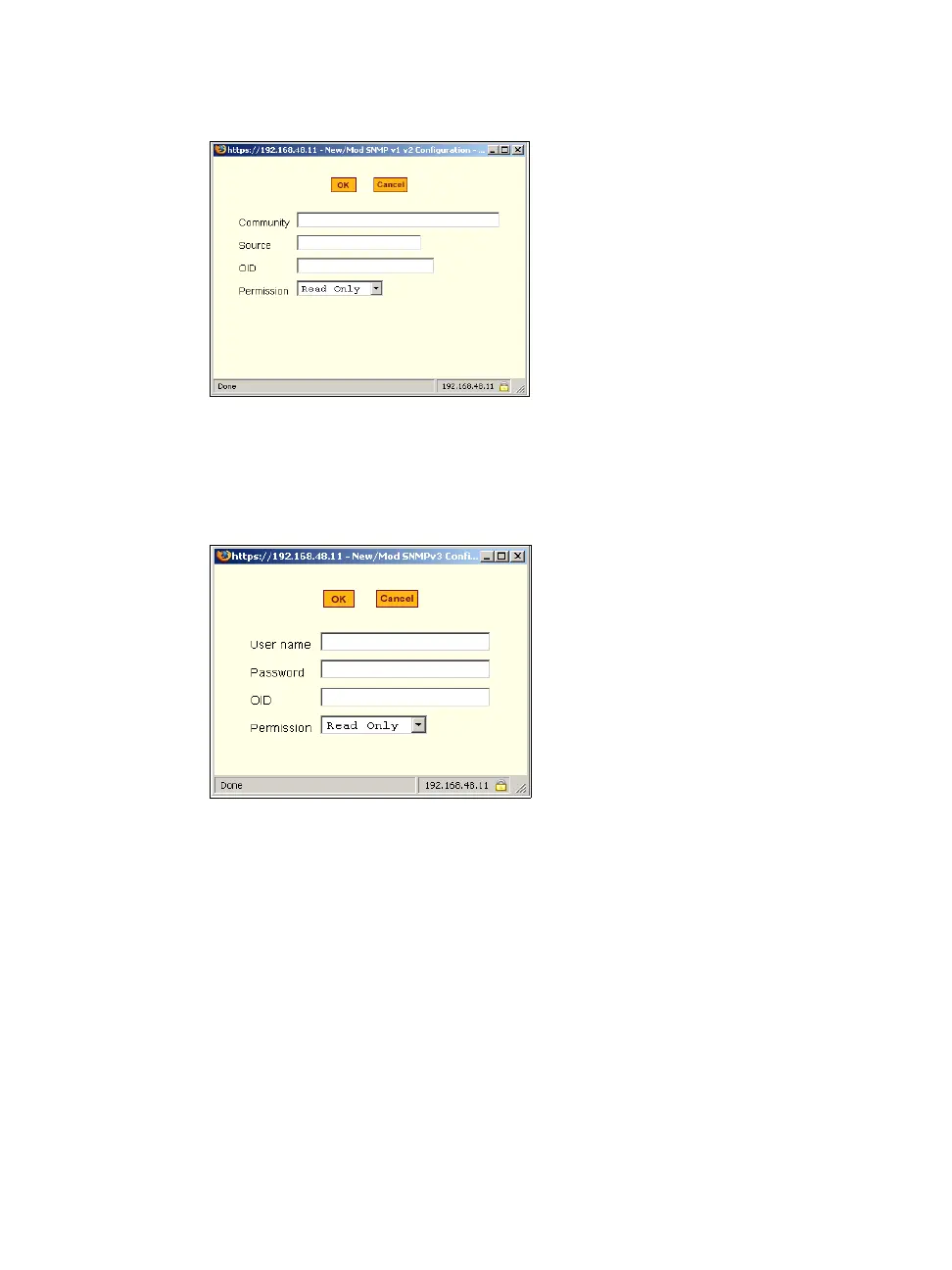
Figure 8-18: Expert > “New/Mod SNMP v1 v2 Configuration” Dialog Box
Clicking the “Add” or “Edit” buttons under “SNMPv3 Configuration” brings
up the “New/Mod SNMP v3 Configuration” dialog box, as shown in the
following figure.
Figure 8-19:Expert > “New/Mod SNMP v3 Configuration” Dialog Box
T To Configure SNMP
1. Go to Networks > SNMP.
The SNMP form appears.
2. To enable any version of SNMP, do the following:
• To add an SNMPv1/SNMPv2 entry, press the “Add” button under the
“SNMPv1/SNMPv2 Configuration” table.
• To add an SNMPv3 entry, press the “Add” button at the bottom of the
“SNMPv3 Configuration” table.



 To Next Page