AlterPath ACS Installation, Administration, and User’s Guide 219
• Add users to a group
• Delete users from a group
Adding a User
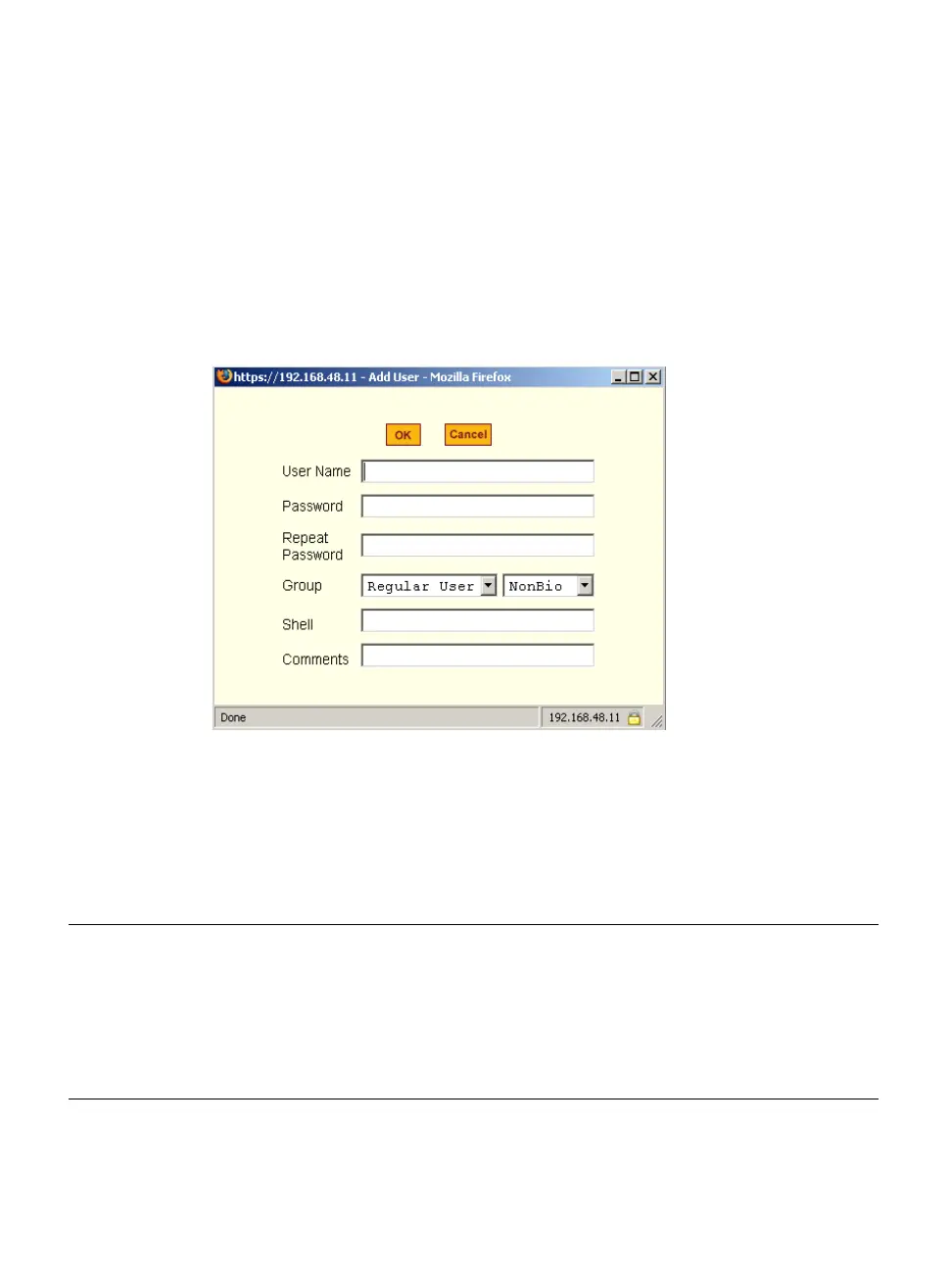
If you click the “Add” button on the Security > Users and Groups form under
the “Users List”, the following dialog box appears.
Figure 9-2: Expert > Security > Users and Groups > “Add User” Dialog
Box
The following table describes the fields in the “Add User” dialog box.
Table 9-2: Expert > Add User Dialog Field Names and Definitions
Field Name Definition
User Name Name of the user to be added.
Password The password associated with the user name.
Group On the Group pull-down menu, select “Regular User [Default]” or
“Admin.” Note: To configure a user to be able to perform all
administrative functions, select the “Admin” group.



 To Next Page