Web Manager for Regular Users
56
The ACS administrator can use the Web Manager to configure users and
ports. An authorized user can access connected devices through the Web
Manager to troubleshoot, maintain, recycle power, and reboot connected
devices.
T Logging in to the Web Manager
1. Connect your web browser to ACS by typing in the Console Access
Server’s IP address (e.g., https://10.10.10.10) provided to you by your
system administrator in your internet browser.
Note: Refer to Chapter 2, “ for the requirements to start with the Web Manager.
Press Enter.
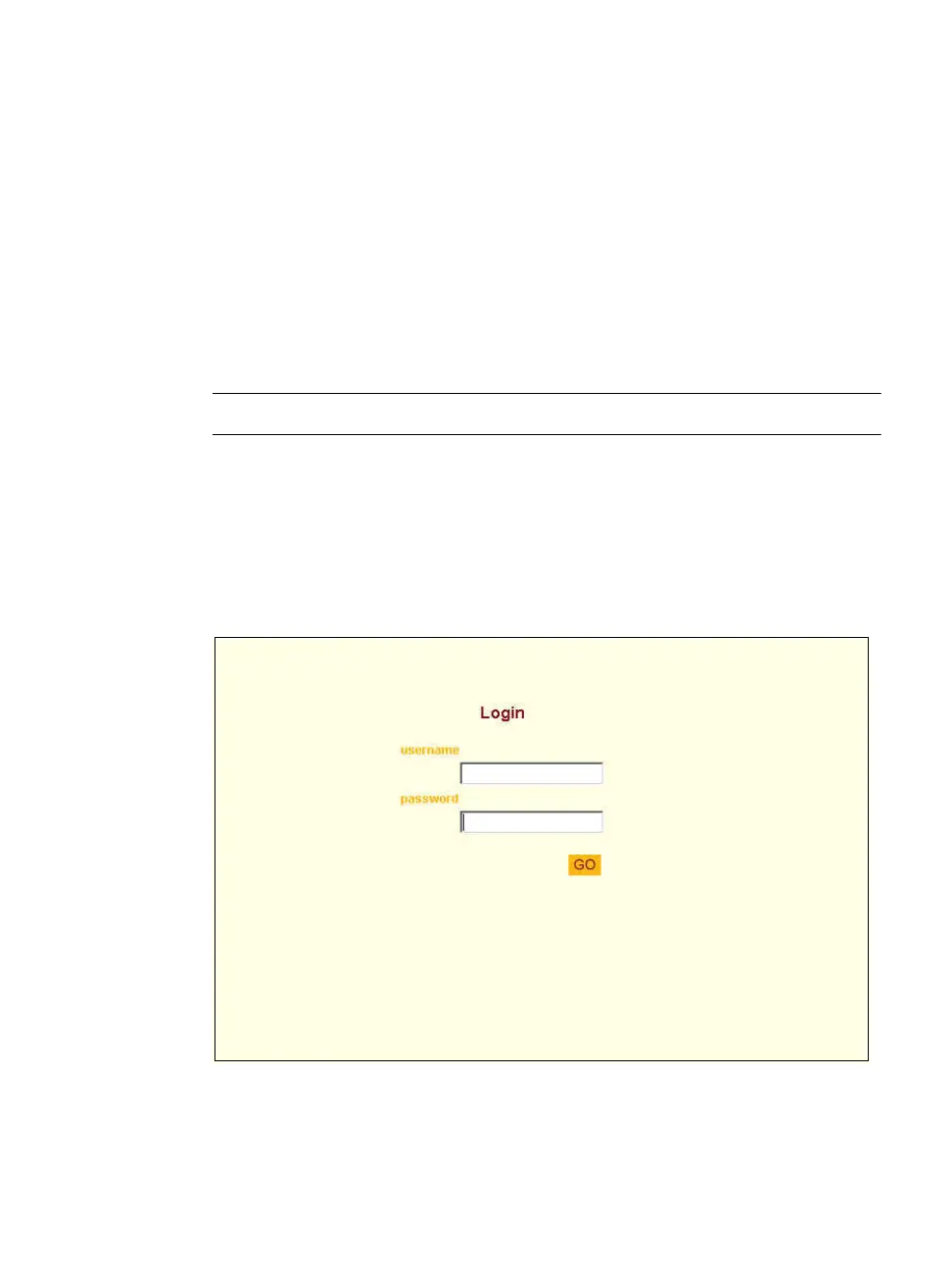
The system brings up the ACS Web Manager Login form.
2. Type in your username and password as provided to you by your system
administrator.
Figure 3-1: Regular User > Web Manager Login form



 To Next Page