AlterPath ACS Installation, Administration, and User’s Guide 69
Security
outlet in the group turns on only after the power up interval specified for the
current outlet has elapsed. This parameter can be configured through the
IPDU Power Mgmt. form. See “To Close an SSH Session” on page 62.
Security
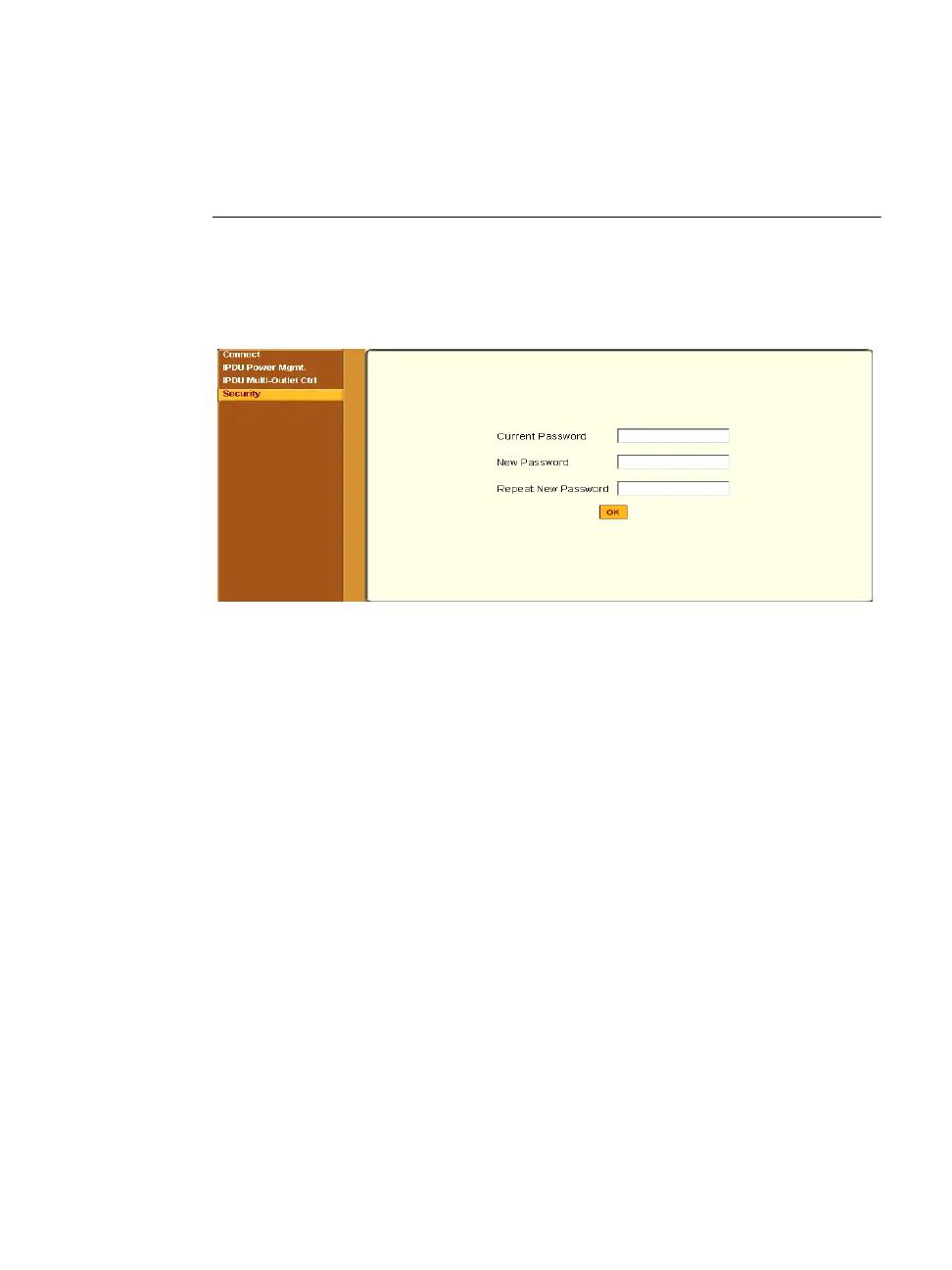
When you select the “Security” menu option, the following form appears.
.
Table 3-7: Regular User > Password Management Form
T To Change Your Password
1. Select the “Security” option from the menu panel.
The “Security” form appears.
2. Enter your current password in the “Current Password” field.
3. Enter the new password in the “New Password” and the “Repeat New
Password” fields.
4. Click OK.
5. Log out and log in using your new password to verify your password
change.



 To Next Page