AlterPath ACS Installation, Administration, and User’s Guide 279
Note: Obtain the facility number from the system administrator of the syslog server.
Options range from Local0 to Local7.
c. Enter the maximum size of the buffer in the “Syslog Buffer Size”
field.
d. Click the radio button next to one of the following options:
• Buffer Syslog at all times
• Buffer only when nobody is connected to the port
5. Click “Done.”
6. Click “apply changes.”
To configure alarm notifications to be sent based on the type of buffered data,
use the Notifications form, Expert > Administration > Notifications.
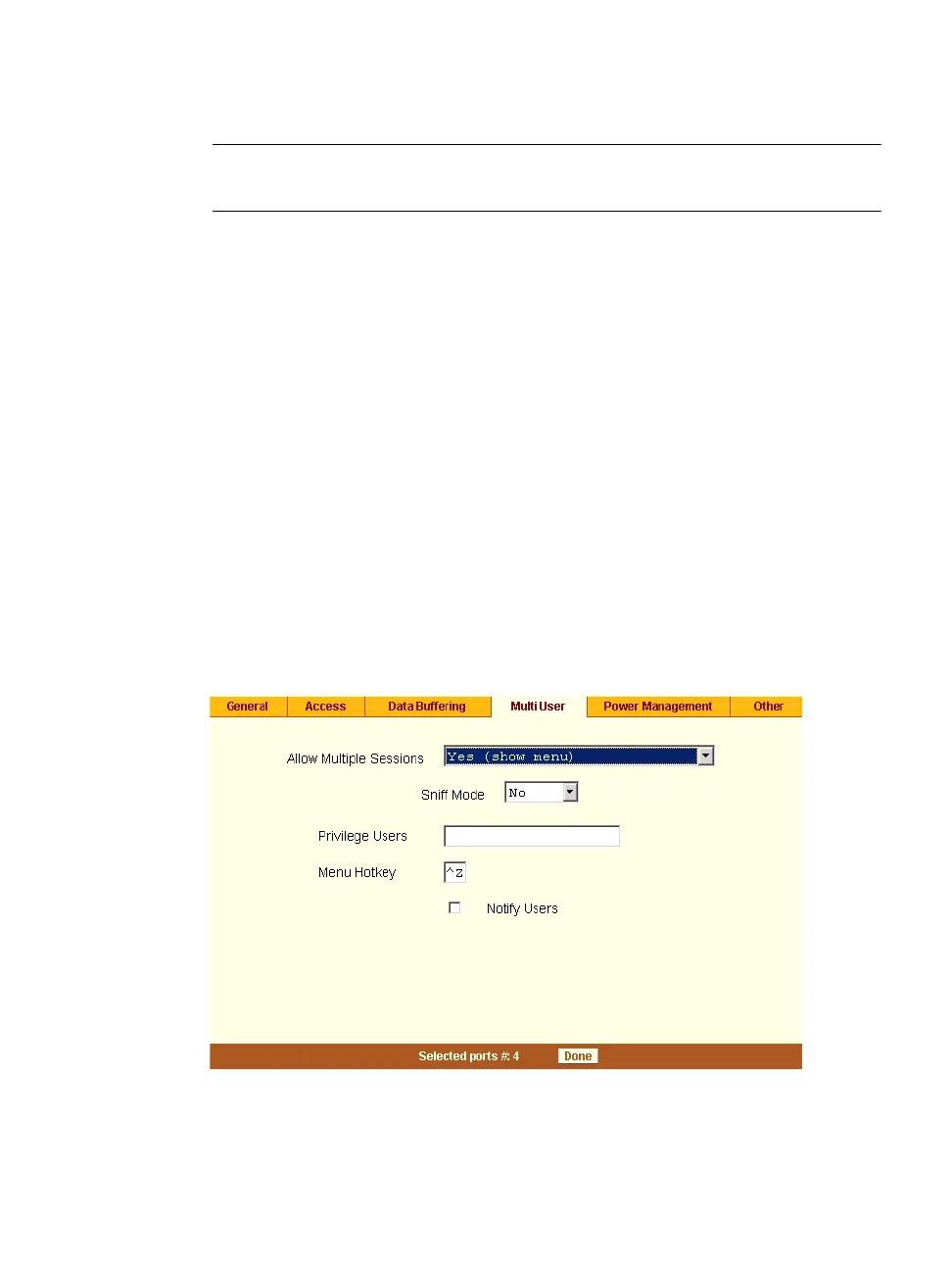
Multi User
Under Ports > Physical Ports in Expert Mode, after you select one or more
serial ports, and click the Modify Port(s), you can select the Multi User form
from the tabbed menu. The following form appears.
Figure 10-25:Expert > Port > Physical Ports >Multi User



 To Next Page