Applications Menu & Forms
130
4. To momentarily power an outlet off and then on again, click the adjacent
“Cycle” button.
5. To change the outlet’s name or the power up interval, click the adjacent
“Edit” button.
The Edit Outlet dialog box appears.
a. To change the name assigned to the outlet, enter a new name in the
“Outlet Name” field.
b. To change the time between when this outlet is turned on and another
can be turned on, change the default 0.50 number of seconds in the
“Power Up Interval” field.
6. Click OK.
7. Click the “Save Outlets State” button.
8. Click “apply changes.”
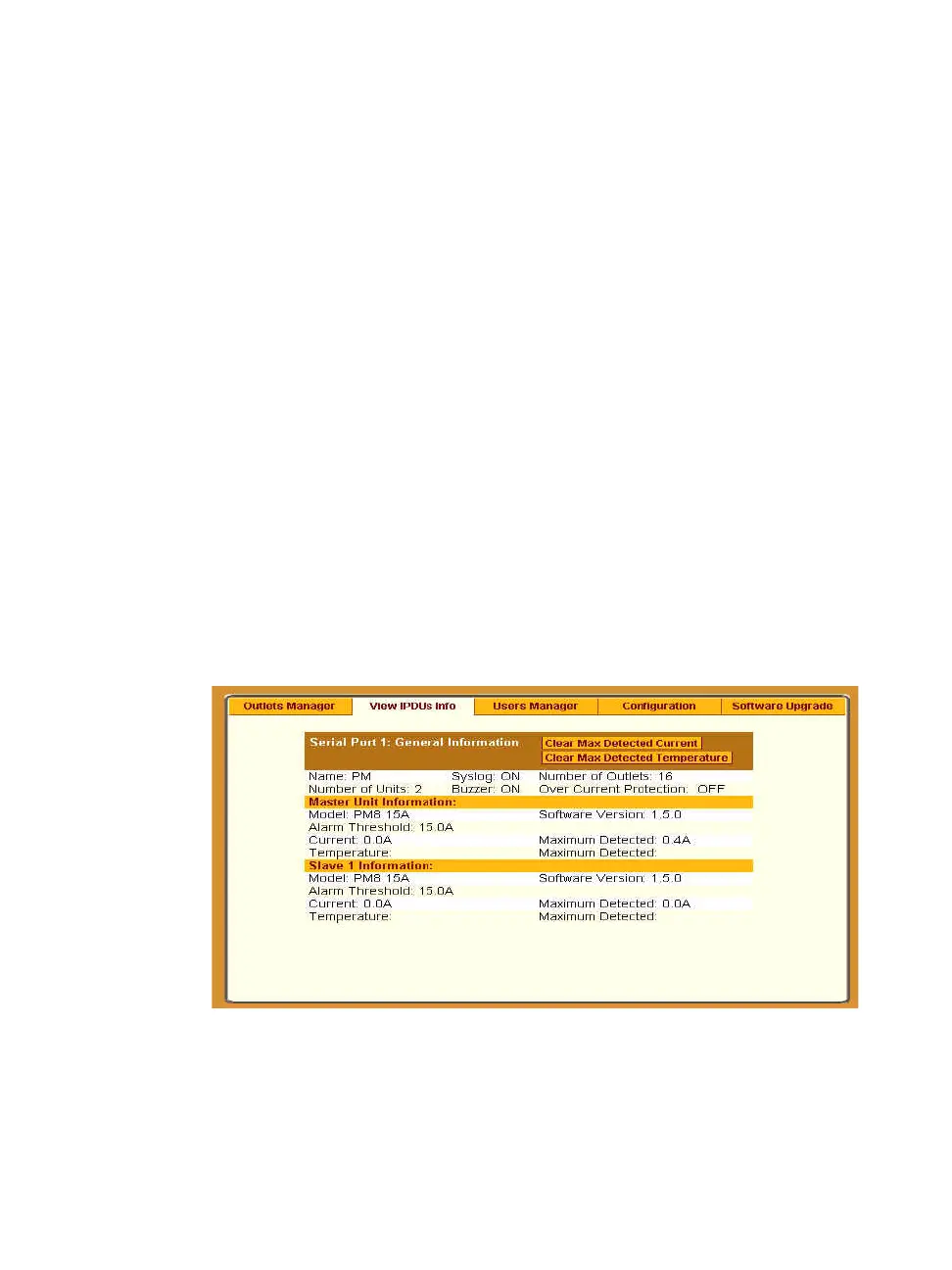
View IPDUs Info
Selecting Applications > IPDU Power Mgmt. > View IPDUs Info tab, the
form in the following figure appears.
Figure 7-9: IPDU Power Mgmt. > View IPDUs Info
The figure shows the information displayed when two eight-outlet AlterPath
PM model PM8 15A is cascaded through Serial Port 1. The IPDU is



 To Next Page