Configuring ACS in Wizard Mode
102
3. Click “Change Password.”
The “Change User Password” dialog box displays.
4. Enter the new password in both fields, and click OK.
5. Click “apply changes.”
Step 5: Data Buffering
Selecting “Step 5: Data Buffering” brings up a form to allow logging the
console data to a data buffer file either locally in ACS or remotely to an
external storage source such as an NFS server or Syslog server.
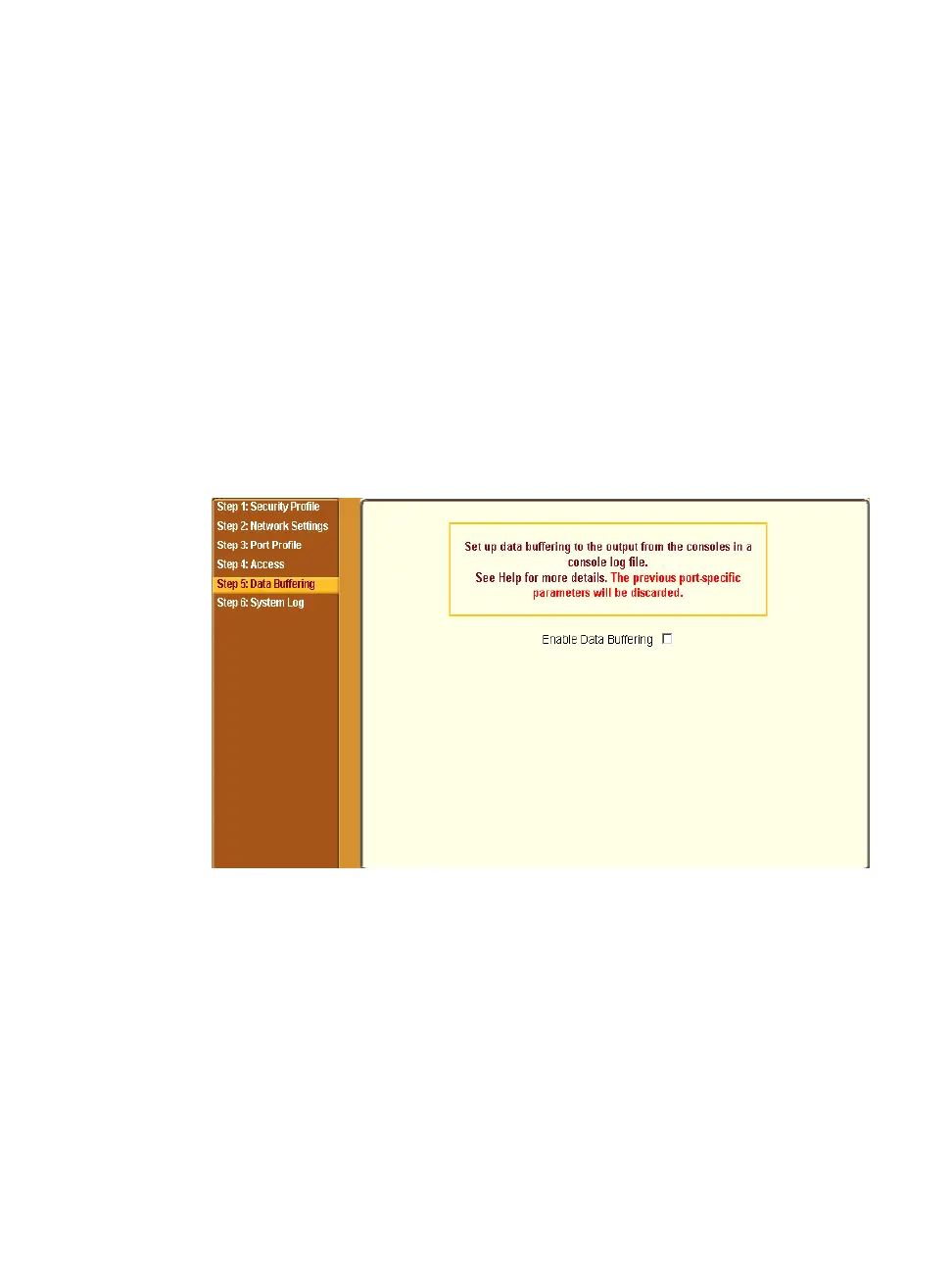
The following figure shows the form when “Enable Data Buffering” is
inactive.
Figure 5-12:Wizard > Step 5: Data Buffering [Inactive]
Once data buffering is enabled the form displays a number of fields. The
displayed fields depends on whether selected “Destination” is “Local” or
“Remote”.
The values set in this form apply to all serial ports. Data buffering allows a
site to save a record of all communication during a serial port connection
session. You can set up data buffer files to be stored either in local files on the



 To Next Page