AlterPath ACS Installation, Administration, and User’s Guide 151
Applications
The power management port and the specified outlet numbers display on
the PowerMgmt Port list.
7. Enter the power management hot key in the “Power Management Key”
field.
Enter a caret (^) for the escape key, as in ^p. The caret stands for the
Ctrl key.
T To Configure a User for IPDU Power Management While
Connected To a Serial Port
Perform this procedure to allow a user to perform power management for a
device while connected to the device through one of the ACS’s serial ports.
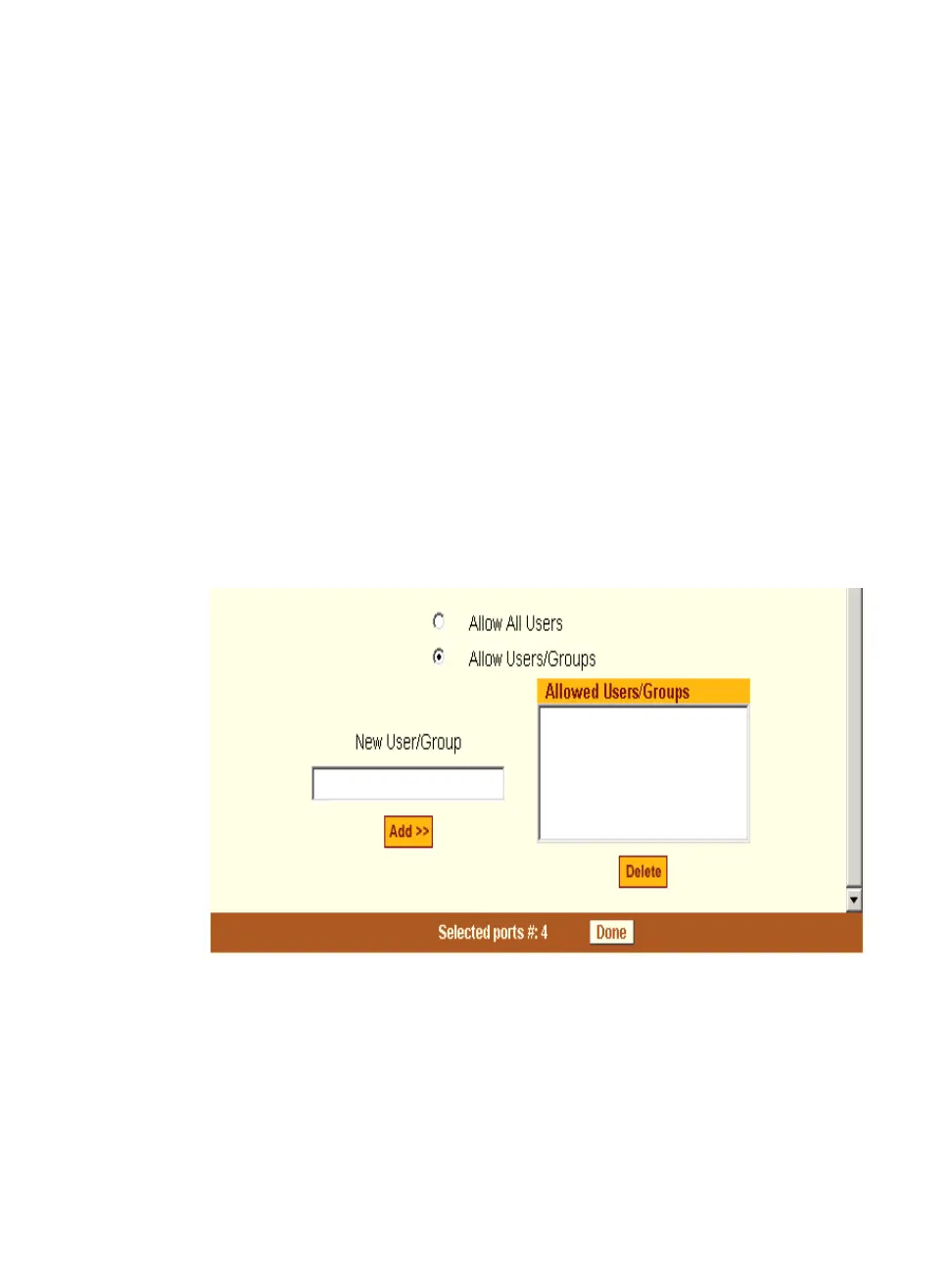
1. To allow everyone with access permissions for this port to perform power
management on this port, click the “Allow All Users” radio button.
2. To restrict power management on this port to a restricted list of users
authorized to access this port, click the “Allow Users/Groups.”
Figure 7-22: Expert > Serial Port > Power Management > User Permissions
3. Enter a valid user name or group name in the “New User/Group” field,
and click “Add.”
4. Click “Done.”
5. Click “apply changes.”



 To Next Page