AlterPath ACS Installation, Administration, and User’s Guide 299
Ports Statistics
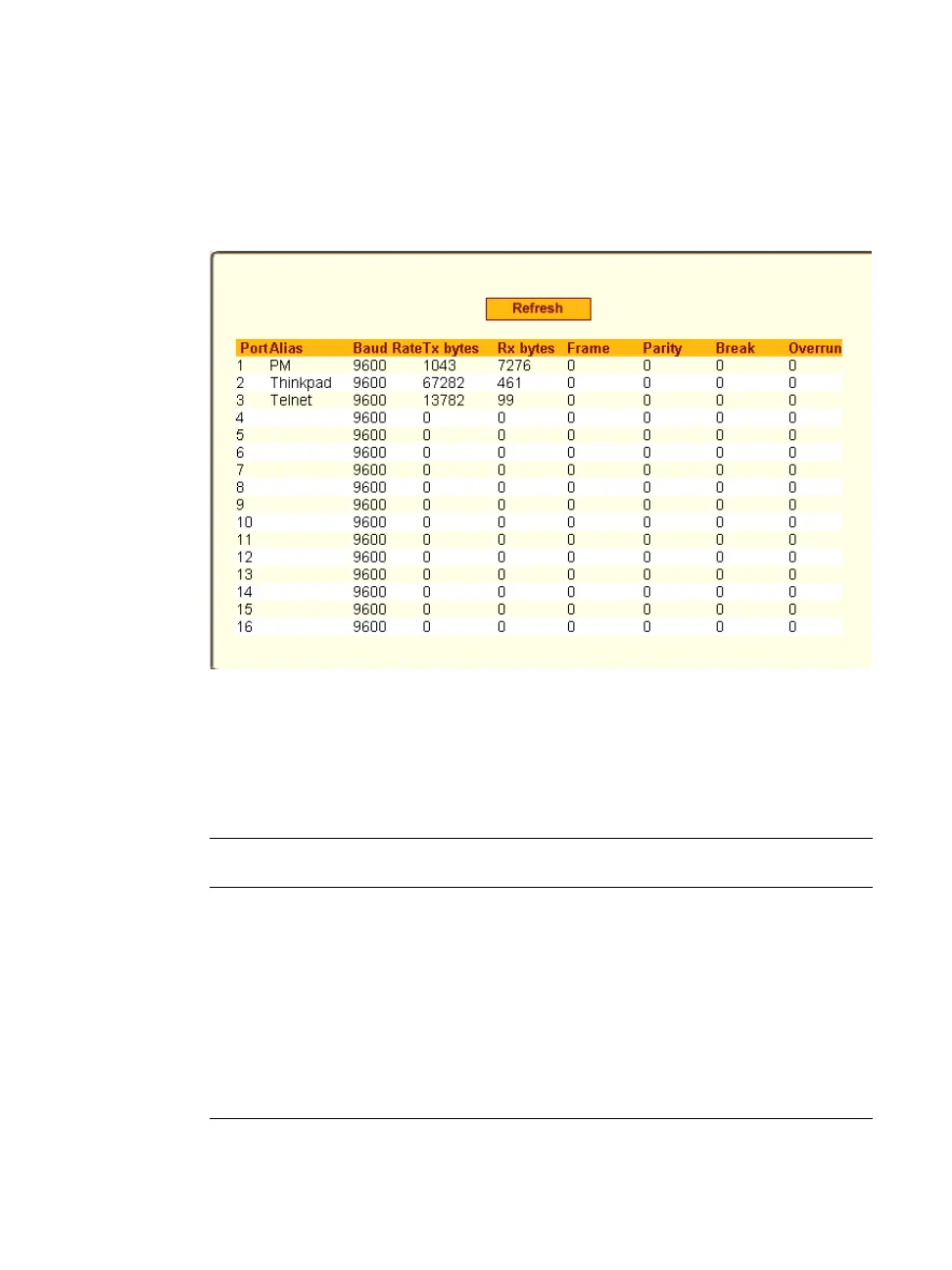
Selecting Ports > Port Statistics in Expert mode, brings up the following read-
only form.
Figure 10-38: Expert > Ports > Port Statistics (Read-Only)
The following information is available in the Ports Statistics read-only form.
All users have access to this form. The information on this page gets updated
when you click the “Refresh” button.
Table 10-15: Expert > Ports>Port Status Read-Only Form
Column Name Description
Port
The serial port number.
Alias
Displays the name (alias) for the serial port if
one is assigned by the administrator.
Baud Rate
The measure of how fast data is moving
between devices.
Tx Bytes
Data transmitted.



 To Next Page