Web Manager for Regular Users
58
Connect
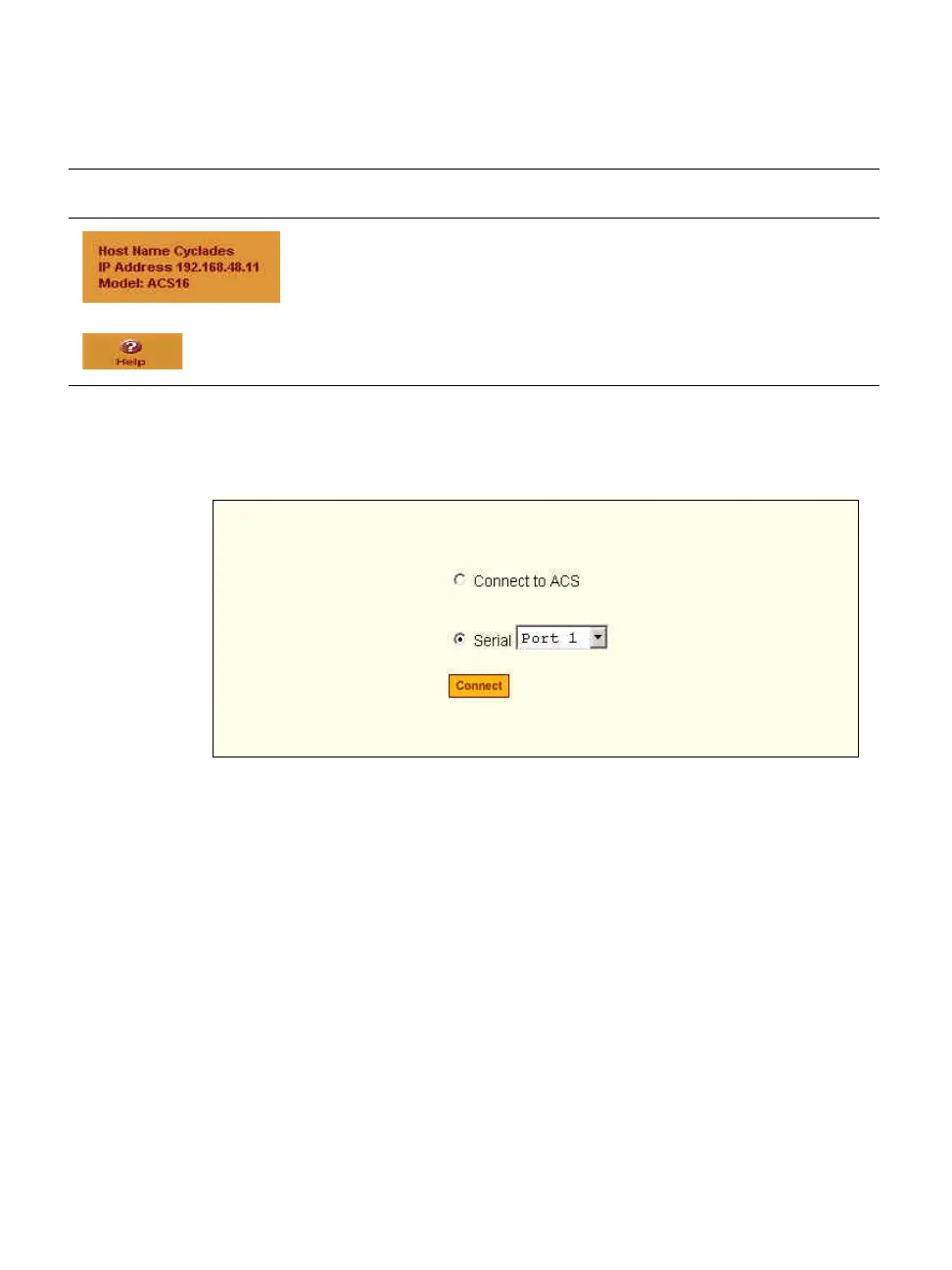
When you select the “Connect” option, the following form appears.
Figure 3-3: Regular User > Connect Form
You can use this form to connect to the ACS console, or to one of the serial
ports as described in the following sections.
• “Connect to ACS” on page 59
• “Connect to Serial Ports” on page 60
Permission to access a port or perform power management is granted by the
ACS administrator when your user account is created. Contact your
administrator to gain authorization to access the serial port that the server or
devices is connected to.
Displays the hostname and IP address assigned during initial
configuration, and the model number of the ACS.
Brings up the online help.
Table 3-1: Common Screen Information (Continued)
Form Area Purpose



 To Next Page