Ports Menu & Forms
292
7. To change the break interval, enter a new number in the “Break Interval”
field.
8. To change the break sequence, enter a new sequence in the “Break
Sequence” field.
9. To change the content of the login banner, enter new text in the “Login
Banner” field.
10. For a dedicated terminal, enter the IP address of the desired host in the
“Host to Connect” field.
11. Enter the type of terminal in the “Terminal Type” field.
12. Click “Done.”
13. Click “apply changes.”
Virtual Ports
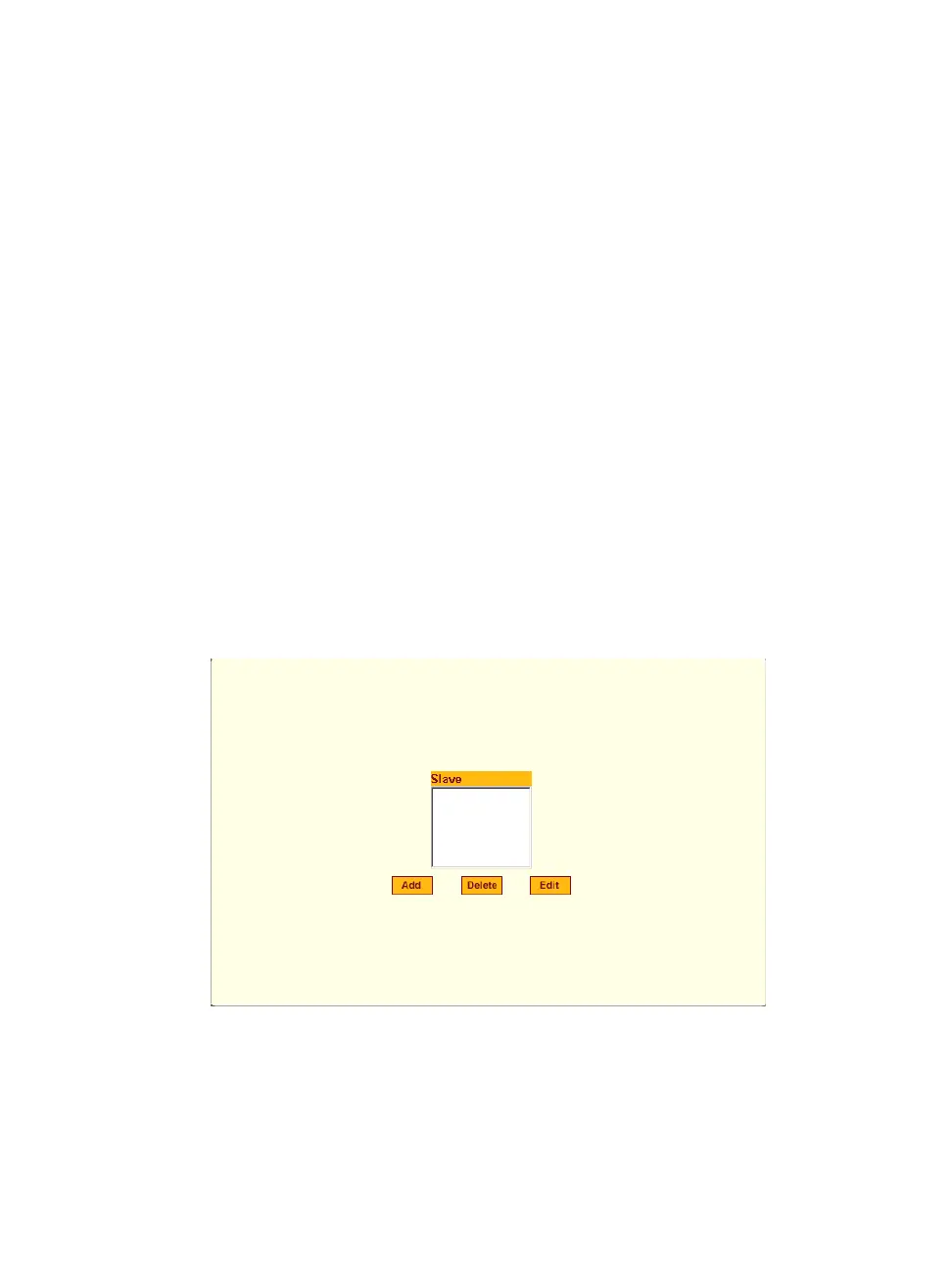
When Virtual Ports is selected under Ports > Virtual Ports in Expert mode, the
following form appears.
Figure 10-32: Expert > Ports > Virtual Ports
The virtual ports form allows you to perform clustering of ACS units. The
ACS clustering is designed to allow a large number of serial ports (up to
1024) to be configured and virtually accessed through one IP address.



 To Next Page