Introduction
10
Connectors on the AlterPath ACS
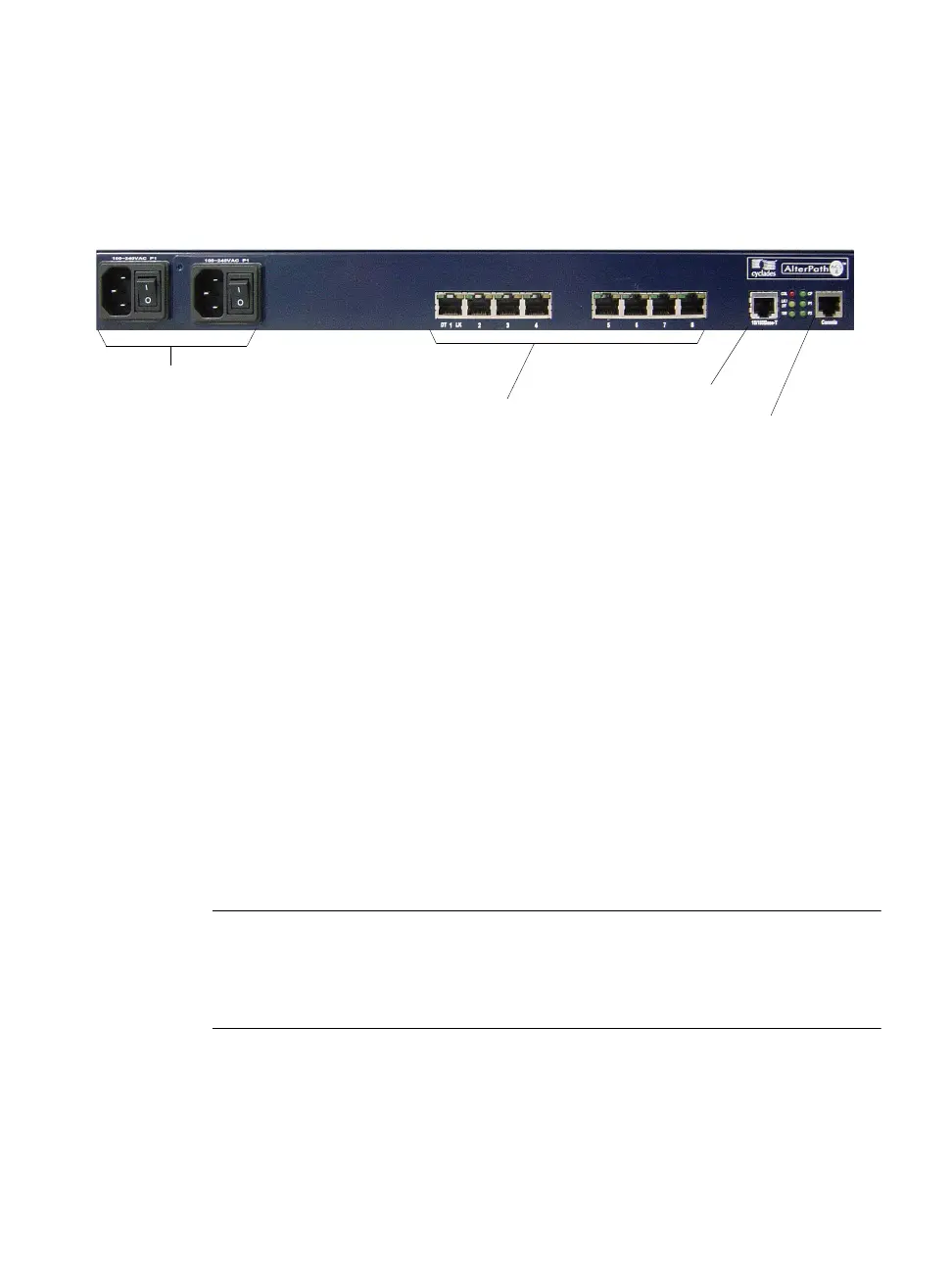
The following figure depicts the connectors on the back of an ACS8.
Figure 1-4: ACS Connectors
The number of serial ports and power supplies depends on the model, see
table 1-1 for model numbers and configurations options.
Accessing ACS and Connected Devices
You can access ACS and the connected servers or devices locally or remotely
using any of the following methods.
• Using the Web Manager through LAN/WAN IP networks.
• Using a modem, ISDN, GSM, or CDMA optional PCMCIA card.
• Using the Web Manager you can login and launch a console session such
as Telnet or SSH to connect to the console of devices that are connected to
the ACS’s serial ports.
• By connecting a computer running a terminal emulation program, an ACS
administrator can log into the ACS box and enter commands in the ACS
shell or use the Command Line Interface (CLI) tool.
Note: Only one user logged in as “root” or “admin” can have an active CLI or Web
Manager session. A second user who connects through the CLI or the Web
Manager as the “root” or “admin” has a choice to abort the session or close the
other user’s session.
Serial Ports
Ethernet Port
Console Port
Power Supplies



 To Next Page