Applications Menu & Forms
128
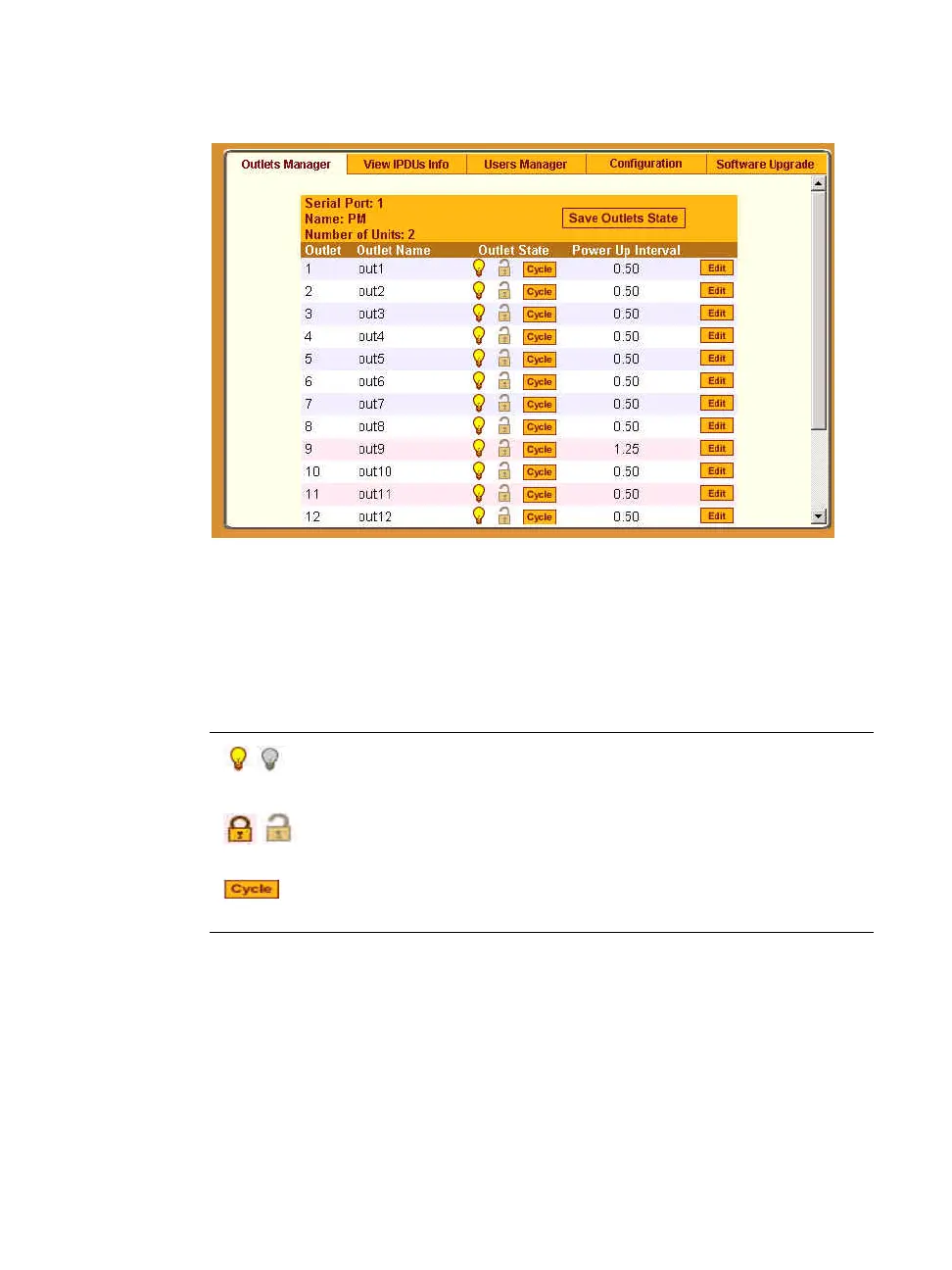
Figure 7-6: Expert > Applications > IPDU Power Mgmt. > Outlets
Manager
The following table illustrates what each icon indicates
Table 7-2: Expert > Outlets Manager Icons Description
In the example below, outlet 1 is switched on and locked and outlet 2 is
switched off and unlocked.
Button Purpose
Yellow bulbs indicate an outlet is switched on.Gray
indicates an outlet is switched off.
An opened padlock indicates that an outlet is unlocked.
A closed padlock indicates that an outlet is locked.
An orange “Cycle” button is active next to each outlet
that is on.



 To Next Page