AlterPath ACS Installation, Administration, and User’s Guide 109
The System Log form displays.
2. From the Facility Number drop-down menu, select the facility number.
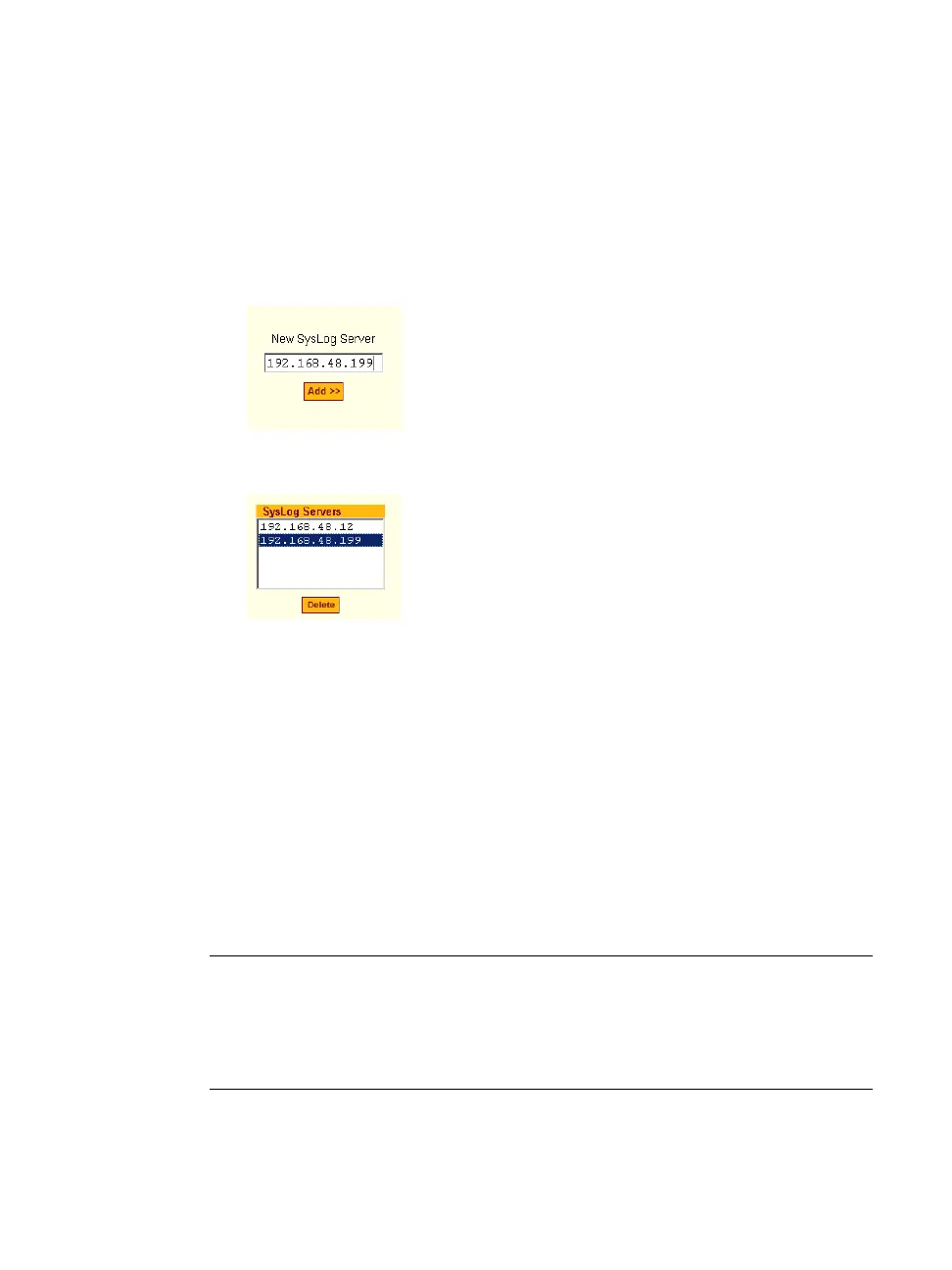
3. In the “New Syslog Server” field, enter the IP address of a syslog server,
and then click the “Add” button. (Repeat this step until all syslog servers
are listed.)
4. The new server(s) appear in the Syslog Servers list.
5. Click “apply changes.”
T To Delete a Syslog Server
1. From the Syslog Server list, select the syslog server that you want to
delete from the current facility location, and then select Delete.
2. Click “apply changes.”
The subsequent chapters shown below describe the Expert configuration
mode in detail, introduces the menu elements in the “Expert” mode, and
describe the underlying procedures.
Table 5-8: ACS Configuration and Expert Menus Chapters
Configuring the ACS in Expert
Mode
Chapter 6, “Configuring the ACS
in Expert Mode
Applications Menu [Expert] Chapter 7, “Applications Menu &
Forms



 To Next Page