Security Menu & Forms
228
T
To Configure a RADIUS Authentication Server
Perform the following procedure to configure a RADIUS authentication
server when ACS or any of its ports are configured to use RADIUS
authentication method or any of its variations (Local/RADIUS, RADIUS/
Local, or RADIUS/DownLocal).
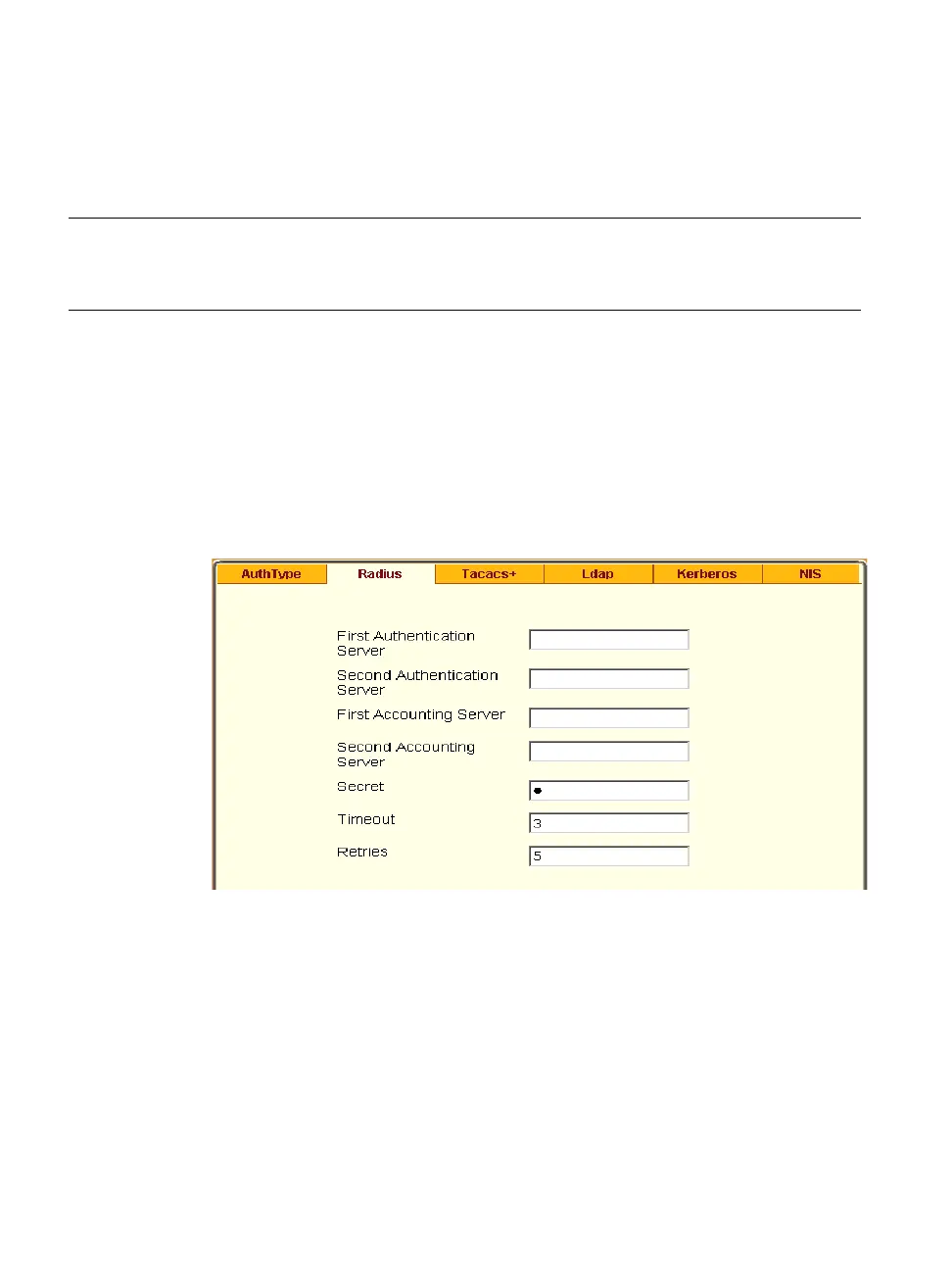
1. Go to Security > Authentication > RADIUS in Expert mode.
The RADIUS form displays as shown in the following figure.
Figure 9-7: Expert > Security > Authentication > Radius
2. Fill in the form according to your local RADIUS server configuration.
3. Click “apply changes.”
The changes are stored in /etc/raddb/server on ACS.
NIS NIS, Local/NIS, NIS/Local, or
NISDownLocal
See “To Configure a NIS
Authentication Server”
on page 235
Table 9-4: Tasks for Setting up Authentication Servers.
Method Variations Procedures



 To Next Page