Applications Menu & Forms
138
T
To Download AlterPath PM Software From Cyclades
You can use this procedure to download software from the Cyclades website.
1. On a computer in the same subnet as the ACS, bring up a browser and go
to the download section of the Cyclades website at:
http://www.cyclades.com/support/downloads.php
2. Find the section on the downloads page for the AlterPath PM, and
compare the latest driver’s version number to the version shown in the
Applications > IPDU Power Mgmt. > Software Upgrade form.
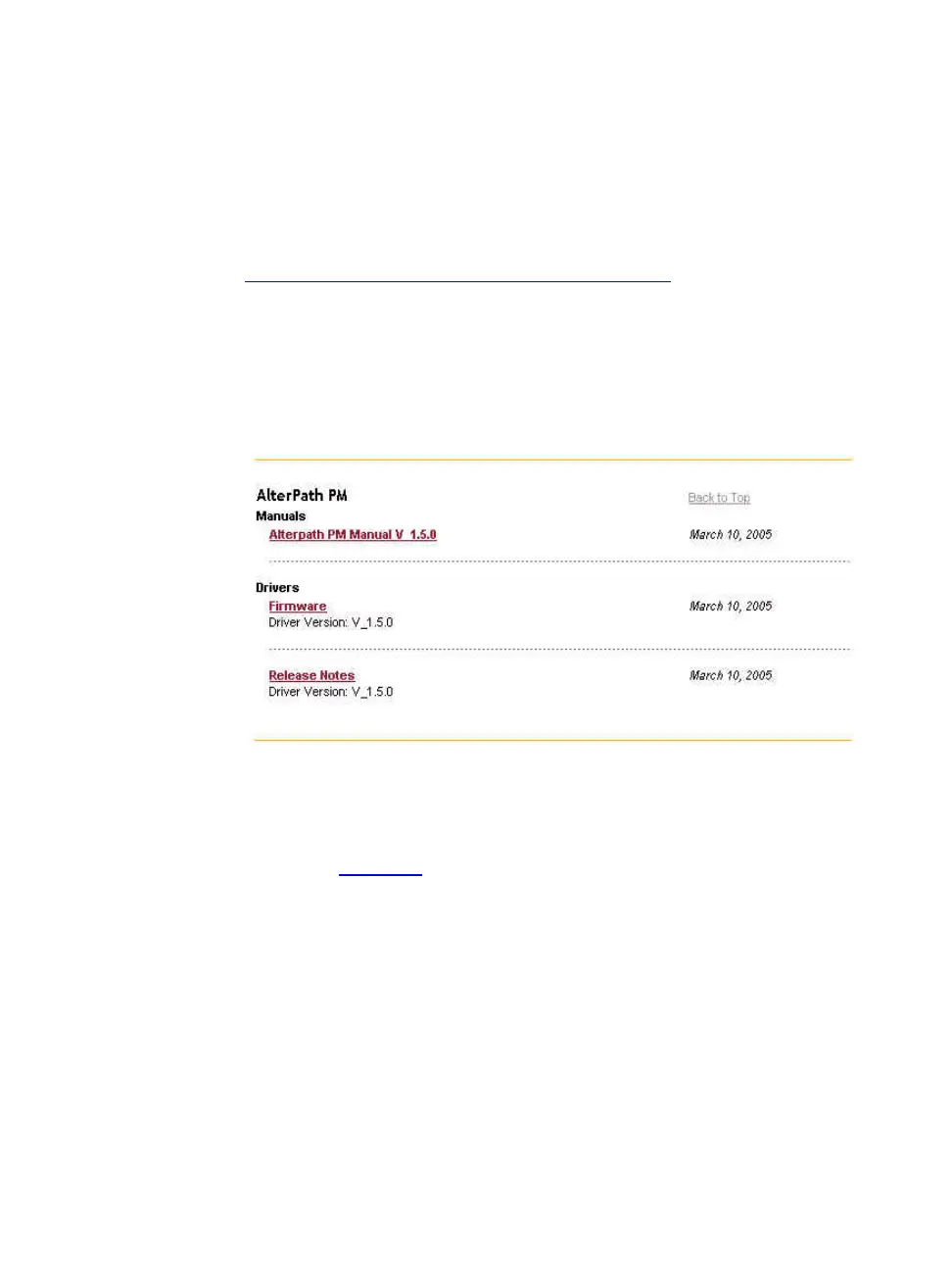
The following example shows the “AlterPath PM” section on the
downloads page.
For example, the version of AlterPath PM firmware in the previous figure
is Software Version: 1.5.0. In this case the software is updated. You would
download it if it is more recent than the version shown on the form.
3. Click the “Firmware
” link.
4. In the version directory, click the name of the binary you want to
download.
For example, pm_150.bin is the name of the version 1.5.0 firmware
file.
5. After the download completes, copy the file to the /tmp folder with the
name pmfirmware.



 To Next Page