AlterPath ACS Installation, Administration, and User’s Guide 229
Group Authorization on RADIUS
Group information retrieval from a RADIUS authentication server adds
another layer of security by adding a network-based authorization. It retrieves
the “group” information from the authentication server and performs an
authorization through ACS. To see the configuration procedures for a
RADIUS authentication server refer to the ACS Command Reference Guide,
Chapter 3, Section 3.4 “Group Authorization”.
T To Configure a TACACS+ Authentication Server
Perform the following procedure to configure a TACACS+ authentication
server when ACS or any of its ports are configured to use TACACS+
authentication method or any of its variations (Local/TACACS+, TACACS+/
Local, or TACACS+/DownLocal).
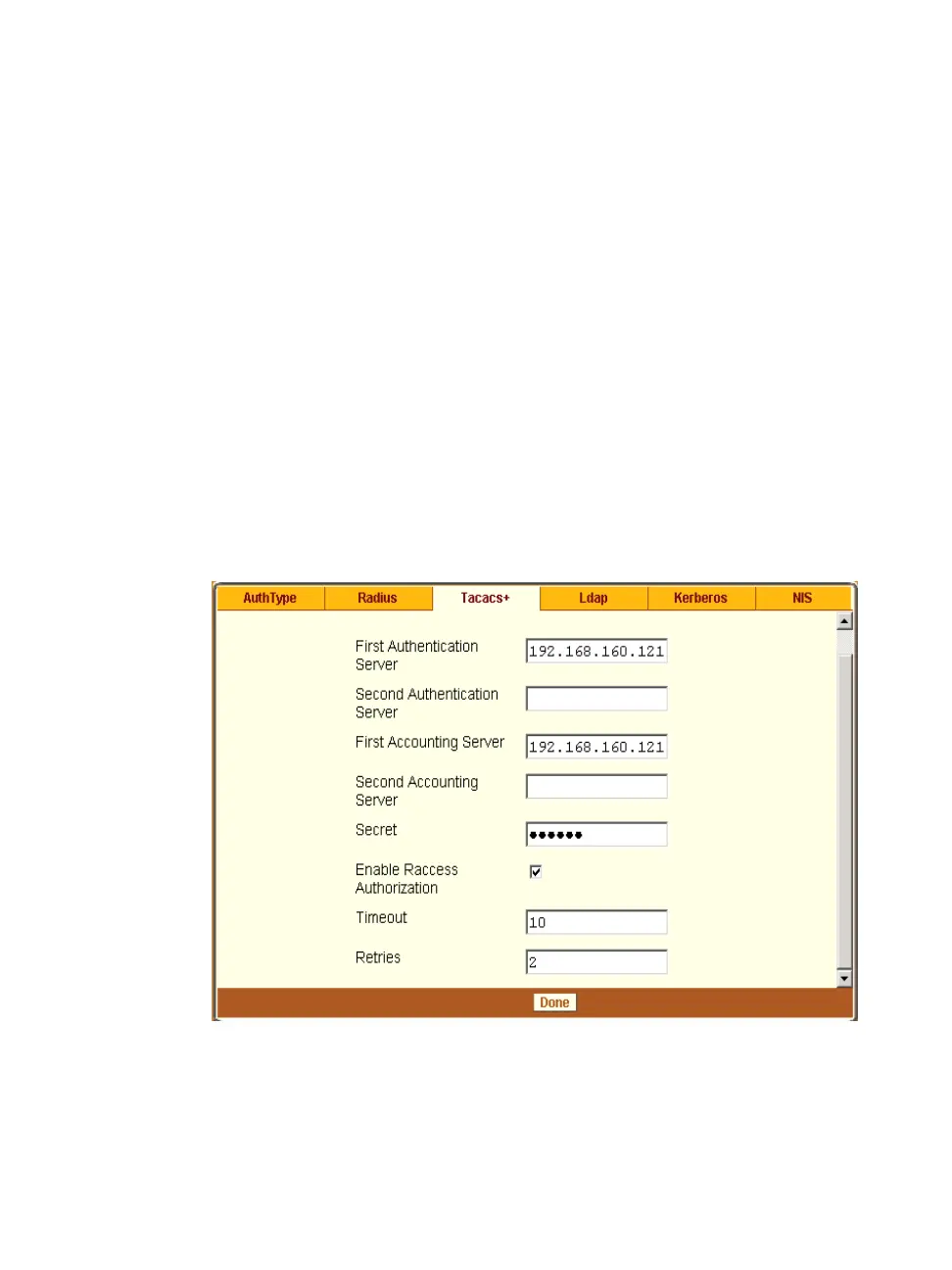
1 Go to Security > Authentication > TACACS+ in Expert mode.
The TACACS+ form appears as shown in the following figure.
Figure 9-8: Expert > Security > Authentication > TACACS+
2 Fill in the form according to your local TACACS+ server configuration.



 To Next Page