Administration Menu & Forms
324
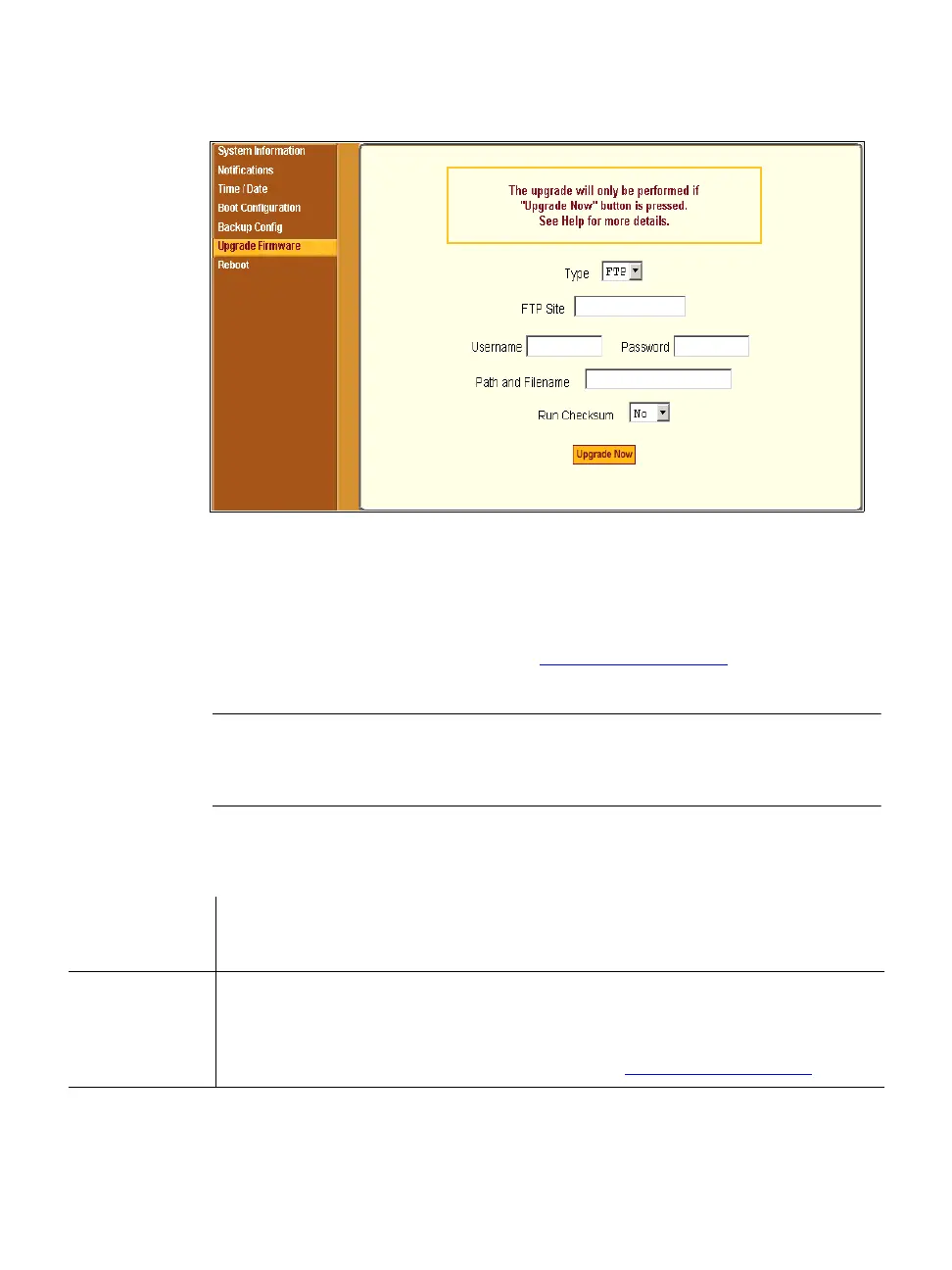
Figure 11-11: Expert > Administration > Upgrade Firmware
You can use this form to configure an automated upgrade of the ACS’s
firmware which includes the Kernel, applications, and configuration files. The
firmware is upgradeable using an FTP server. You can upgrade the firmware
directly through Cyclades’ FTP site at ftp://ftp.cyclades.com
, or download the
new firmware to a local FTP server and upgrade from there.
Note: Check the file name for the upgrade version and read the upgrade instructions
carefully. Distinct procedures are required depending on the version you are
upgrading from.
The following table describes the fields in the “Upgrade Firmware” form.
Table 11-10: Expert > Upgrade Firmware Form Fields
Field/Menu
Name
Definition
Type
FTP is the only supported type.
FTP Site
The URL of the FTP server where the firmware is located. This can be a
local FTP server, or the Cyclades’ FTP site at ftp://ftp.cyclades.com



 To Next Page