Network Menu & Forms
168
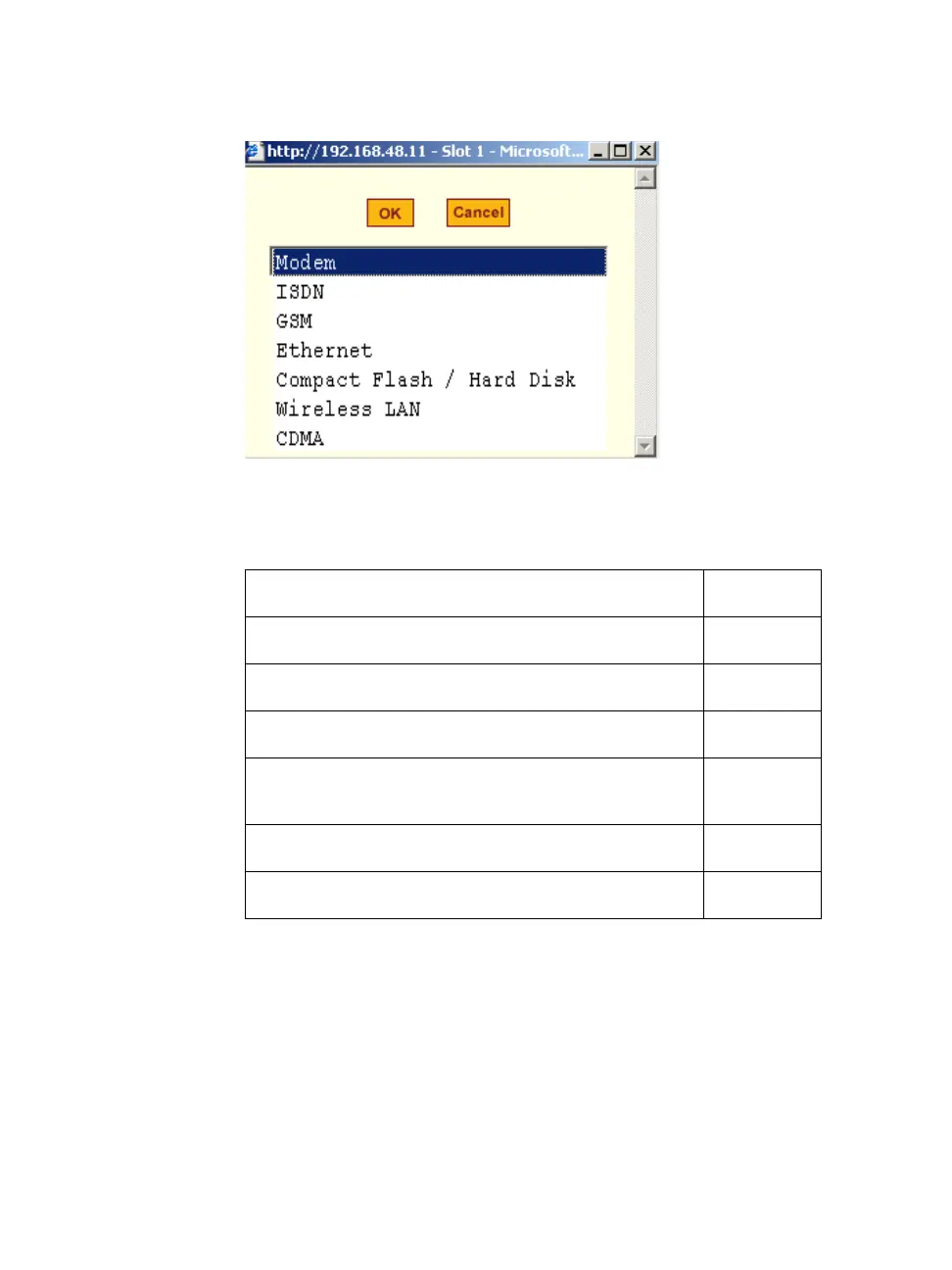
6. Select the desired PCMCIA card type from the pull-down menu.
7. Follow the procedure that corresponds to the type of the PCMCIA card
you have installed.
Configuring a Modem PCMCIA Card
You can use the “PCMCIA Management” form under “Network” to enable a
remote user to call into the ACS through an installed modem PCMCIA card.
When you select Modem from the pull-down menu, the dialog box shown in
the following figure appears.
Configuring a Modem PCMCIA Card
Page 171
Configuring an ISDN PCMCIA Card
Page 172
Configuring a GSM PCMCIA Card
Page 175
Configuring an Ethernet PCMCIA Card
Page 177
Configuring a PCMCIA Compact Flash Card or a
PCMCIA Hard Disk Drive
Page 178
Configuring a Wireless LAN PCMCIA Card
Page 180
Configuring a CDMA PCMCIA Card
Page 182



 To Next Page