AlterPath ACS Installation, Administration, and User’s Guide 167
Network
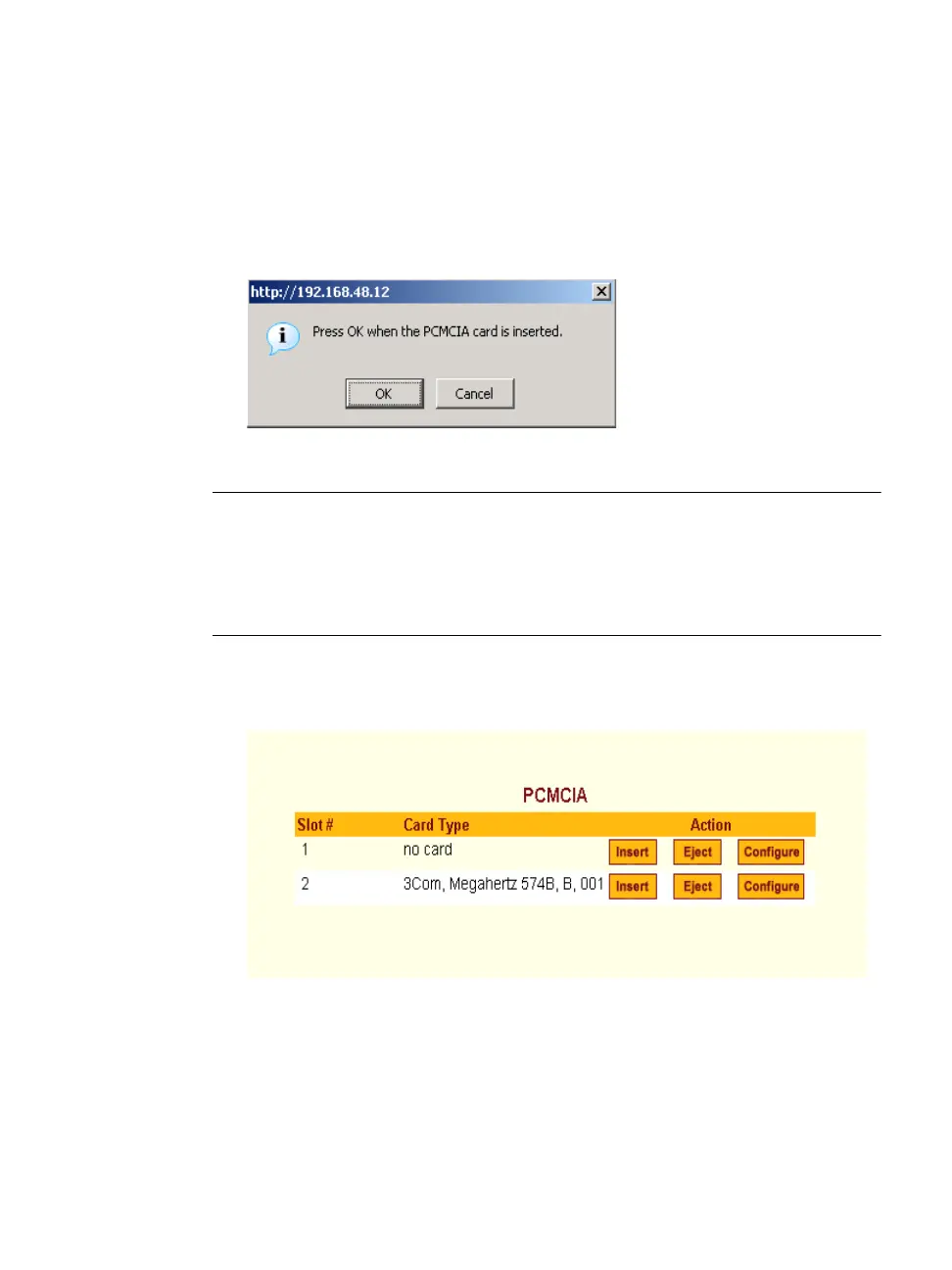
The PCMCIA Management form appears.
2. Insert the card into the PCMCIA slot on the front of the ACS and Click
the “Insert” button for the slot in which you installed the PCMCIA card.
The following dialog box appears.
3. Click OK.
Note: You can insert a card at any time and the corresponding driver should load
automatically. Before removing a card, however, you must use the Web
Manager to eject the card and stop the system from using the card. If you
install an IDE PCMCIA card in a slot, it automatically mounts and no
configuration is necessary through this form.
The card information appears under the “Card Type” column as shown in
the following figure.
4. Click the Configure button.
5. The “Slot” dialog box appears



 To Next Page