AlterPath ACS Installation, Administration, and User’s Guide 65
IPDU Power Mgmt.
View IPDUs Info
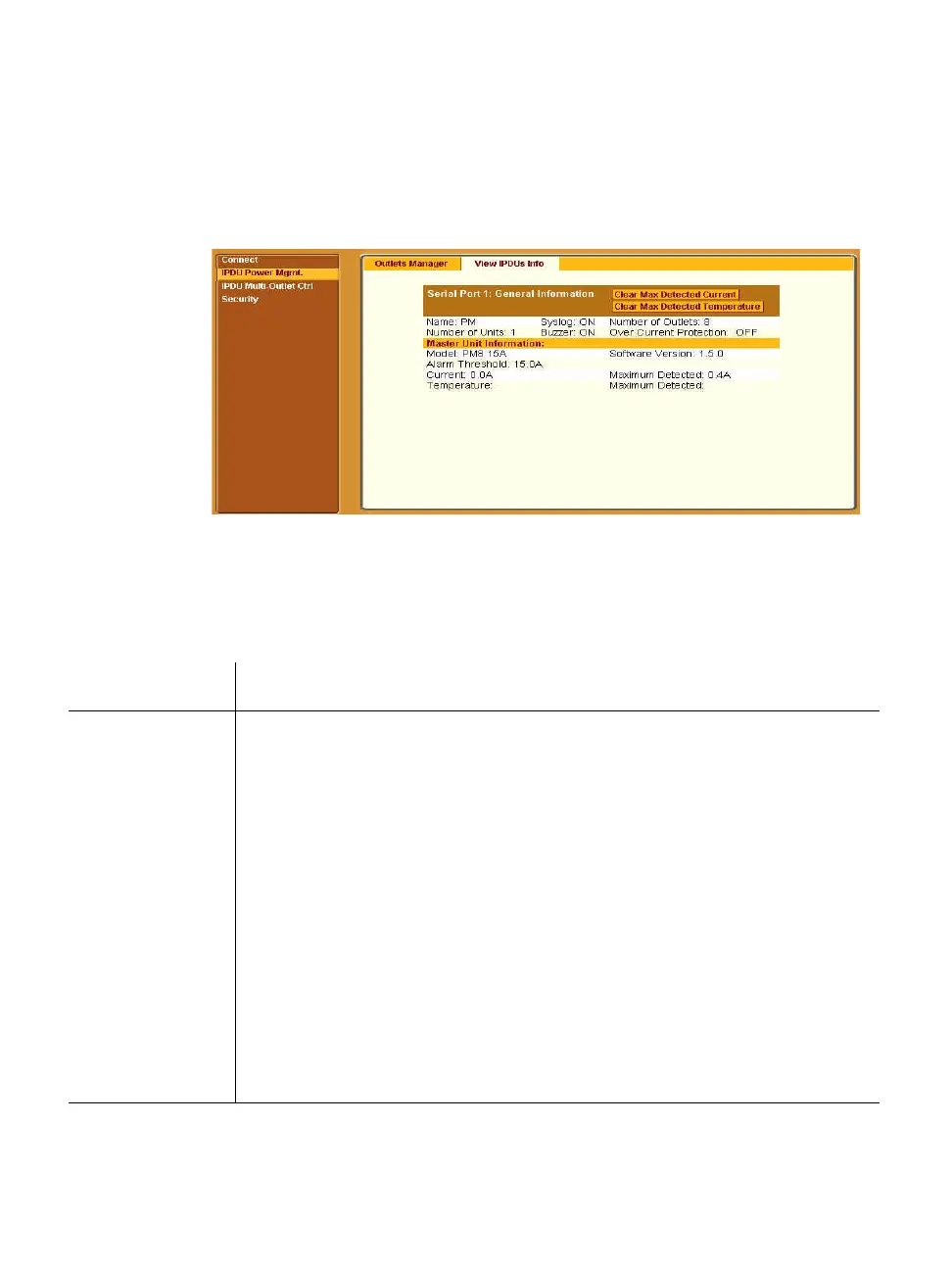
When you go to IPDU Power Mgmt.>View IPDUs Info, the form appears as
shown in the following figure.
Figure 3-8: Regular User > View IPDUs Info
The following information is displayed for each port that is configured for
power management.
Table 3-5: Regular User > Information on the View IPDUs Info Form
Description Example
Name
Either a default name or administrator-configured
name.
PM
Number of
Units
The number of IPDUs connected to the port. The first
IPDU is referred to as the master. Any other IPDUs
daisy-chained off the first IPDU are referred to as
slaves.
1
Syslog
Whether syslogging has been configured for messages
from this IPDU.
ON
Buzzer
Whether a buzzer has been configured to sound when
a specified alarm threshold is exceeded.
ON
Number of
Outlets
Total number of outlets on all connected IPDUs. 8



 To Next Page