Applications Menu & Forms
134
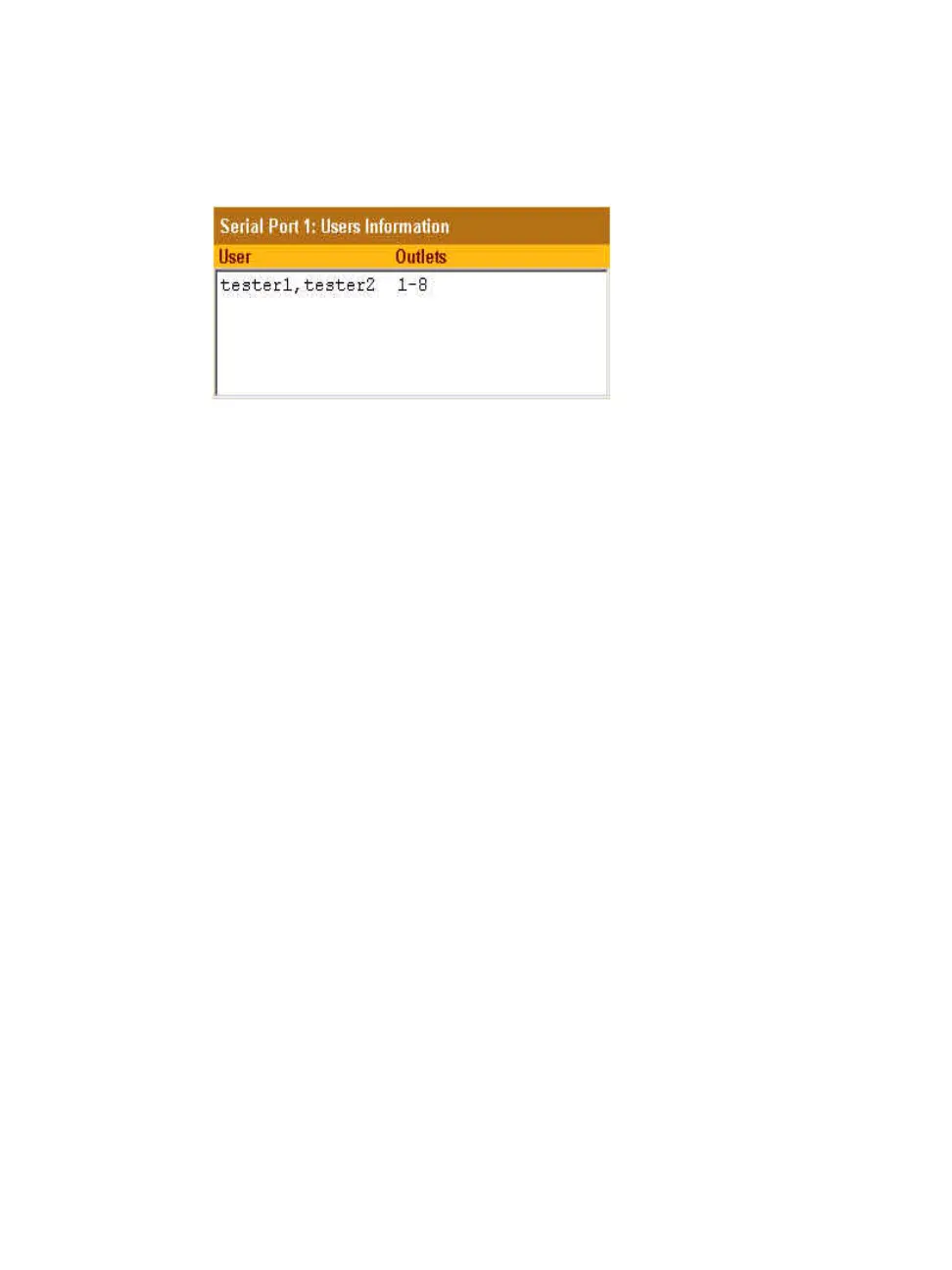
When a user is added, their name is added to the list on the Users Manager
form, as shown in the following figure.
T To Configure Users to Manage Power Outlets on IPDUs
1. Go to Applications > IPDU Power Mgmt. > Users Manager.
The “Users Manager” form appears.
2. To disable a user’s ability to manage power, select the user name from the
Users Information list and then click “Delete.”
3. To edit a user, select the user name from the Users Information list and
then click “Edit.”
The “Add/Edit User x Outlets” dialog box appears.
4. To add a new user, click “Add.”
The “Add/Edit User x Outlets” dialog box appears.
5. In the “Add/Edit User x Outlets” dialog box, do the following as
appropriate.
a. Enter the user name in the “User” field.
b. Enter or modify the numbers of the outlets to which the user is
assigned in the “Outlets” field.
Use a comma to separate outlet numbers, and use a hyphen to indicate
a range of outlets (for example: 1, 3, 4, 6-8).
6. Click OK.
The Users Information list displays the changes.
7. Click “apply changes.”



 To Next Page