AlterPath ACS Installation, Administration, and User’s Guide 91
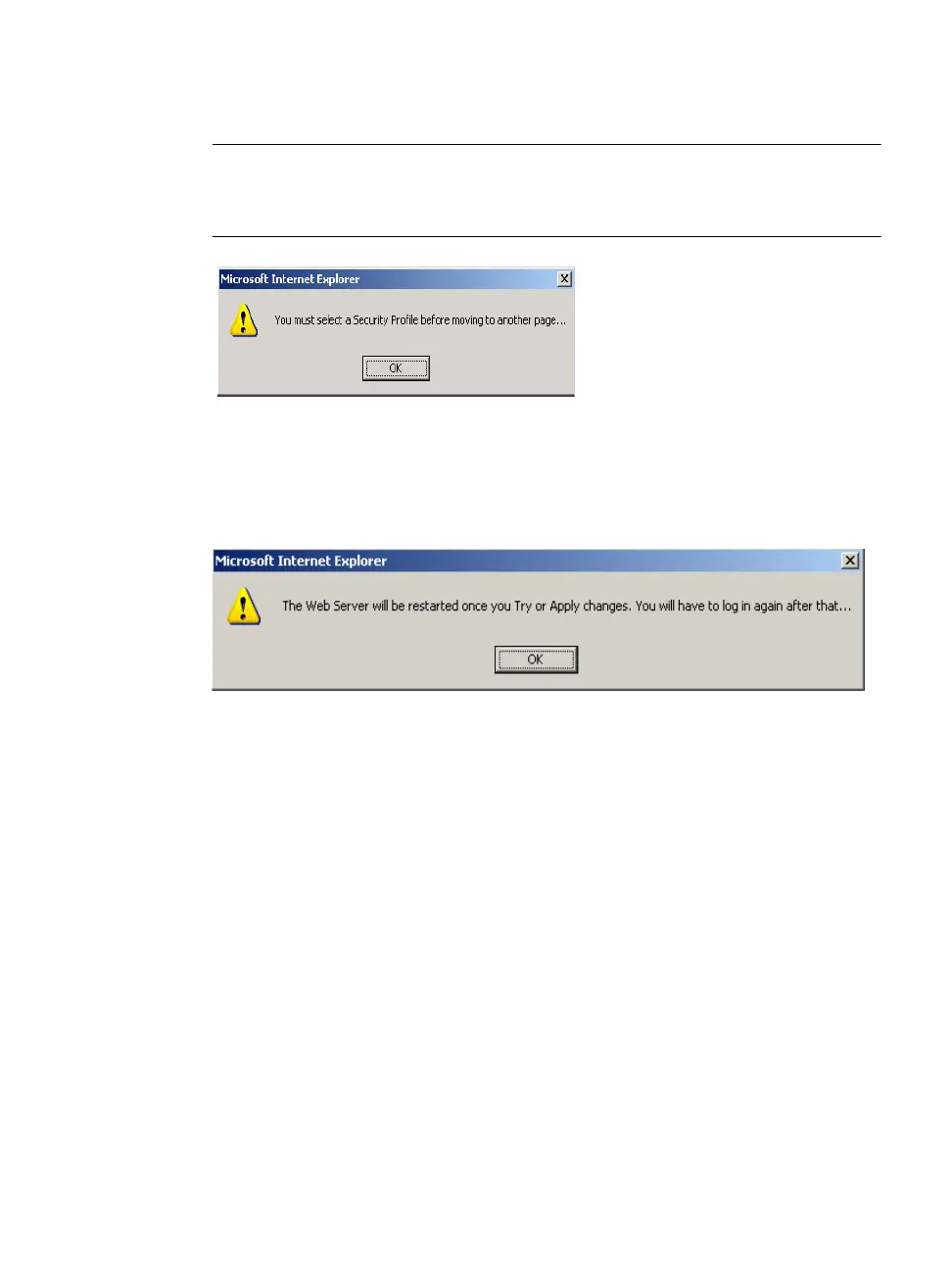
Note: It is not possible to continue working in the Web Manager without selecting a
Security Profile. The following dialog box appears if you try to navigate to
other sections of the Web Manager.
5. Once you select a security profile or configure a custom profile and apply
the changes, the ACS Web Manager restarts in order for the changes to
take effect.
The following dialog box appears.
6. Select “apply changes” to save the configuration to Flash.
ACS Web Manager restarts.
7. Login after Web Manager restarts and click on the “Wizard” button to
switch to Wizard mode.
8. Proceed to “Step 2: Network Settings”.
Step 2: Network Settings
Selecting "Step 2: Network Settings” brings up a form for reconfiguring
existing network settings. During initial setup of the ACS, the administrator
configures the basic network settings that were required to enable logins
through the Web Manager. You can skip this step if the current settings are
correct.



 To Next Page