Network Menu & Forms
200
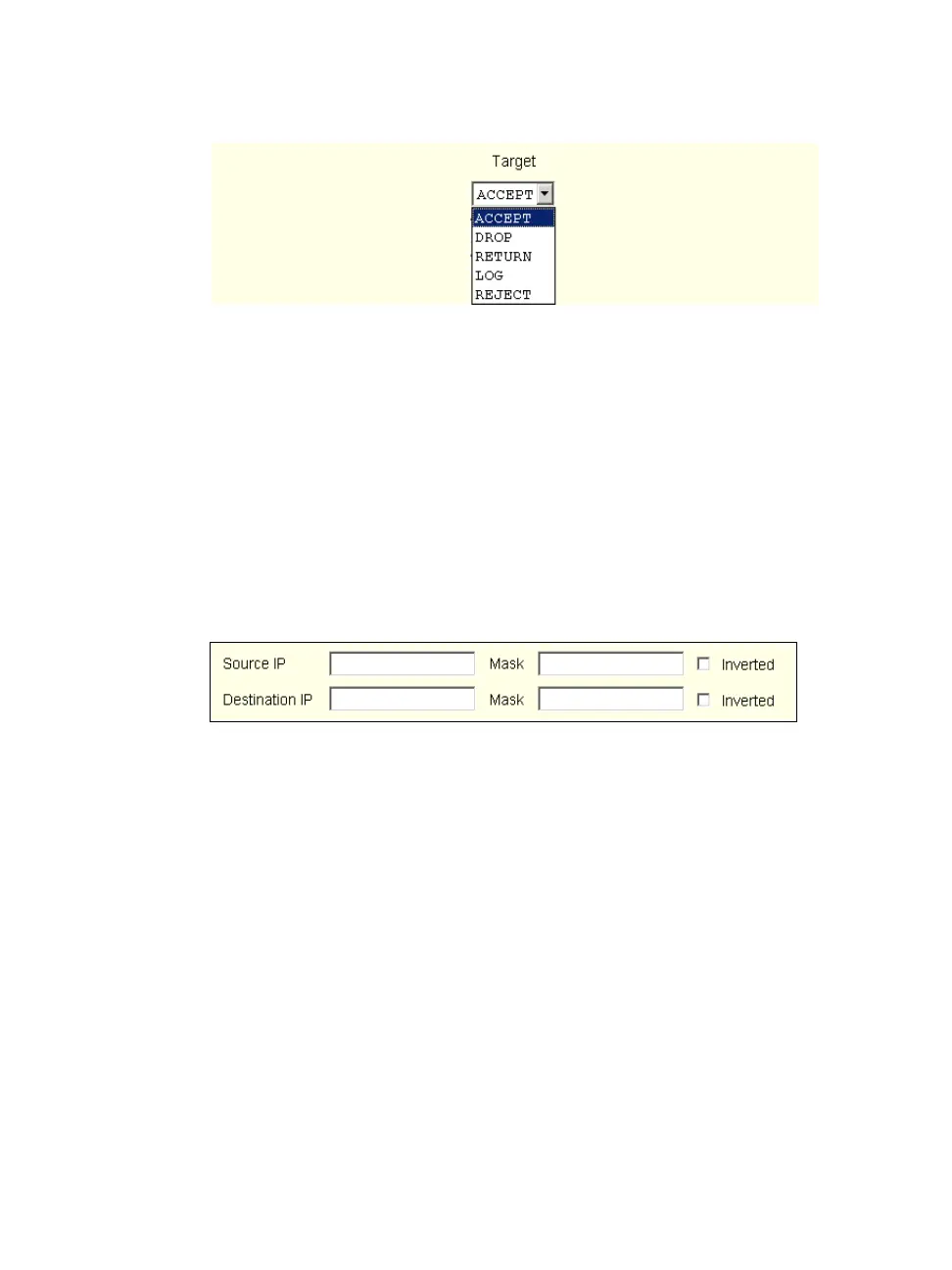
Figure 8-29:Firewall Configuration “Add Rule” and “Edit Rule” Target
Menu Options
Source or Destination IP and Mask
If you add a value in the “Source IP” field, incoming packets are filtered for
the specified IP address, and if you add a value in the “Destination IP” field,
outgoing packets are filtered for the specified IP address. A value in the
“Mask” field, means incoming or outgoing packets are filtered for IP
addresses from the network in the specified subnet.
The source and destination IP and related fields are shown in the following
figure.
Figure 8-30:Firewall Configuration “Add Rule” and “Edit Rule” Source and
Destination IP and Mask Fields
Protocol
You can select a protocol for filtering. The “Protocol” pull-down menu is
shown in the following figure.



 To Next Page