Security Menu & Forms
234
The “New/Modify Host” dialog appears.
ii. Enter the address in the “IP Address” field.
iii. Enter the name in the “Name” field.
iv. Enter an optional alias in the “Alias” field.
2. Make sure that time, date, and timezone settings are synchronized on the
ACS and on the Kerberos server.
Note: Kerberos authentication depends on time synchronization. Time and date
synchronization can be achieved by setting both ACS and the Kerberos server
to use the same NTP server.
a. To specify an NTP server, see “To Configure Time and Date Using an
NTP Server” on page 316.
b. To manually set the time and date on the ACS, see “To Manually Set
the Time and Date” on page 316.
c. Work with the Kerberos authentication server administrator to
synchronize the time and date between ACS and the Kerberos server.
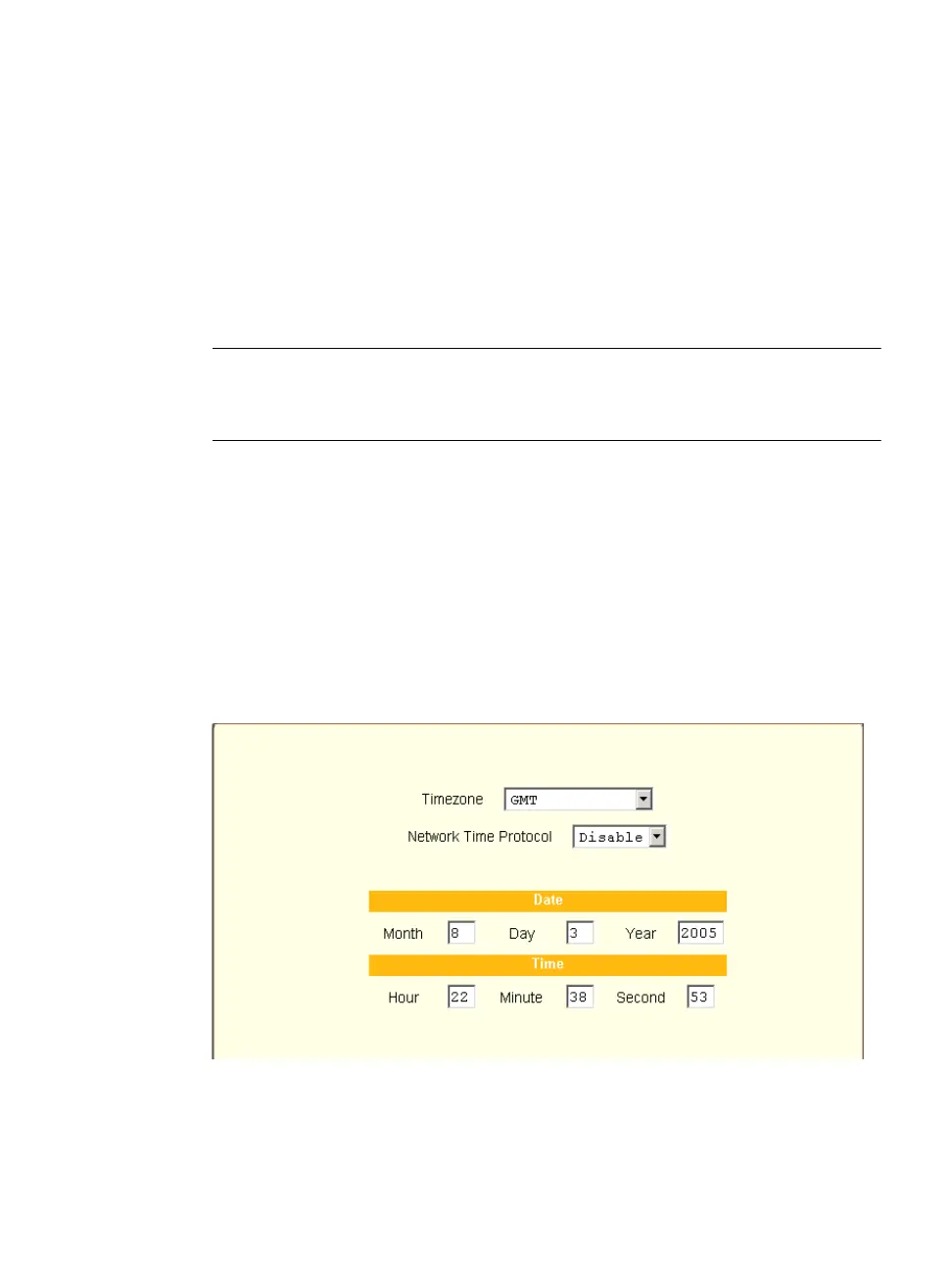
3. Set the timezone on ACS by going to Administration > Time/Date in
Expert mode as per the following figure. The default is GMT.
Figure 9-10: Expert > Administration > Time/Date



 To Next Page