AlterPath ACS Installation, Administration, and User’s Guide 81
Overview of Administrative Modes
menu bar in the Expert Mode to support more detailed and customized
configuration.
In Expert mode the top menu bar contains the primary commands, and the left
menu panel contains the secondary commands. Based on what you select from
the top menu bar, the left menu selections will change accordingly.
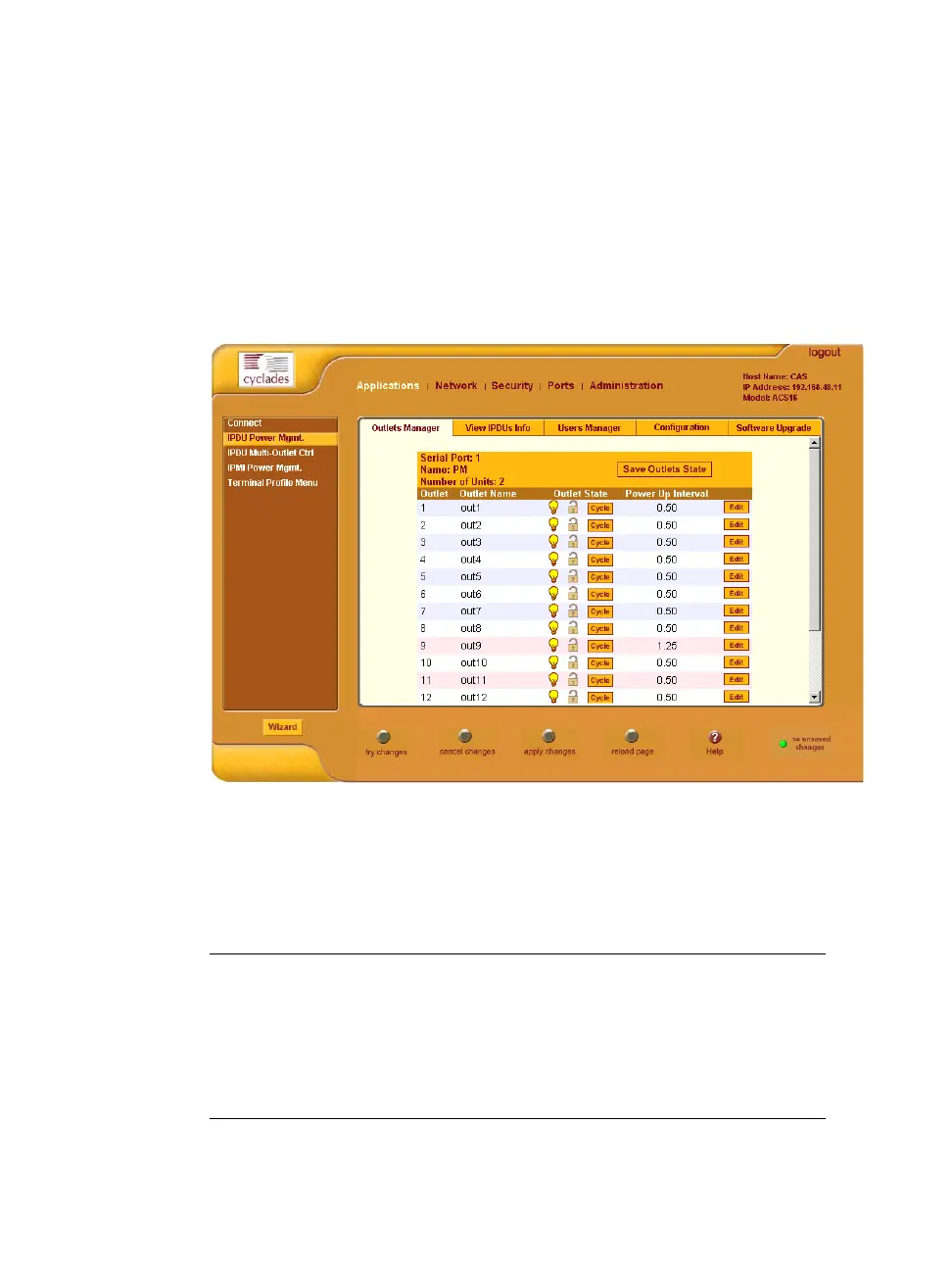
Occasionally, an Expert Mode menu selection has multiple forms, which are
identified by tabs such as the one shown in Figure 4-6.
Figure 4-6: Example of Web Manager Form in Expert Mode
The subsequent chapters shown below describe the Wizard and Expert
configuration modes in detail, introduces the menu elements in the “Expert”
mode, and describe the underlying procedures.
Table 4-5: Administrator > ACS Configuration and Expert Menus Chapters
Configuring the ACS in Wizard Mode Chapter 5
Configuring the ACS in Expert Mode Chapter 6
Applications Menu [Expert] Chapter 7
Network Menu [Expert] Chapter 8



 To Next Page