Applications Menu & Forms
146
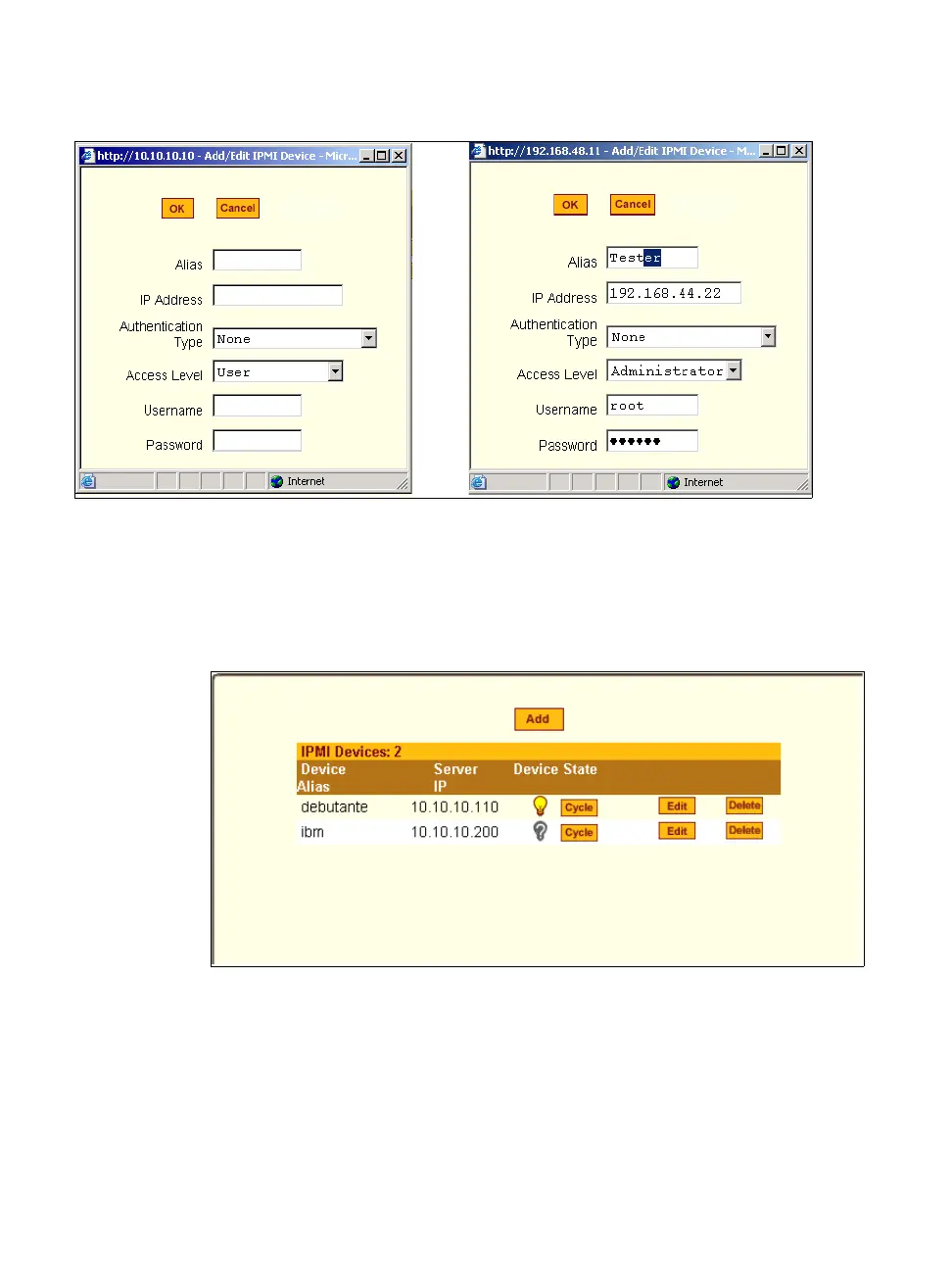
Figure 7-18:Expert > IPMI Power Mgmt. “Add/Edit IPMI Device” Dialog
Boxes
After you fill out the fields or make changes and save the changes, the device
is added to the IPMI Devices list or the configuration for the device is
changed. The following figure shows an entry for an IPMI server.
Figure 7-19:Expert > IPMI Power Mgmt. Device Entry Example
Once an IP address for a device is added to the list of IPMI devices on this
form, any user authorized for power management can turn power on and off
and cycle power for the IPMI device through the Web Manager. Also, users



 To Next Page