Configuring ACS in Wizard Mode
92
In preparation to configure network settings collect the following information
and proceed with the network configuration procedure.
•Hostname
• An IP address for ACS
• Domain name
• DNS server’s IP address
• Gateway IP address
• Network mask
• NTP server’s IP address (if you are using a time/date server)
In Expert mode, under Network menu, you can specify additional networking-
related information and perform other advanced configuration tasks.
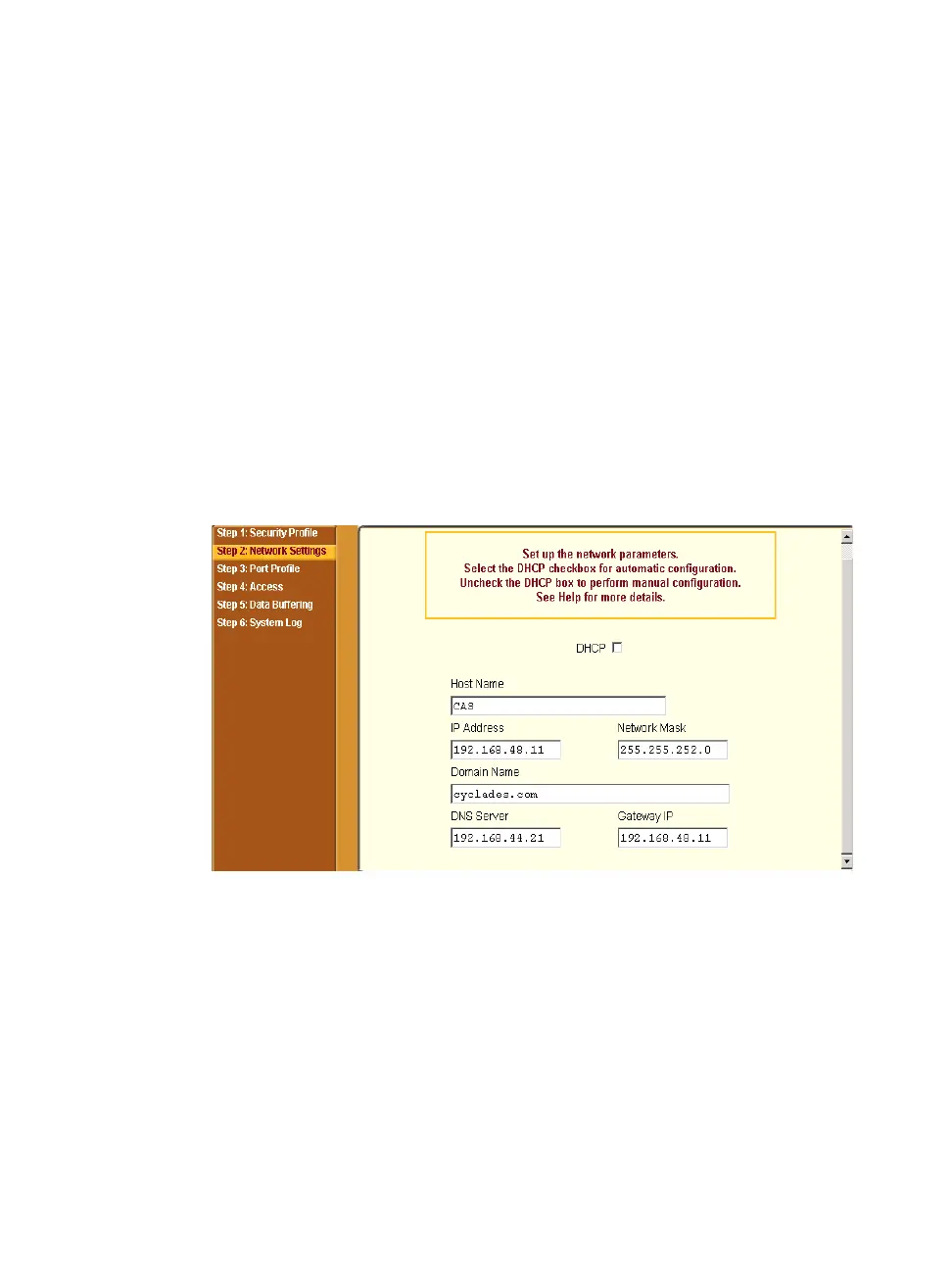
If the “DHCP” is disabled, the form appears as shown in the following figure.
Figure 5-6: Wizard > Step 2: Network Settings - DHCP disabled.
If the “DHCP” is enabled, the form appears as shown in the following figure.



 To Next Page