AlterPath ACS Installation, Administration, and User’s Guide 211
Network
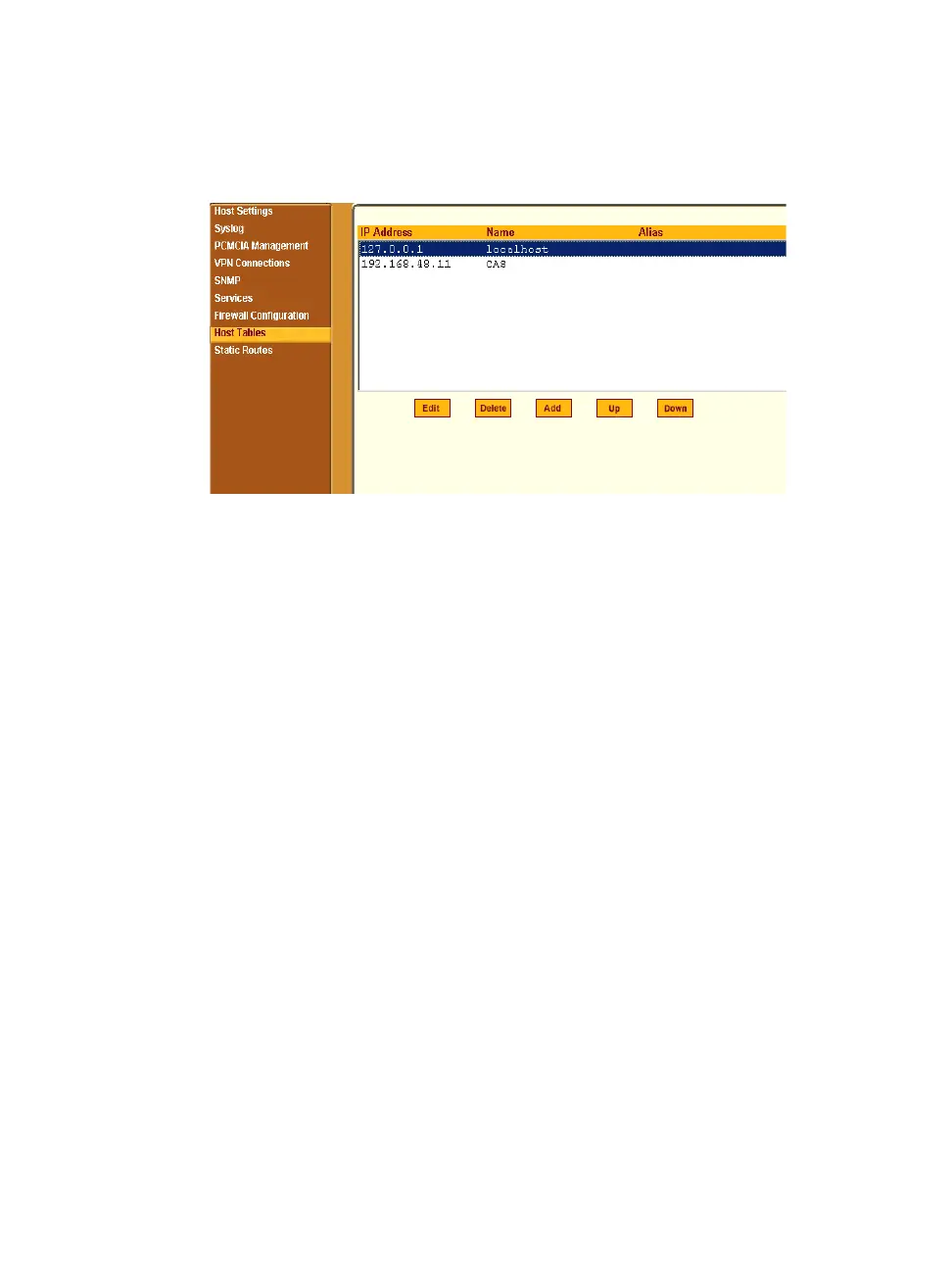
Selecting Network > Host Tables brings up the form shown in the following
figure.
Figure 8-39: Expert > Network > Host Tables
T To Define the ACS’s IP Address and Hostname
1. Go to Network > Host Tables
The Host Tables form appears.
2. To edit a host, select the host IP address from the list and click the “Edit”
button. (You can use the “Up” and “Down” buttons to navigate through
the list.)
3. To add a host, click the “Add” button.
The “host table” dialog box appears.
4. Enter the new or modified host address in the “IP Address field,” and the
host name in the “Name” field, and then click “OK.”
5. To delete a host, select the host you wish to delete and click “Delete.”
6. Click “apply changes.”
Static Routes
The Static Routes form allows you to manually add routes. The Routing Table
defines which interface should transmit an IP packet based on destination IP
information. Static routes are a quick and effective way to route data from one
subnet to another.



 To Next Page