AlterPath ACS Installation, Administration, and User’s Guide 283
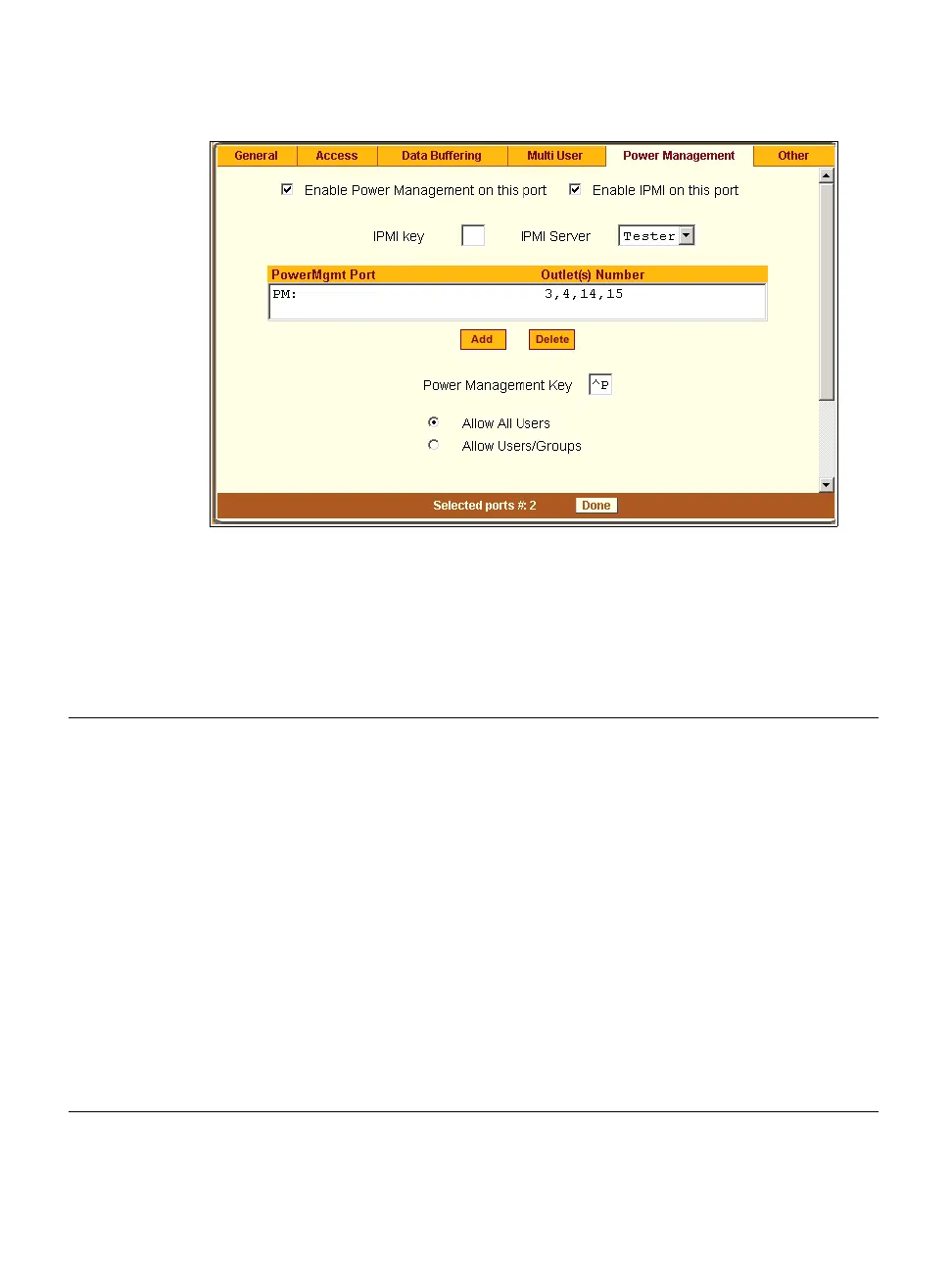
Figure 10-27: Expert > Ports > Physical Ports > Power Management
The following table describes the available fields in the power management
form.
Table 10-11: Expert > Power Management Form Fields
Field Name Definition
Enable Power Management
on this Port
Check mark to enable Power Management on the the
selected port(s).
Enable IPMI on this port
Check mark to enable IPMI on the selected port(s).
IPMI Key (available only if IPMI
is enabled)
The key sequence which the authorized user(s) can use
to perform IPMI power management.
The default for IPMI power management is Ctrl+Shift+i
(^I)
IPMI Server (available only if
IPMI is enabled)
Select the device configured for IPMI power
management.
PowerMgmt Port
View listbox for the PM enabled ports and the assigned
outlet numbers.



 To Next Page