Ports Menu & Forms
250
tabs
Figure 10-3: Expert > Ports > Physical Ports > “Modify .... Ports ”
Tab Options
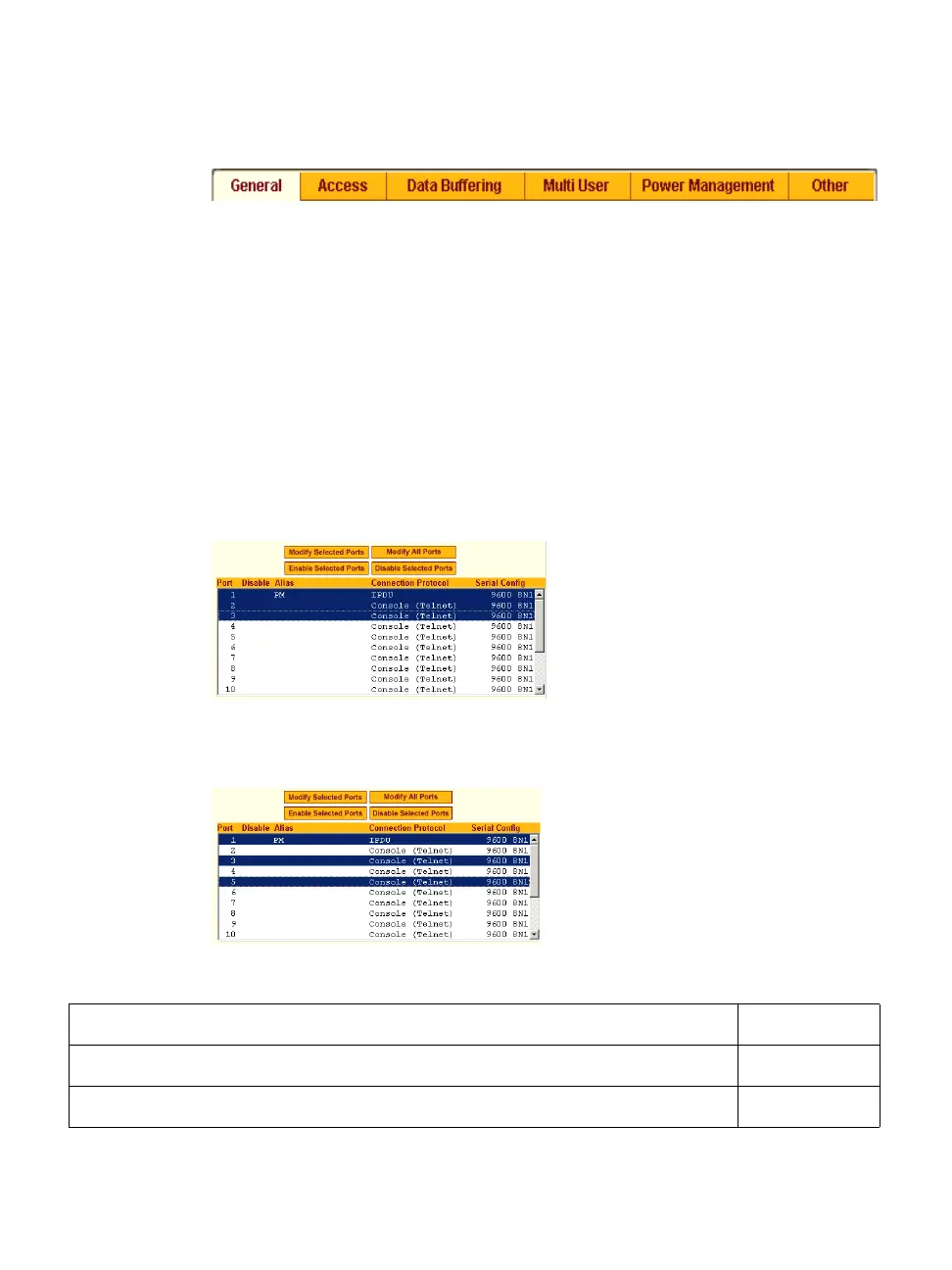
T To Select One or More Serial Ports
1 Go to Ports > Physical Ports in Expert mode
The Physical Ports form appears.
2 To select a port or ports, do one of the following steps.
• To select a single port, click the port.
• To select multiple ports in a range, click the first port in the list and
then hold down the Shift key while selecting another port or ports.
• To select multiple ports that are not in a range, click the first port in
the list, and then hold down the Ctrl key while selecting another port.
3 Go to the desired procedure from the following list.
To Configure a Serial Port Connection Protocol for a Console Connection Page 256
To Configure User Access to Serial Ports Page 271
To Configure Data Buffering for Serial Ports Page 277



 To Next Page