Applications Menu & Forms
152
T
To enable IPMI Power Management of an IPMI device
connected to the currently-selected port
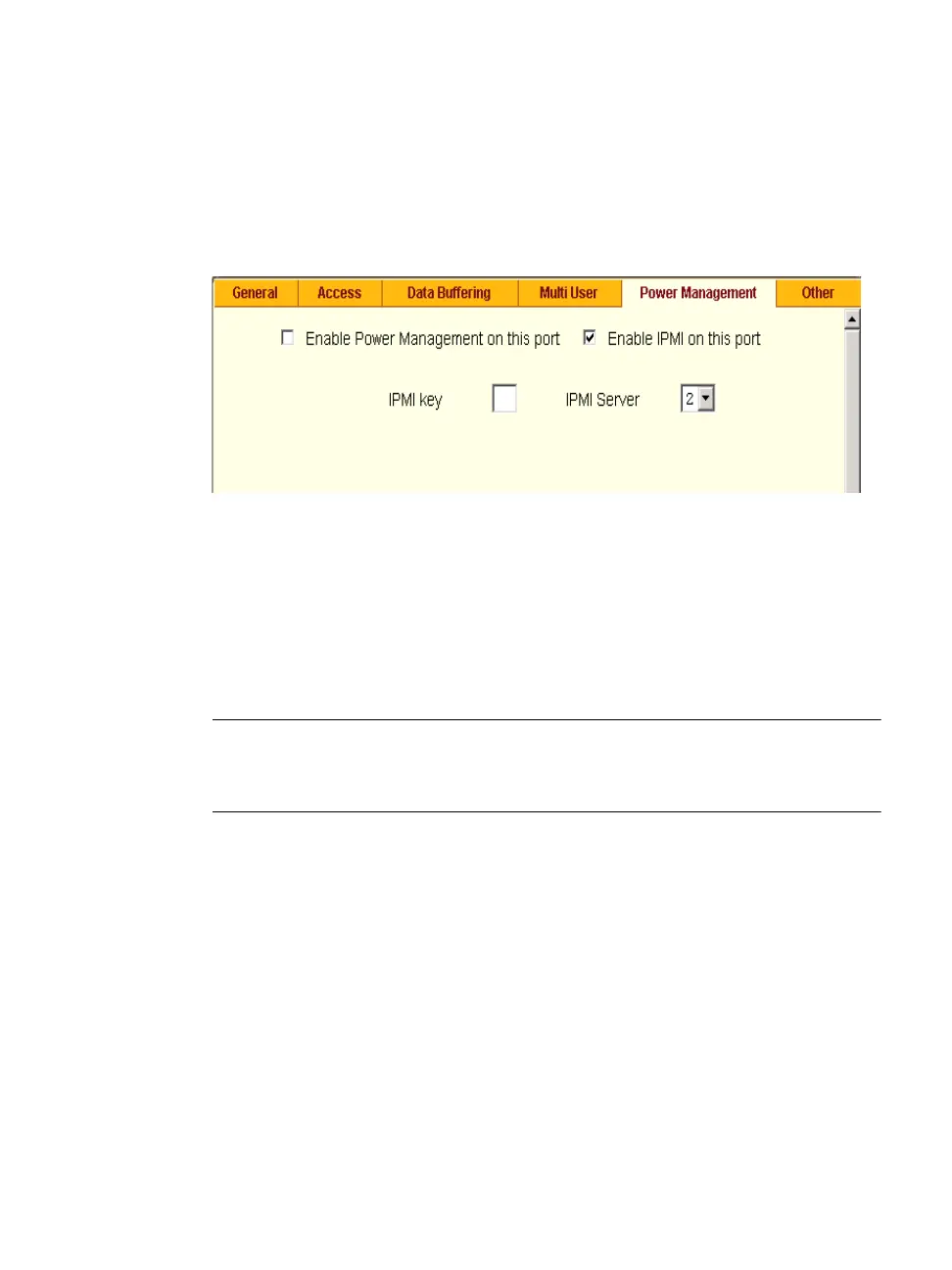
1. Check the checkbox next to “Enable IPMI on this port.”
The “IPMI key” and “IPMI Server” fields appear.
Figure 7-23: Expert > Serial Port > Power Management > Enable IPMI
2. Enter an IPMI hot key.
A user of the device connected to this serial port can use this hot key to
bring up the IPMI power management screen while connected to the port.
Enter the key combination in the IPMI key field with ^, as in ^I. The
caret (^) stands for the Ctrl key.
Note: The default IPMI hot key is “^I”.
The hexadecimal code for the <Ctrl-I> is the
same as the keyboard’s <Tab> key. You can choose to change the default IPMI
hotkey.
3. Select the name of the previously-added IPMI device from the “IPMI
Server” pull-down menu.
4. Click “Done.”
5. Click “apply changes.”
Terminal Profile Menu
On the “Terminal Profile Menu” form under Applications, you can define a
terminal command menu. This menu is used if a terminal is connected to one
of the serial ports and is configured as a local terminal. A computer terminal



 To Next Page