Security Menu & Forms
240
Serial Port Settings and Security Profiles
All serial ports on ACS units shipped from the factory are disabled by default.
The administrator can enable ports individually or collectively and assign
specific users to individual ports.
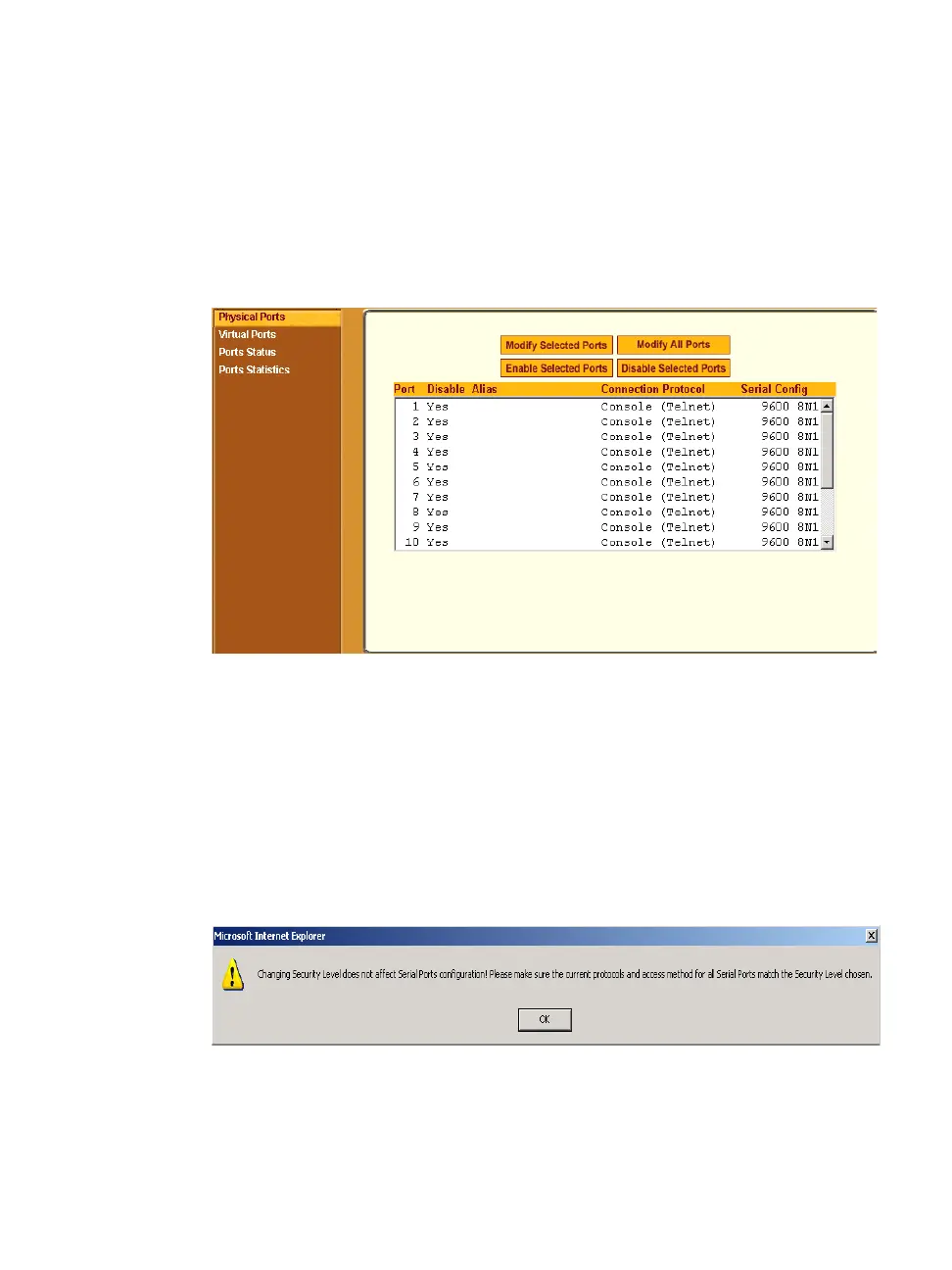
The following figure shows the default factory settings of serial ports.
Figure 9-14: Expert > Physical Ports Default Factory Settings
The following situations apply to serial ports when you modify or change a
security profile.
• If you reconfigure the security profile and restart the Web manager, you
need to make sure the serial ports protocols and access methods match the
selected security profile.
The following reminder dialog box appears when you access Ports in
Expert mode.
Figure 9-15:Security Profile and Serial Ports Configuration Alert



 To Next Page