Ports Menu & Forms
266
5. Select an access method to the IPDU from the “Allow Access by” drop-
down menu. The options are SSH, Telnet, or SSH and Telnet. Selecting an
access option activates the “Access” and “Other” tabs.
6. Go to “Access” tab.
a. enter the users/groups that are authorized to access the serial port.
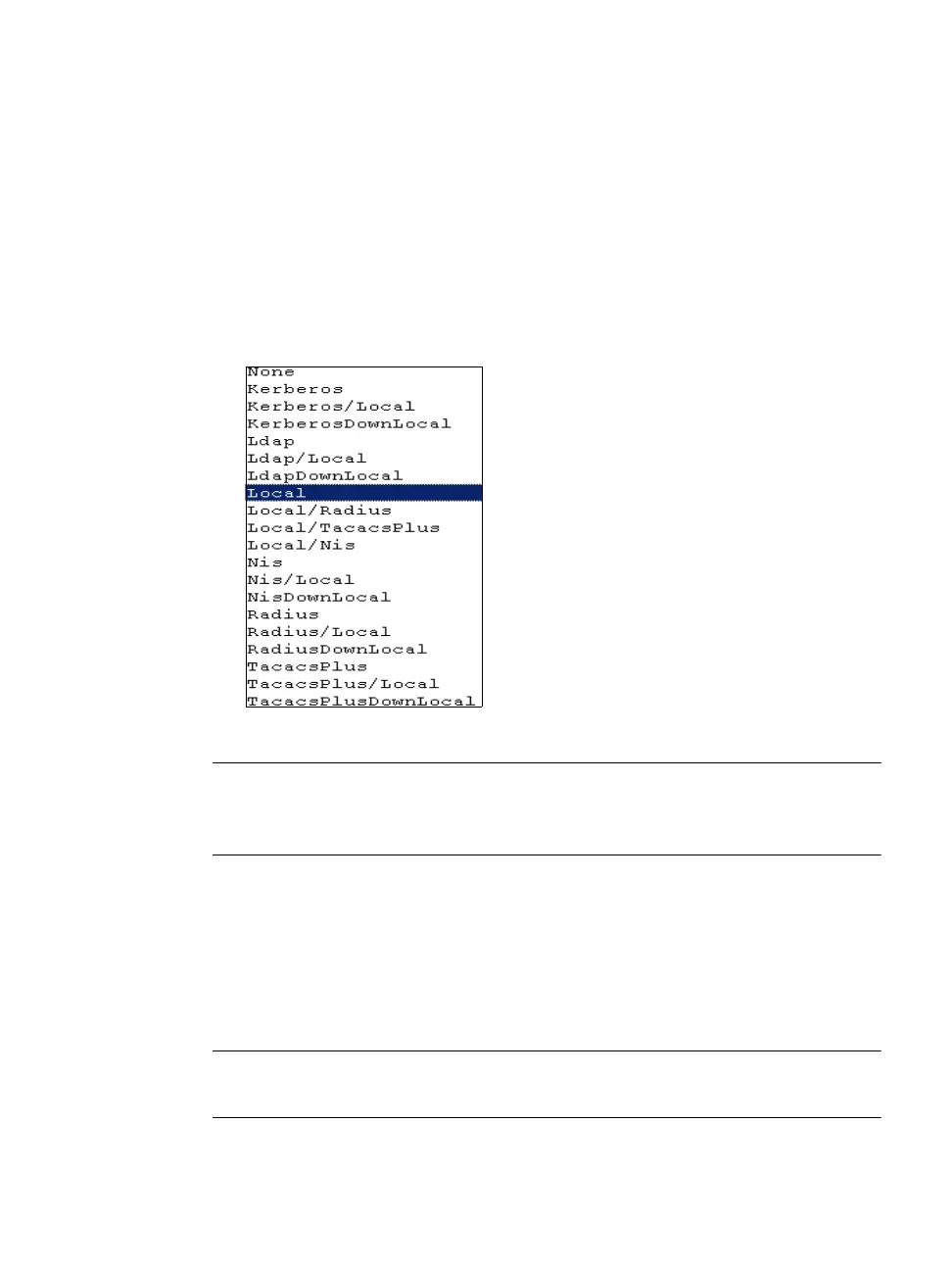
b. Select an authentication type for the serial port from the pull-down
menu.
Figure 10-20: Access > Authentication Types
Note: Authentication type “None” is not a valid option when the serial port is
configured for Power Management connection protocol. The system defaults
to “Local” if no authentication type is selected.
7. Go to “Other” tab.
a. A default TCP port number is displayed in the “TCP Port” field. Enter
an alternate port number if you are overriding the default.
b. Enable “Biometric Authentication Required” if you are using an
AlterPath Bio device.
Note: “Biometric Authentication Required” field is available when the selected
access method is SSH or SSH and Telnet.



 To Next Page