Applications Menu & Forms
142
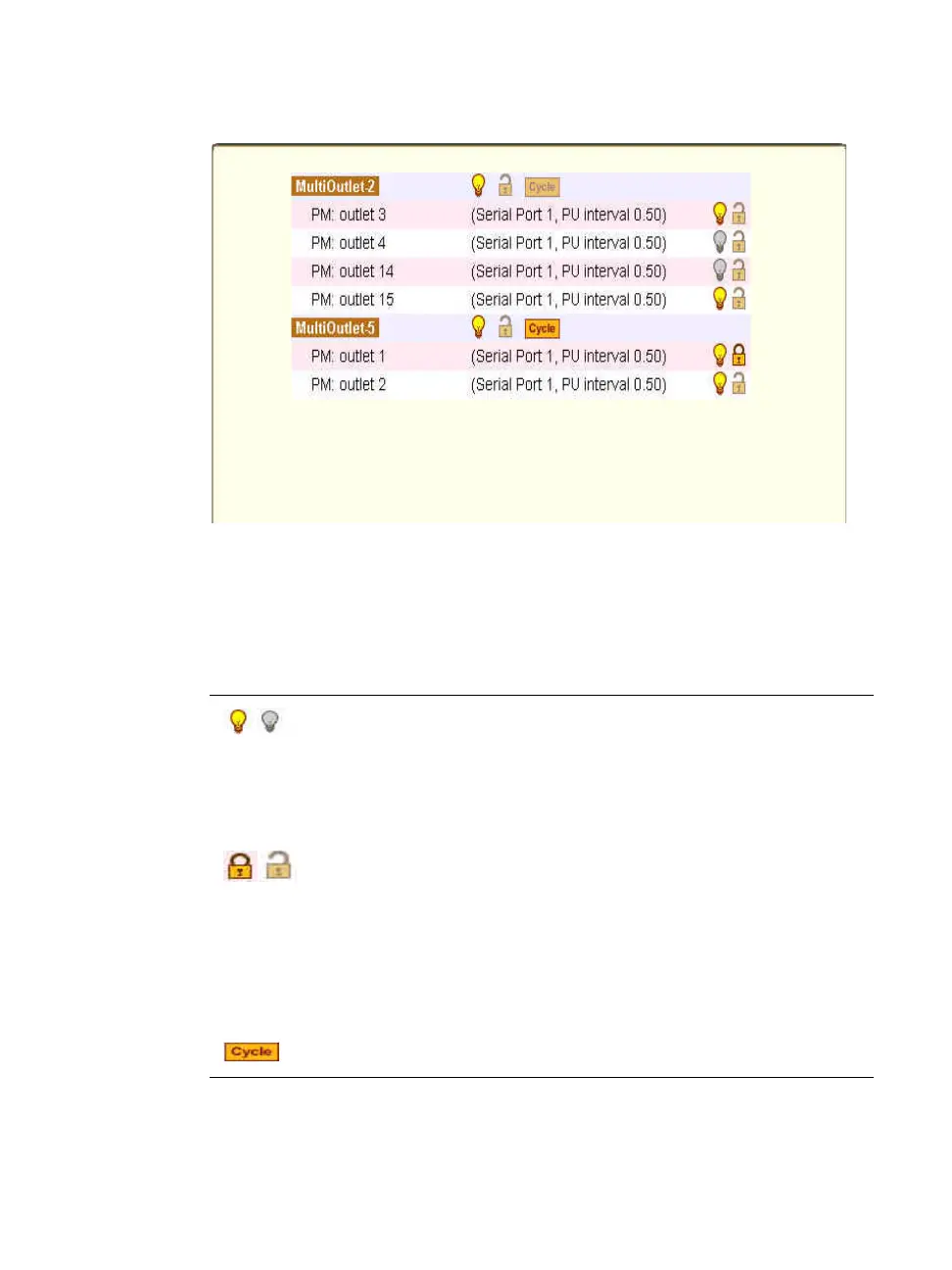
Figure 7-16: Expert > Applications > Multi-Outlet Control Icons
The icons in the first line of each group are described in the following table.
Table 7-5: Expert > IPDU Multi-Outlet Ctrl form icons
Button Purpose
A grey light bulb icon indicates that the group is off.
A yellow light bulb indicates that the group is on.
Clicking the light bulb icon once changes the power
status of all of the outlets in the group.
A grey and open lock icon indicates that the outlets are
unlocked and can be powered on or off.
A full-color, closed lock icon indicates that the outlet is
locked and cannot be turned on or off.
Clicking the lock icon once changes the lock status of
all of the icons in the group.
Turn power briefly off and then on again



 To Next Page