AlterPath ACS Installation, Administration, and User’s Guide 209
Network
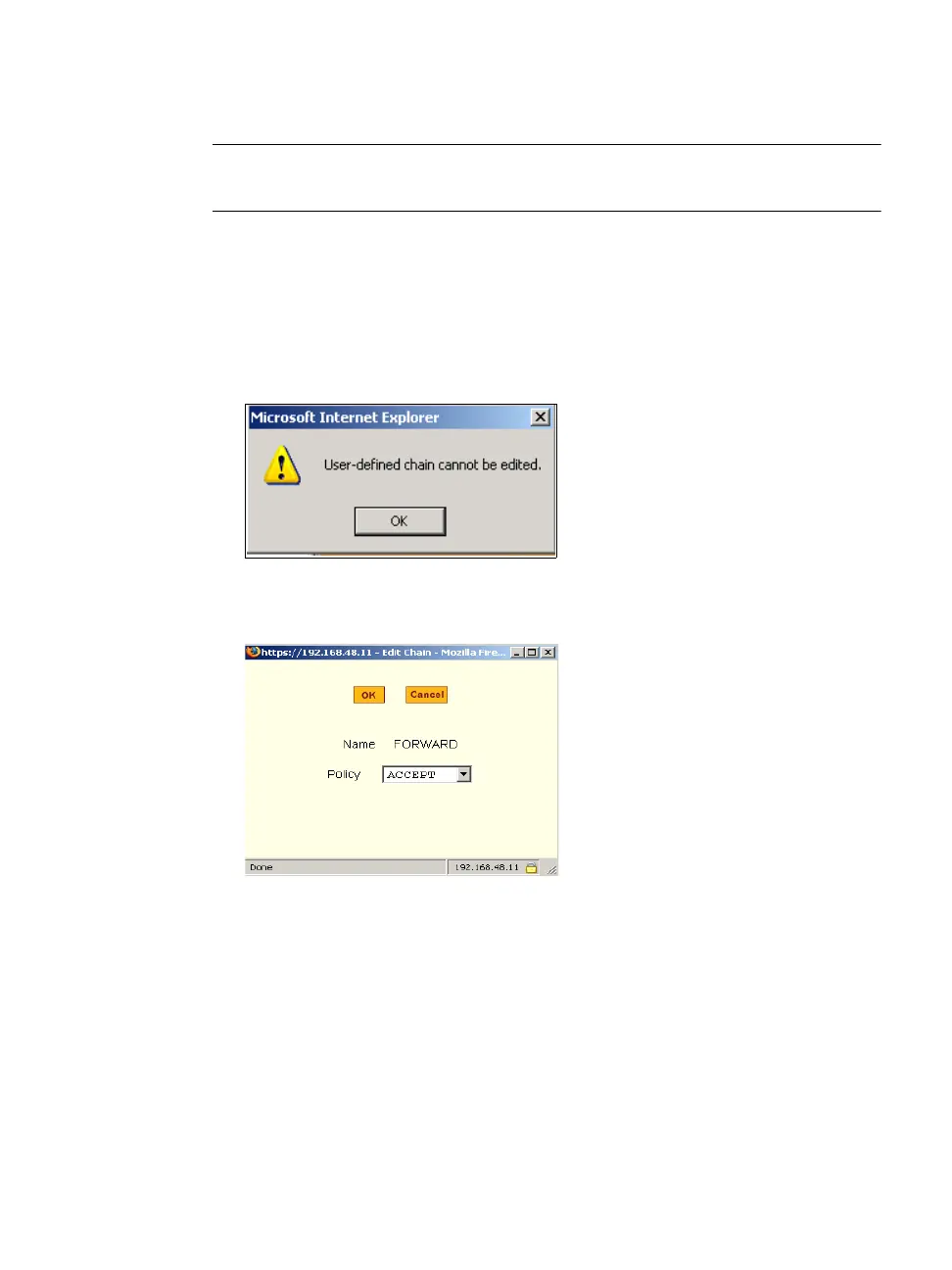
Note: User-defined chains cannot be edited. If you want to rename a chain you
added, delete it and create a new one.
1. Go to Network > Firewall Configuration
2. Select one of the default chains from Chain list, and then click the “Edit”
button.
If you select a user-defined chain, the dialog box shown in the following
figure appears.
If you select one of the default chains, the “Edit Chain” dialog box
appears.
3. Select the desired policy from the Policy pull-down menu, and then click
OK.
4. Click “apply changes.”
5. To edit any rules for this chain, go to "To Edit a Rule"



 To Next Page