EasyManua.ls Logo

Dell 3115CN - Page 116

Dell 3115CN
823 pages
Print Icon
To Next Page IconTo Next Page
To Previous Page IconTo Previous Page
Loading...
1‑90
Chapter 1 Troubleshooting
Version 1 2006.11.21
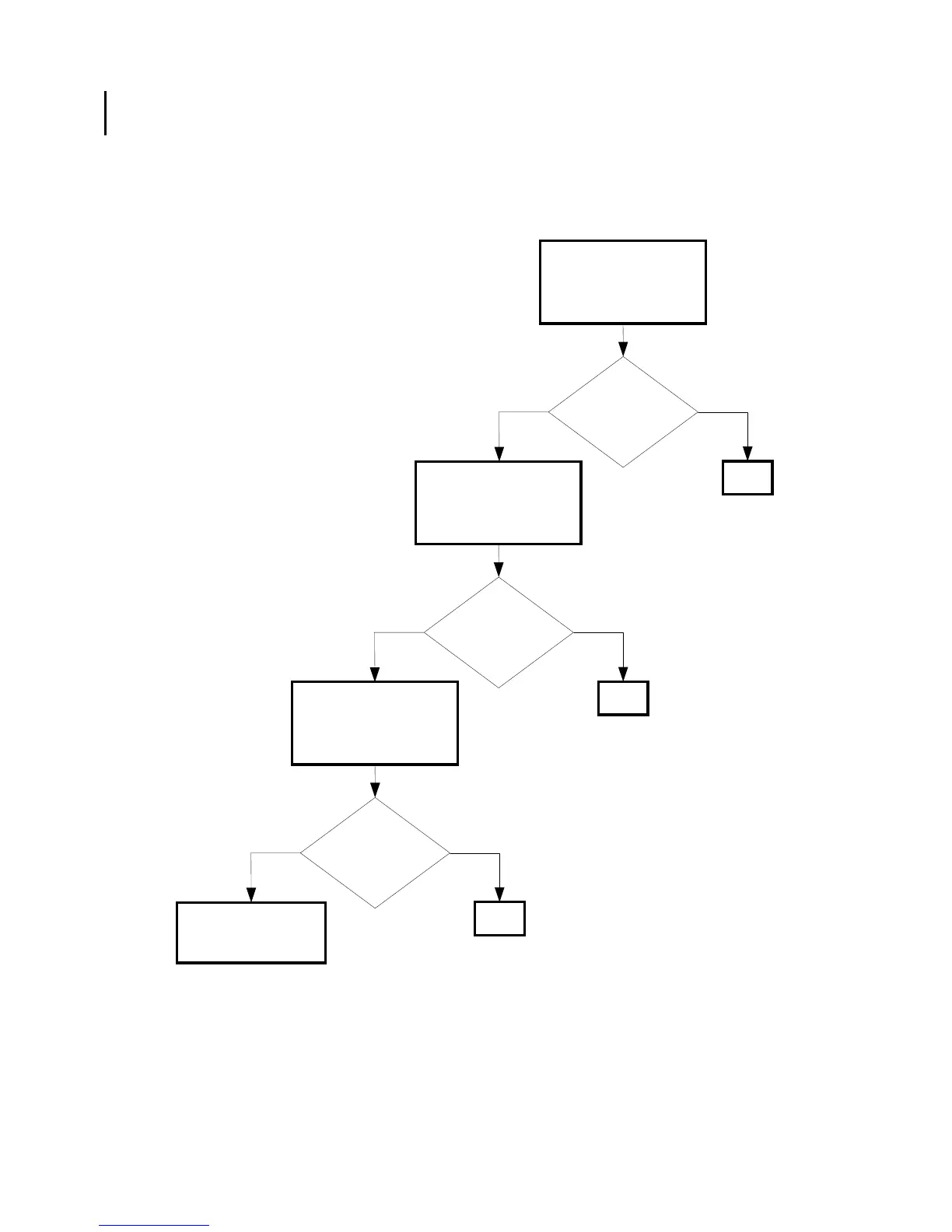
FIP-1. 7 Restart Printer 006-370/006-371/006-372/006-373/006-374/006-375/006-376/
006-377/006-378/006-379/006-380/006-381/006-382/006-383/006-384
Possible causative parts:ROS ASSY (PL13.3.12)
PWBA MCU (PL9.1.20)
Yes
No
Checking after replacing
the ROS ASSY
Replace the ROS ASSY.
(Removal 34/Replacement
12)
Replace the PWBA
MCU. (Removal 67/
Replacement 55)
Does the error still
occur when turning on
the power?
END
Yes
No
Checking the ROS ASSY
installation
Reseat the ROS ASSY.
(Removal 34/Replacement
12)
Does the error still
occur when turning on
the power?
END
Yes
No
Checking the PWBA MCU
installation
Reseat the PWBA MCU.
(Removal 67/Replacement
55)
Does the error still
occur when turning on
the power?
END

Table of Contents

Other manuals for Dell 3115CN

Related product manuals