1‑92
Chapter 1 Troubleshooting
Version 2 2007.05.22
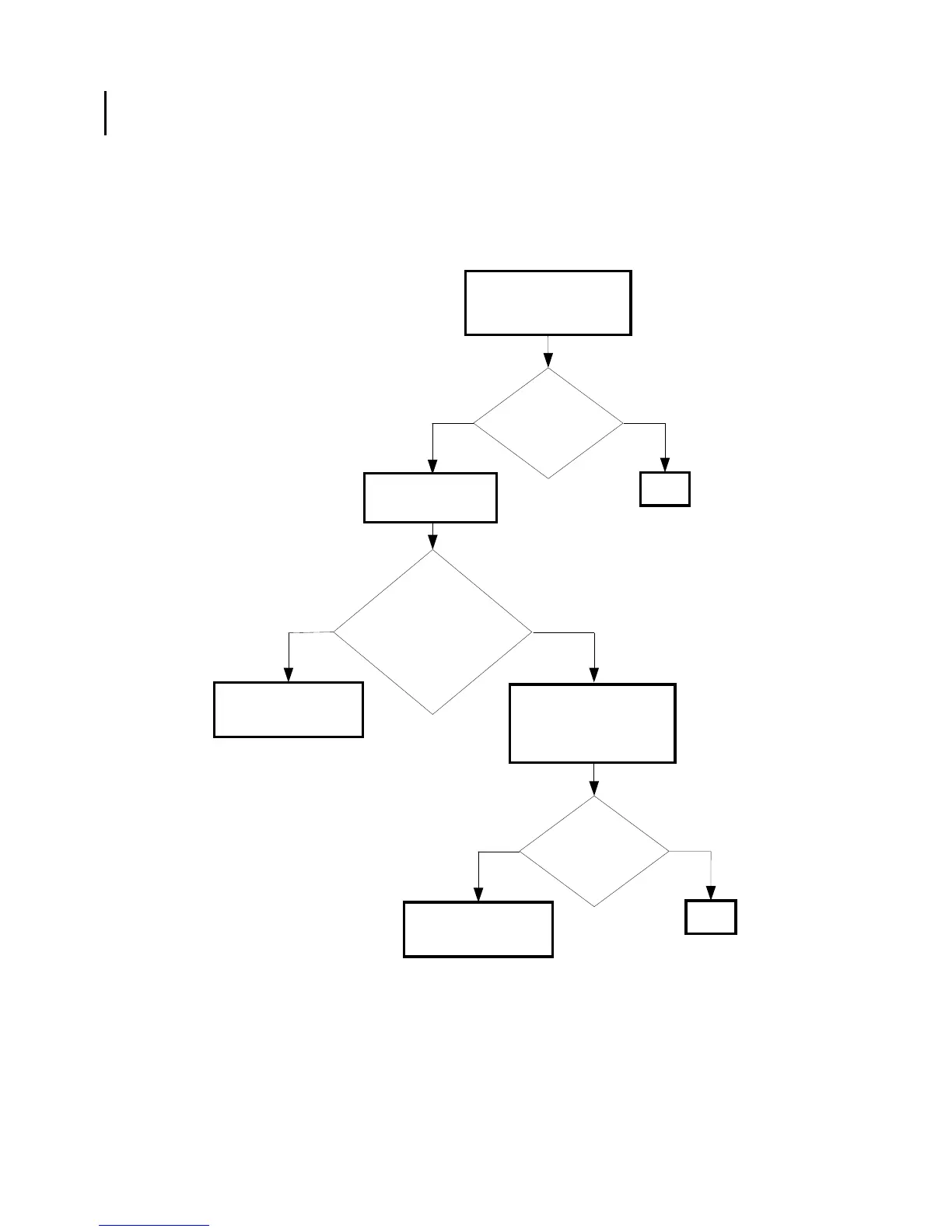
FIP-1. 9 Restart Printer 007-341/007-345/007-349/007-350/007-351/007-355/007-356/
007-357/007-361/007-362/007-363/007-365/007-366/007-367/007-369/007-370
NoYes
Possible causative parts:DRIVE ASSY MAIN (PL8.1.1)
PWBA MCU (PL9.1.20)
Checking the toner
cartridges installation
Reseat the Y, M, C and K
toner cartridges.
Checking the Sub
Motor.
No
Yes
Replace the PWBA
MCU. (Removal 67/
Replacement 55)
Does the error still
occur when turning
on the power?
END
Does the
Sub Motor function normally?
Checked by [Digital output]-
[D0-5] in [IOT Diagnosis]
In the test, close the
front cover.
Checking the DRIVE ASSY
MAIN installation
Reseat the MAIN DRIVE
ASSY. (Removal 36/
Replacement 10)
Replace the DRIVE
ASSY MAIN. (Removal
36/Replacement 10)
NoYes
Does the error still
occur when turning
on the power?
END















 To Next Page